



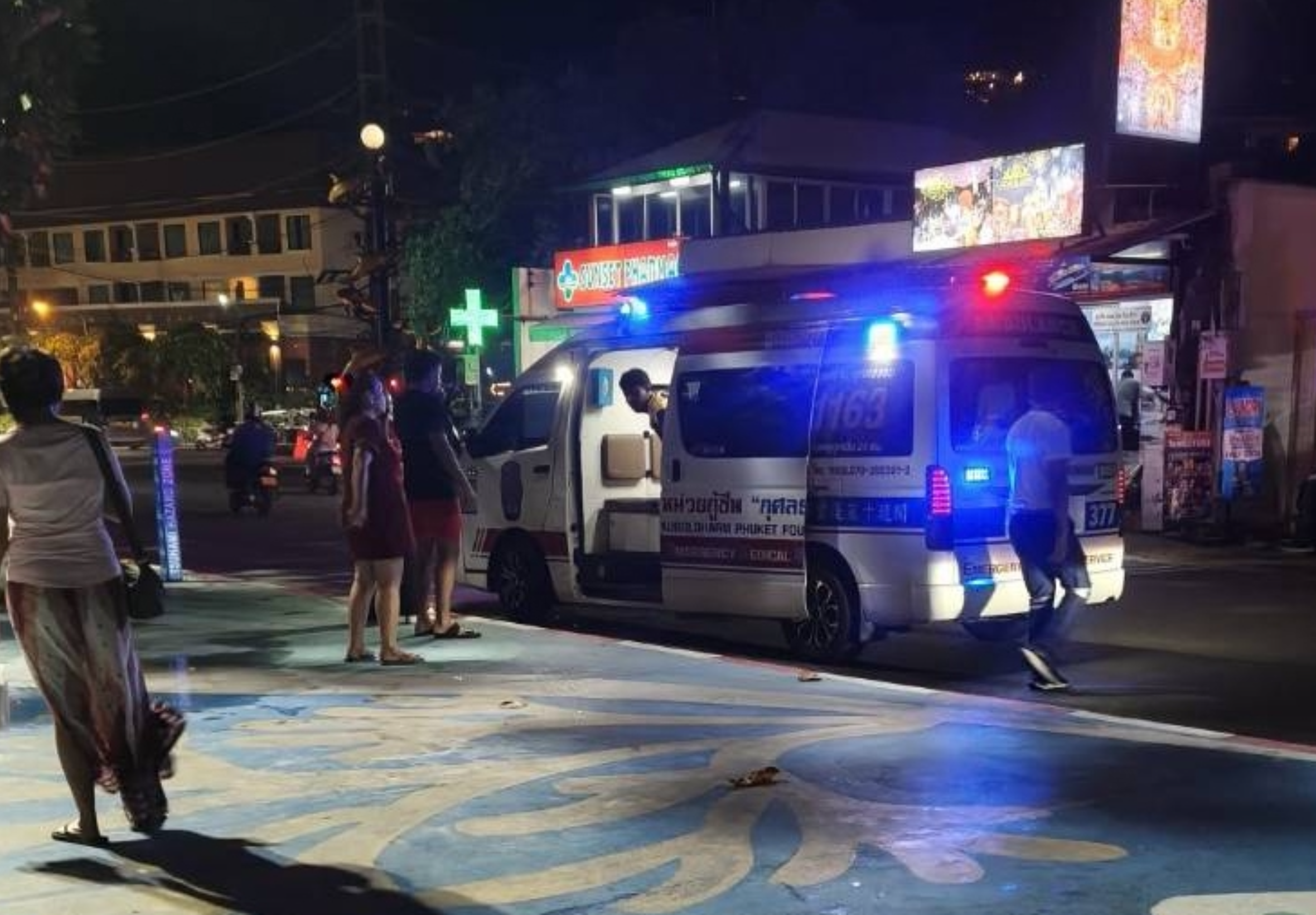

A 24-year-old Indian tourist was taken to Patong Hospital after suffering a leg injury while riding a rented jet ski off Patong Beach, Phuket, on the evening of 12 August.
The tourist, identified as Mr Jagga Hardik, fell into the water and the watercraft struck his leg. Lifeguards brought him back to shore before rescue workers provided first aid and transferred him to hospital.
The incident took place at about 18:30 off Patong Beach in Patong subdistrict, Kathu district.
Lifeguards respond at the beach
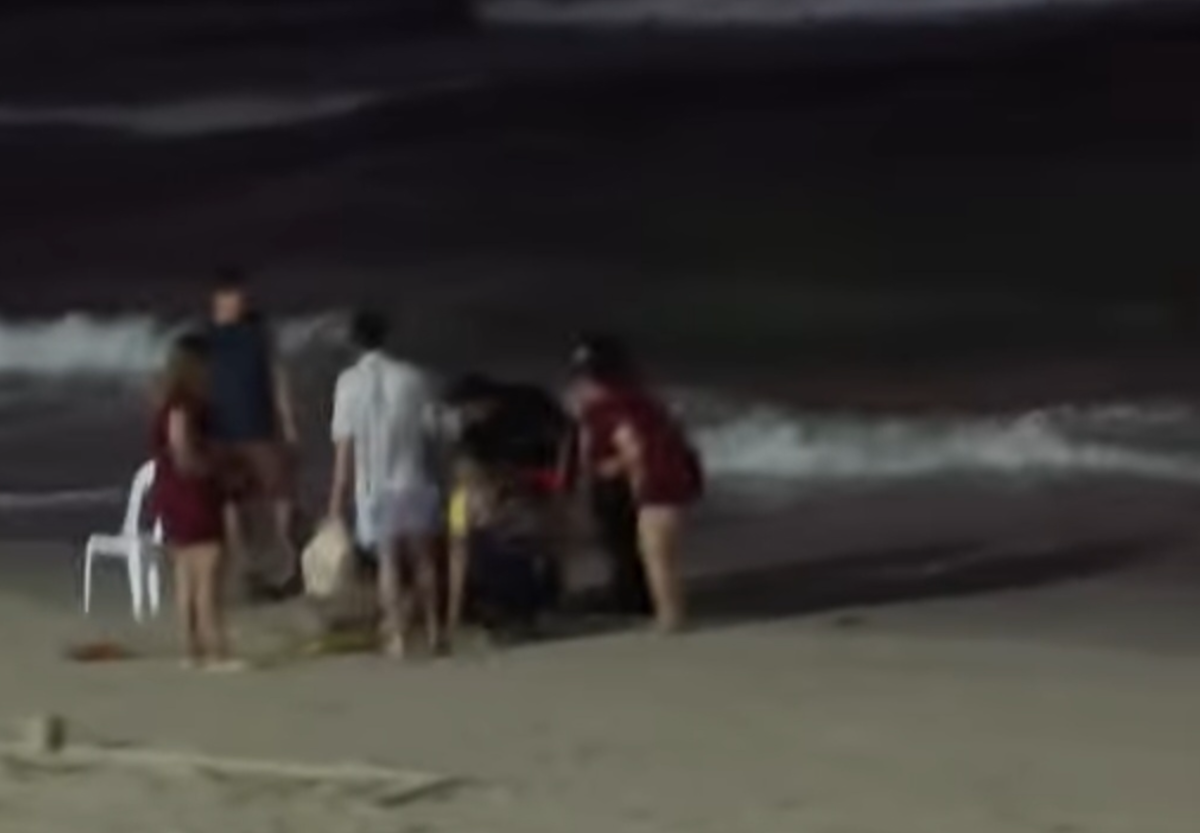
A Facebook user using the name Chue Luang Niren posted video footage showing Patong Beach lifeguards rushing to help the injured visitor. The accompanying message said: "Urgent rescue as tourist falls from jet ski and is injured."
According to the post, Hardik had hired the jet ski before entering the water.
Lifeguards who saw what happened immediately went to assist him and returned him to the beach. Chue Luang Niren, who operates a taxi queue in the area, called the 1669 emergency medical hotline to request assistance.
Kusoldharm Phuket Foundation rescue workers arrived and administered first aid at the scene before taking Hardik to Patong Hospital for examination and treatment.
Injury details still pending
Initial checks found that Hardik could not walk. Rescue workers used a stretcher to carry him from the beach.
The precise nature and severity of the leg injury had not been confirmed, pending further medical examination.
Picture courtesy of Khaosod
Join the discussion? 

14 August 2026
-
 1
1
-
 1
1
Recommended Comments
Create an account or sign in to comment