



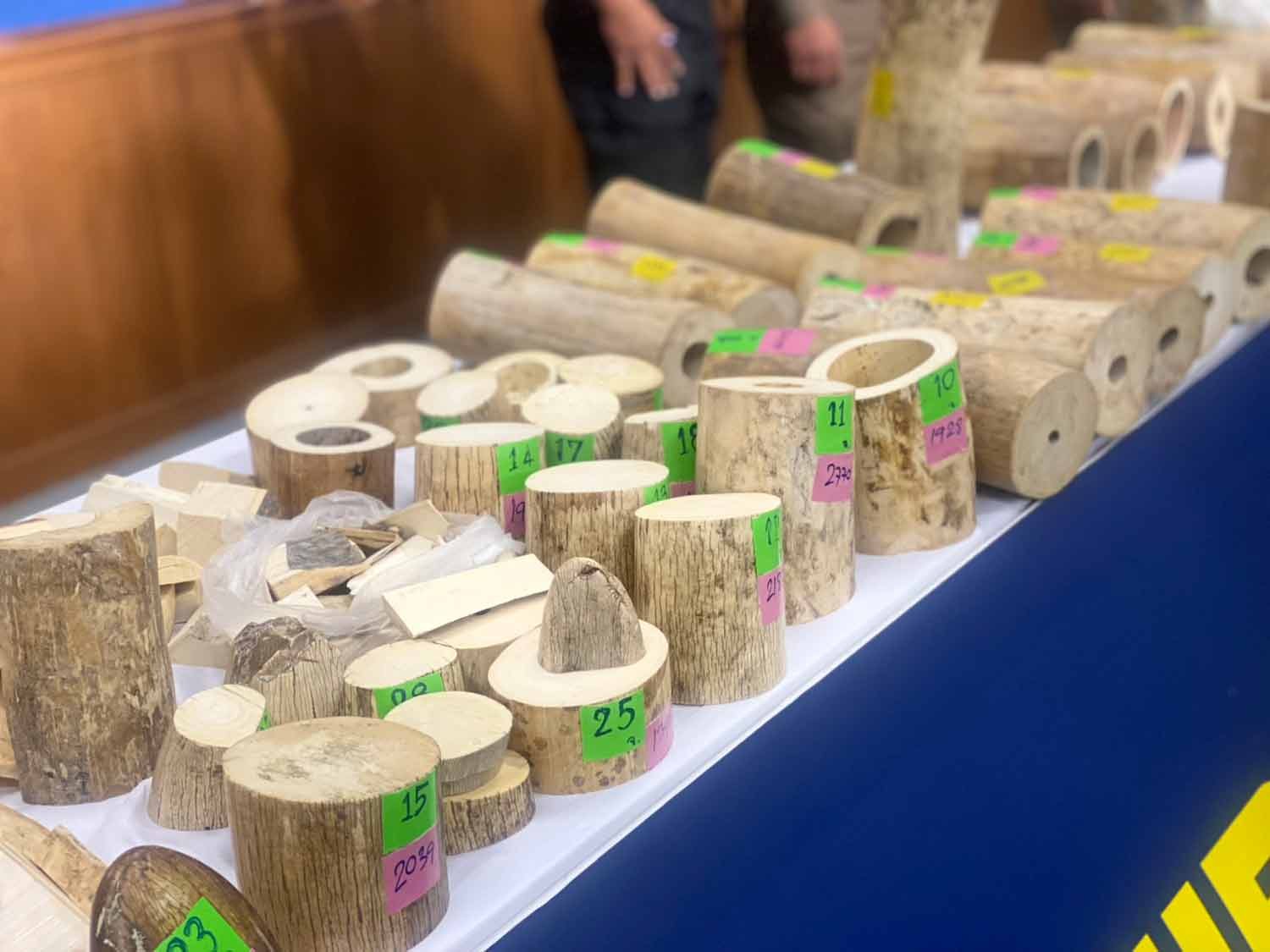

Nine people were arrested in Thailand during simultaneous sting operations across seven provinces for illegal possession of 250 kilograms of African ivory. The Central Investigation Bureau, led by Pol Lt Gen Nathasak Chaowanasai, uncovered the ivory smuggling ring, which was operating through a Facebook group. Following the investigation, coordinated raids on May 7 led to the capture of nine suspects and the confiscation of ivory products along with tools used in their production.
Get today's headlines by email 
The illegal operation involved trade through a group named "Khiaw Nga Khrueang Rang Chak Sat," which advertised and sold ivory products online. Ivory was trafficked from Africa to Vietnam by sea and then smuggled across the Mekong River into Thailand. The materials were then crafted into various items like prayer beads and knife handles, contributing to sales of around 10 million baht over the past year.
Experts like Sadudee Punpugdee from the Department of National Parks emphasized that African ivory possession is prohibited in Thailand. Authorities plan to destroy the seized ivory once all legal proceedings are settled. Efforts are underway to continue the investigation, focusing on identifying and apprehending the Vietnamese smugglers involved in this operation.
Join the discussion? 
Already a member? 
 Adapted by ASEAN Now · Bangkok Post · 11 May 2026
Recommended Comments
Create an account or sign in to comment