



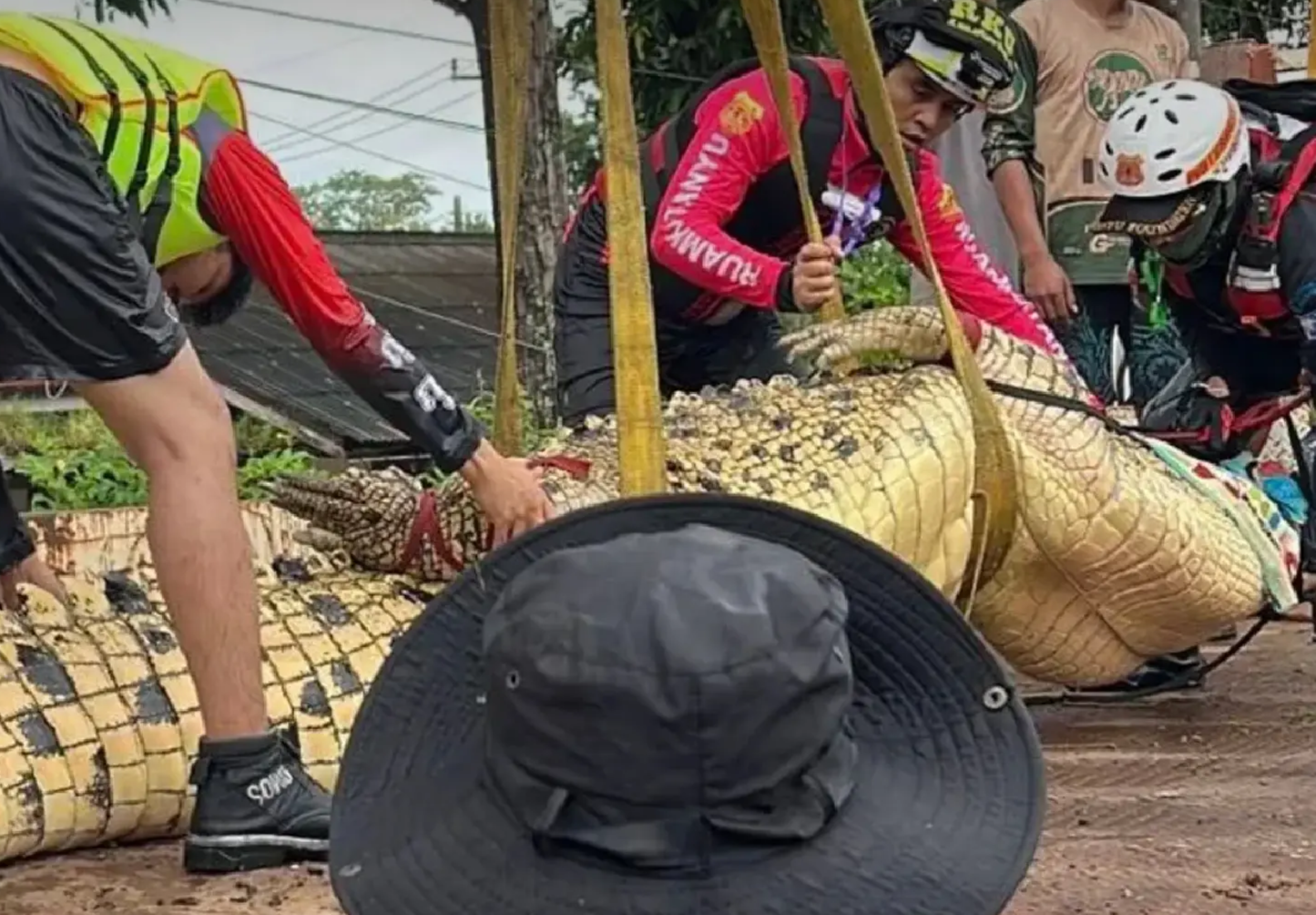

A 27-year-old crocodile weighing more than 400kg has been moved from a flooded temple in Prachinburi after rising water raised fears that it could escape into the Prachin Buri River.
The animal, named Nuea Thong, was removed from its enclosure at Wat Pho Thong on Sunday afternoon, September 27, 2026, after the temple asked district officials for assistance.
Rescue operation at flooded temple
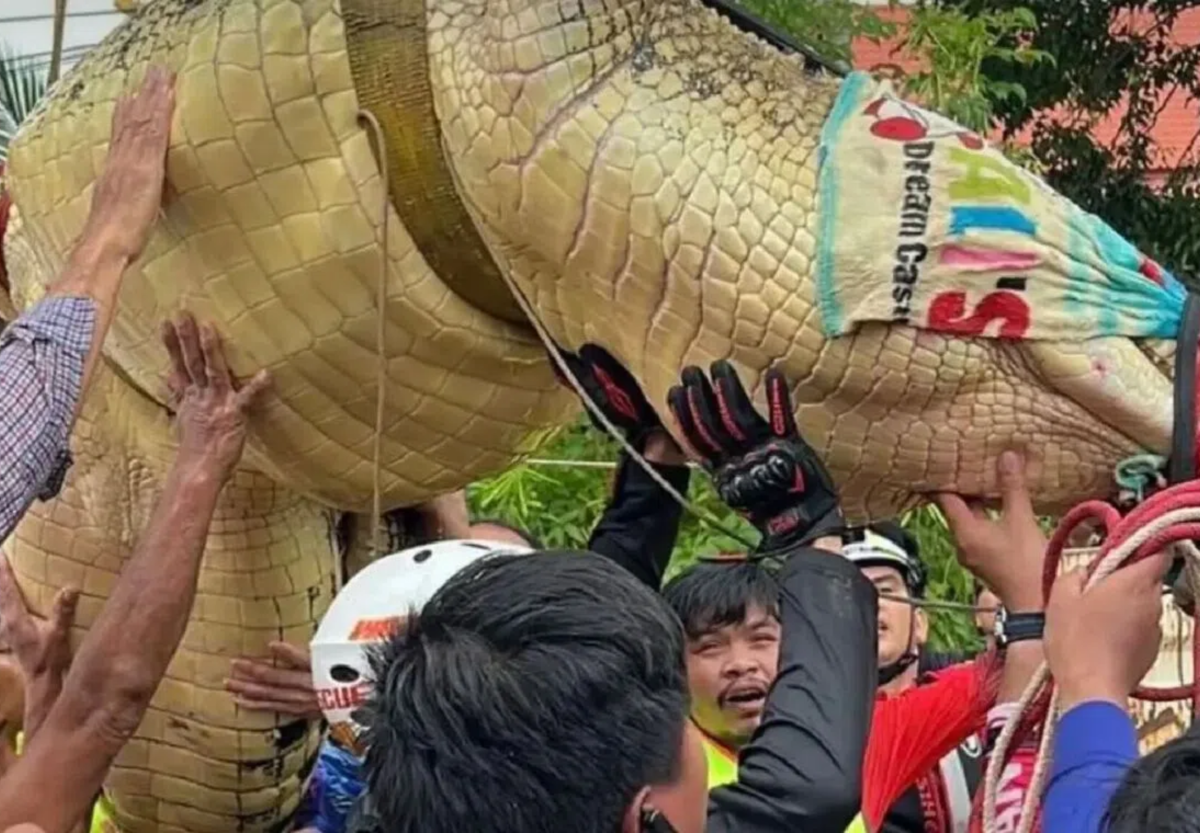
Juthamas Buaphuean, chief of Si Maha Phot district, coordinated the relocation with the Department of Fisheries, Ruamkatanyu Foundation rescue volunteers and local residents.
Officials first secured Nuea Thong's jaws and legs with ropes before bringing the crocodile out onto the road. A truck-mounted crane was then used to lift the animal onto a vehicle for transport.
Nuea Thong is more than four metres long and weighs over 400kg. Water around the enclosure had reached about 1.3 metres as flooding spread across the temple grounds.
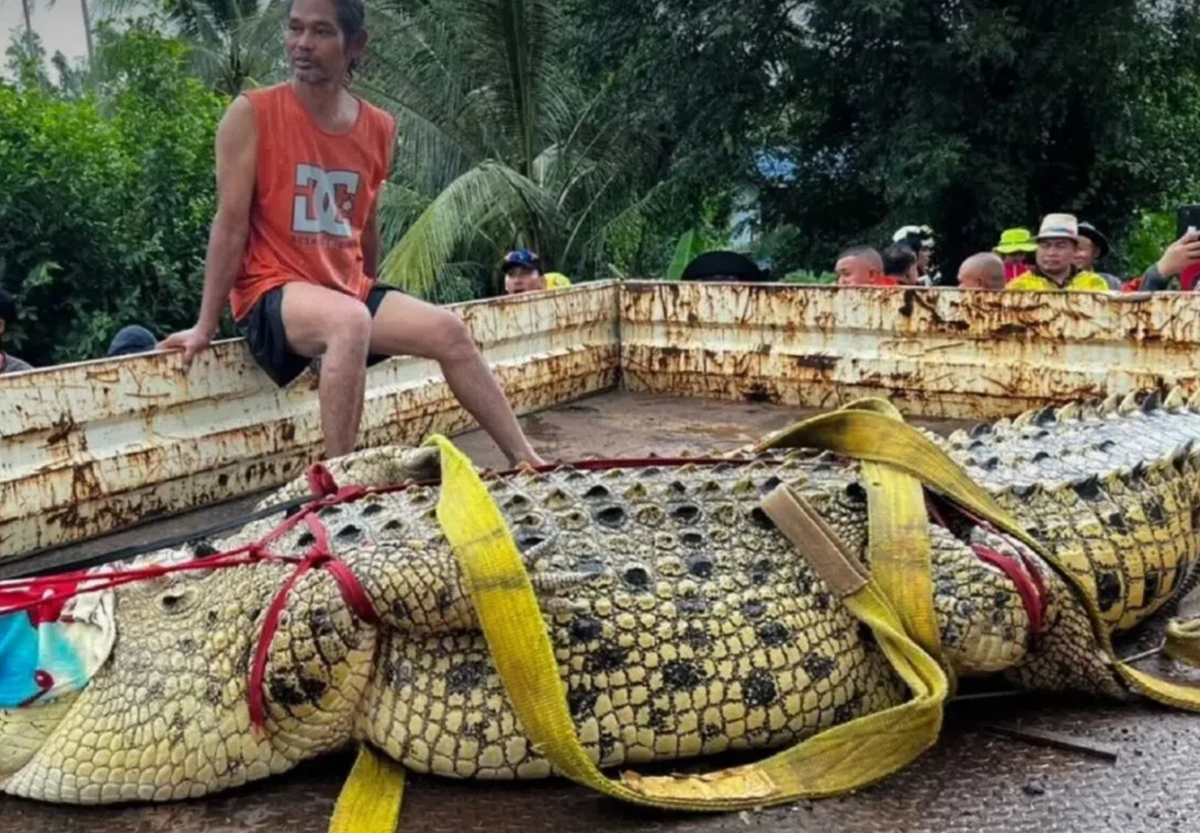
Picture courtesy of The Nation
The crocodile was taken to a temporary holding facility in another subdistrict, about 20 kilometres away, where flooding had not affected the area.
Escape fears eased
The move brought relief to the temple abbot, local residents and officials, who had been concerned that the crocodile could break free and enter the nearby river as floodwater continued to rise.
Authorities said an escape could cause alarm in communities close to the Prachin Buri River.
Join the discussion? 

29 September 2026
Recommended Comments
Create an account or sign in to comment