



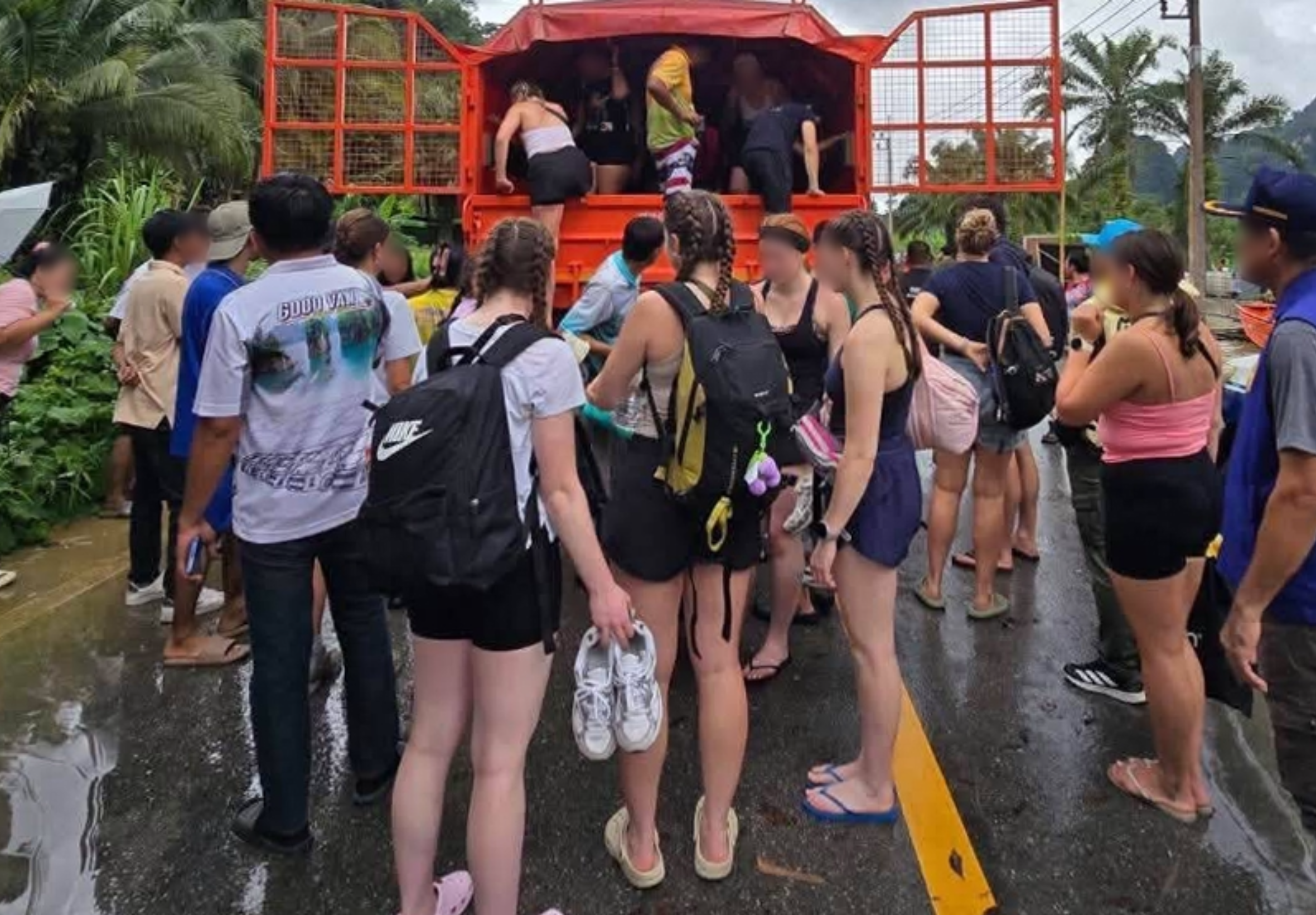

Heavy rain has flooded part of Highway 401 in Surat Thani, leaving the route impassable to small vehicles and leading officials to evacuate Thai and foreign tourists from the affected area on 19 September.
The Department of Disaster Prevention and Mitigation (DDPM) sent officers to Khlong Sok subdistrict, where floodwater made travel difficult. The area is on a key road corridor used by travellers heading between Surat Thani and Thailand's Andaman coast.
Highway section closed to small vehicles
Floodwater covered Highway 401 at kilometre 66+600, formerly marked as kilometre 85+000. Small vehicles were unable to pass through the flooded stretch.
The DDPM's Disaster Prevention and Mitigation Center Region 11 in Surat Thani deployed a high-clearance rescue vehicle to reach people through deep water and assist with the evacuation of tourists.
The Surat Thani Highway District 3 (Wiang Sa) temporarily closed the affected section of the highway.
Diversion advised for Phuket-bound traffic
Motorists travelling towards Phuket, Krabi and Phang Nga have been told to use Highway 4118 as an alternative route while the closure remains in place.
Khlong Sok is close to Khao Sok National Park, a major destination for overseas visitors, including travellers continuing to Phuket, Krabi and Phang Nga after visiting Surat Thani province.
Join the discussion? 

19 September 2026
Recommended Comments
Create an account or sign in to comment