



Skip to content
View in the app

A better way to browse. Learn more.

Thailand News and Discussion Forum | ASEANNOW

A full-screen app on your home screen with push notifications, badges and more.

To install this app on iOS and iPadOS
  1. Tap the Share icon in Safari
  2. Scroll the menu and tap Add to Home Screen.
  3. Tap Add in the top-right corner.
To install this app on Android
  1. Tap the 3-dot menu (⋮) in the top-right corner of the browser.
  2. Tap Add to Home screen or Install app.
  3. Confirm by tapping Install.

Unlicensed Thai Man Arrested for Hit-and-Run in Japan

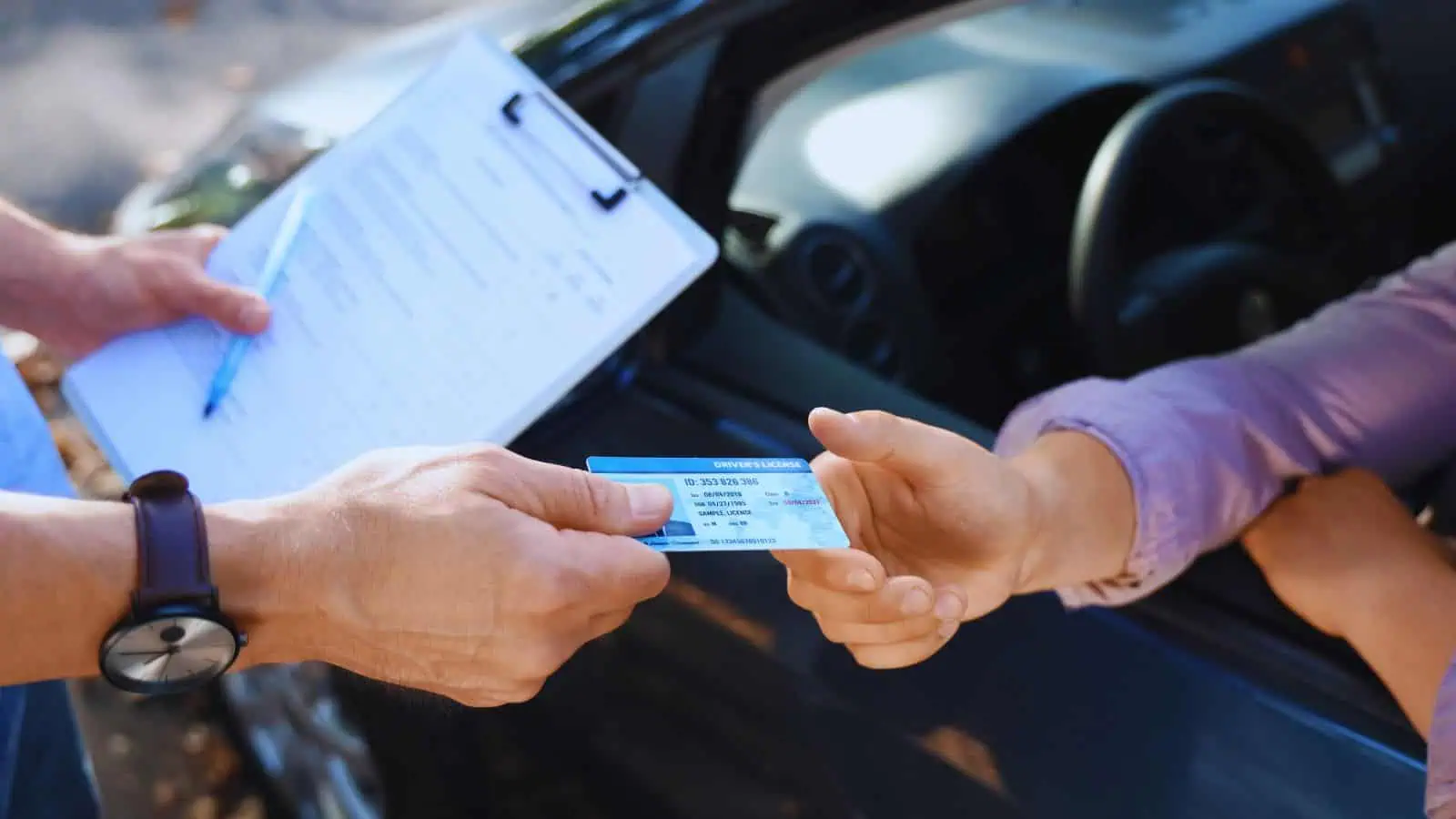
A 34-year-old Thai man was arrested in Japan for allegedly driving without a license and fleeing a crash scene in Matsudo, Chiba Prefecture. The July 2024 incident involved the suspect crashing a truck into a car stopped at a red light, resulting in injuries to the car's driver.

Get today's headlines by email subscribe-orange.png

Police reports indicate that when a passenger accompanying the suspect attempted to manage the situation, the suspect fled on foot. The suspect, a demolition worker from Ibaraki Prefecture, admitted to driving illegally to earn money. Difficulties in tracking him down arose due to his lack of a residence card and driving license.

Authorities took considerable time to apprehend the suspect. He confessed that his fear of arrest without a visa prompted his escape.

Join the discussion? Create account. orange.png

Already a member? haveyr-say.png

image.png  Adapted by ASEAN Now · The Nation · 14 May 2026

User Feedback

Recommended Comments

flaming dragon Gold Member

flaming dragon

Advanced Member

A speedy recovery to the victim.

Packer Gold Member

Packer

Advanced Member
5 hours ago, snoop1130 said:

driving without a license and fleeing a crash scene

You can take the Thai from Thailand, but......

Create an account or sign in to comment

Account

Navigation

Search

Search

Configure browser push notifications

Chrome (Android)
  1. Tap the lock icon next to the address bar.
  2. Tap Permissions → Notifications.
  3. Adjust your preference.
Chrome (Desktop)
  1. Click the padlock icon in the address bar.
  2. Select Site settings.
  3. Find Notifications and adjust your preference.

