



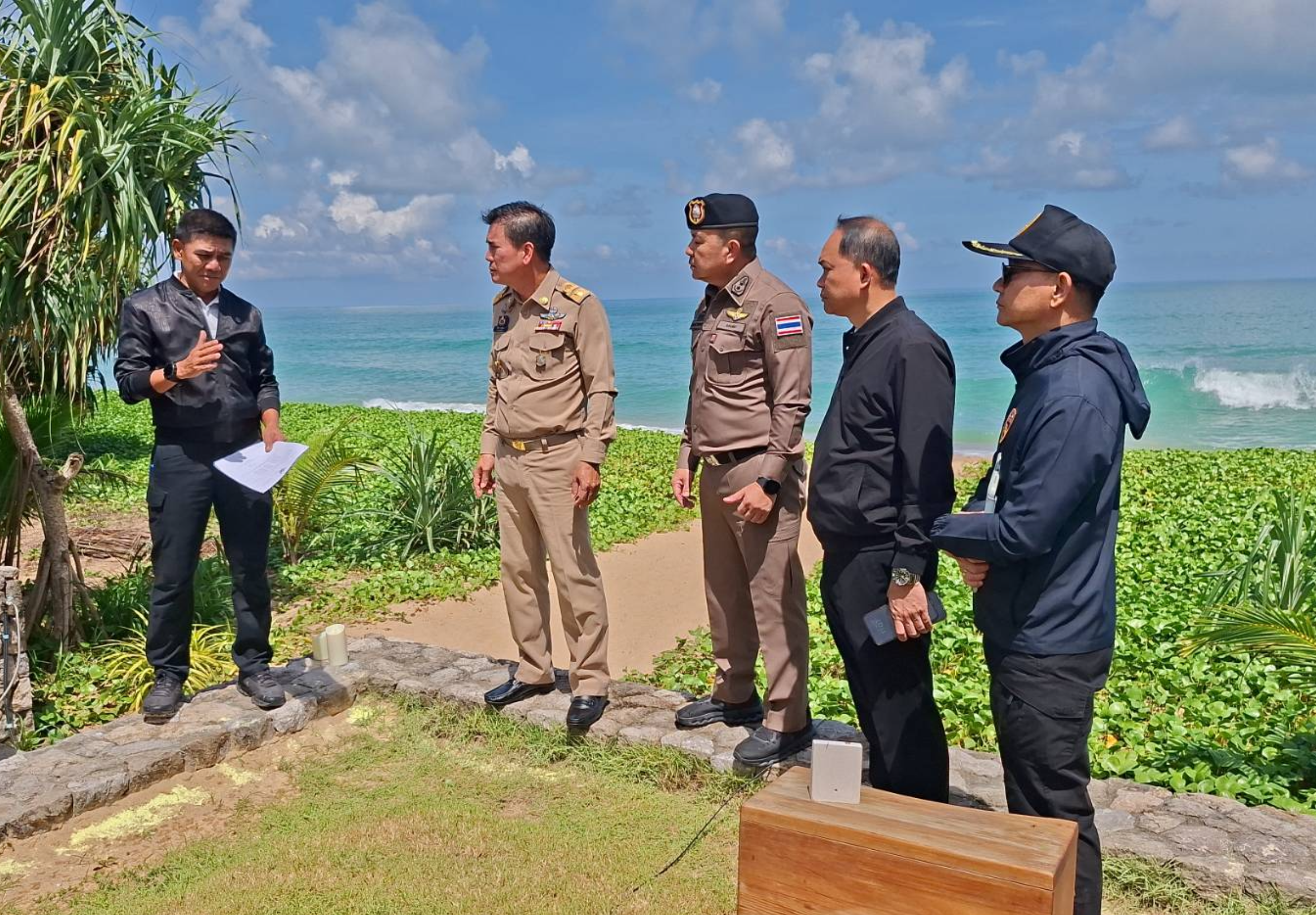

Authorities in Phang Nga launched a coordinated operation on 16 June 2026 targeting alleged nominee business activities and suspected illegal hotel operations in Takua Thung district, resulting in the arrest of a 77-year-old British national and the seizure of documents linked to multiple company registrations.
Get today's headlines by email 
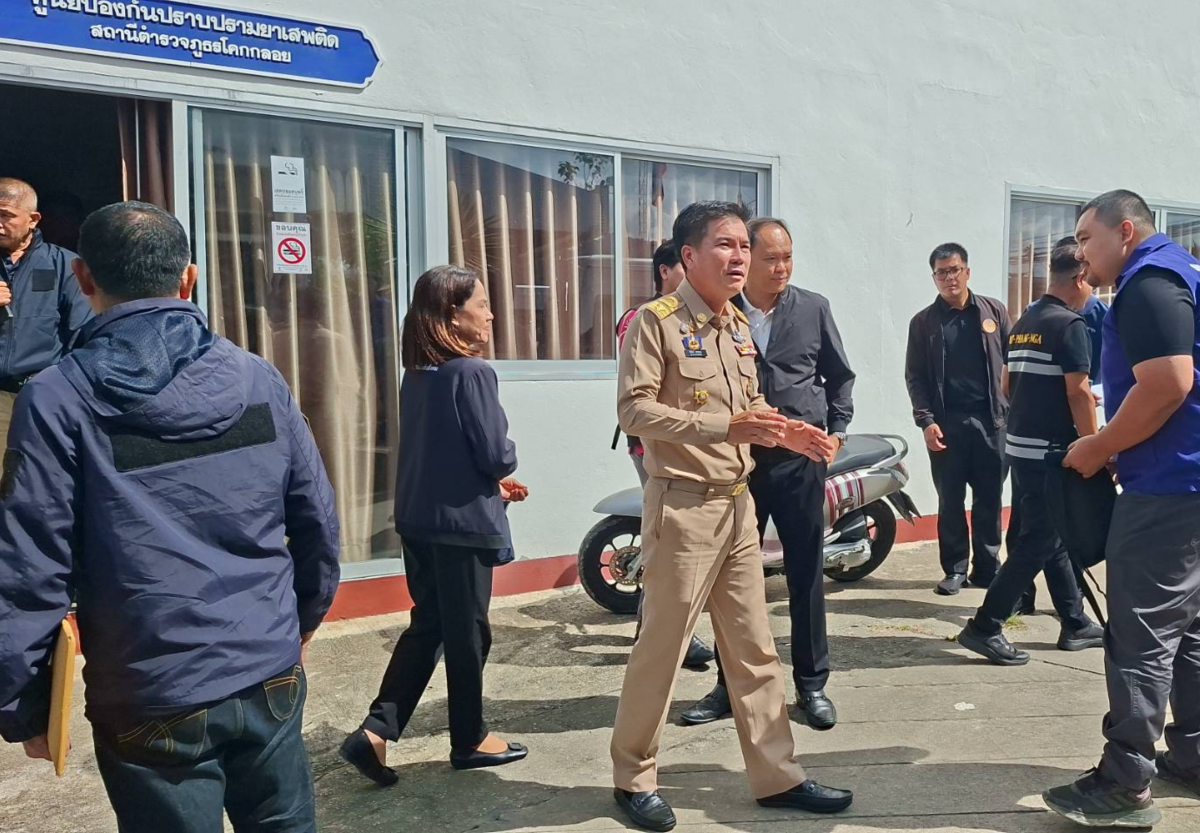
Phang Nga Governor Pairat Phetyuan, together with Pol Maj Gen Chaikiat Wiriyasathitkul, commander of Phang Nga Provincial Police, led officers from the Provincial Investigation Division, Khok Kloi Police Station, local administration officials, the Phang Nga Provincial Commerce Office and the Revenue Department in searches of villas and business premises at Khao Pilai Beach in Moo 14, Khok Kloi subdistrict.
The searches were carried out under warrants issued by the Phang Nga Provincial Court following complaints regarding possible unlawful business operations and employment of foreign nationals. Investigators found that a group of companies operating in the Ban Na Tai-Khao Pilai area of Takua Thung district may have allowed foreign nationals to conduct business or work without the required legal permissions. Authorities also suspected the companies of operating hotel businesses without licences.
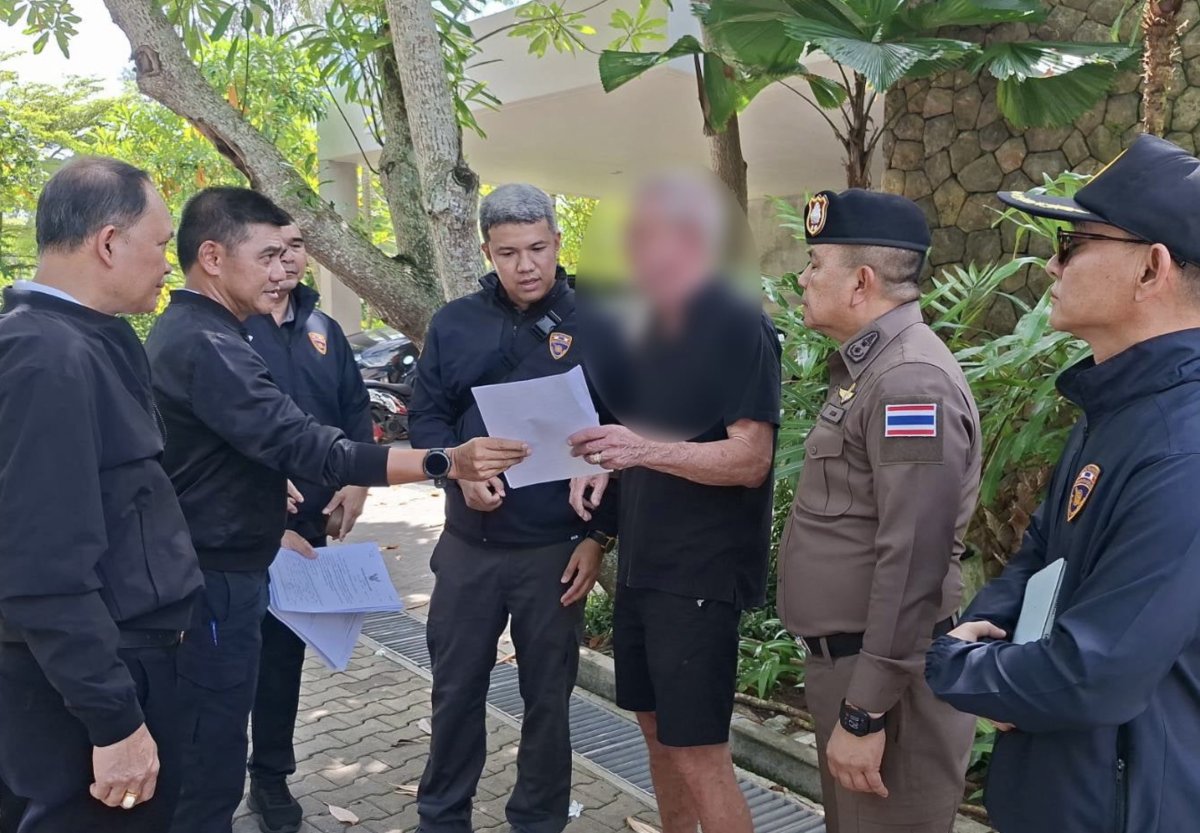
During the operation, officers arrested a man, identified by authorities as Andrew Parkhouse, 77, a British national, on a charge of being a foreigner permitted to stay temporarily in Thailand but working without authorisation. A company involved also faces legal action for employing a foreign worker without a valid work permit.
According to authorities, investigators at Khok Kloi Police Station registered the complaints as criminal cases numbered 115-120/2569. The Phang Nga Provincial Court approved arrest warrants numbered 154-159/2569 on 15 June 2026. Officers executed the warrants during the operation and seized documents and other evidence connected to the registration of several companies for further examination and possible expansion of the investigation.
Officials from the local administration, who are responsible for hotel licensing, also conducted preliminary inspections. They found indications that the companies had been providing accommodation services in a manner consistent with hotel operations without obtaining the required licences. Evidence is now being gathered to support additional legal proceedings under relevant laws.
Daily News reported that Governor Pairat said the operation formed part of Phang Nga’s intensified measures against nominee businesses, illegal foreign business activities and other operations conducted in violation of Thai law. He said the aim was to ensure fairness for legitimate business operators and maintain confidence in tourism and investment in the province.
Pictures courtesy of Daily News
Join the discussion? 
Already a member? 
 Adapted by ASEAN Now Dailynews 17 June 2026
Recommended Comments
Create an account or sign in to comment