
george
Advanced Member
-
Joined
-
Last visited
Everything posted by george
-
This topic already exist in the support forum.
-
Still drunk? 😎
-
I registered for True Money Wallet less than 24 hours ago. In the App I scanned my passport photo page and both sides of Thai drivers license. This evening I got an SMS: Started the app and transferred a few hundred baht from my Thai bank account to True Wallet. Very straight forward process. Money was in the wallet within 10 seconds. Tomorrow I’ll try paying with it at 7-Eleven.

-
What device are you using? Mobile? Desktop? First, try to clear your browser cache and try another browser. Hope this helps.
-
Hi guys, We have just started running a campaign to invite users signing up for our newsletter which is important for the web traffic and the growth of our community. Thanks for your feedback so far. i am taking notes. This is a new feature now in self learning mode with help of AI. We are fine adjusting the appearance as we speak. Please be patient. 🙏🏼
-
It's still the same today. Malaysian men love the Thai girls... Don't we all? 😎
-
Regular tourism mixed with millions of Malaysian men who visit Sungai Kolok and other border areas to enjoy the ladies of the night on the Thai side.
-
Amazing mudflaps seen in the Thai traffic. Have you seen any worse than this one? What the heck is this ?

-
yup
-
This site use AI assisted auto posting of selected threads here on AseanNow Facebook Page. https://www.facebook.com/ASEANNOWThailand Normally it works fine most of the time. 😂😂😃 But today I nearly splashed coffee over the keyboard when AI somehow attached the wrong picture, or whatever happened. Lol 😎

-
How about Hua Hin?
-
Yes, you can. 1,900 Baht.
-
Don't worry. This is a routine we must do after every software update. Your info will be visible as soon as the process is finalized.
-
Will try that as well!
-
One thing: The water heater in the bathroom has an earth cable, will try to locate the rod outside, if any.
-
No, this chap hasn't opened this iMac to check.
-
Not disappeared. We are reindexing the forum search index, so will be ready pretty soon. Yen yen ...
-
No.
-
Thanks! There is a local ground anywhere near the computer.
-
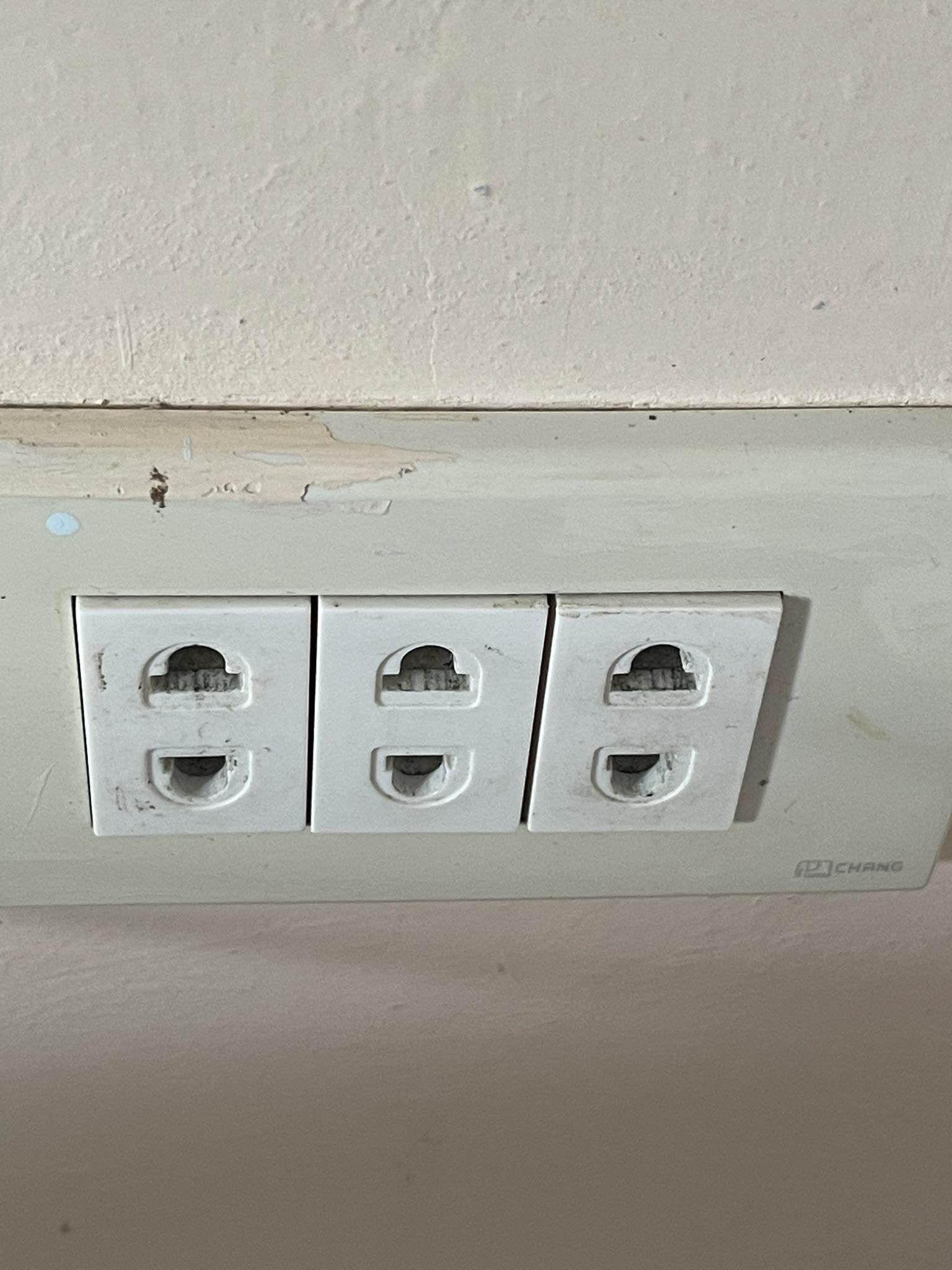
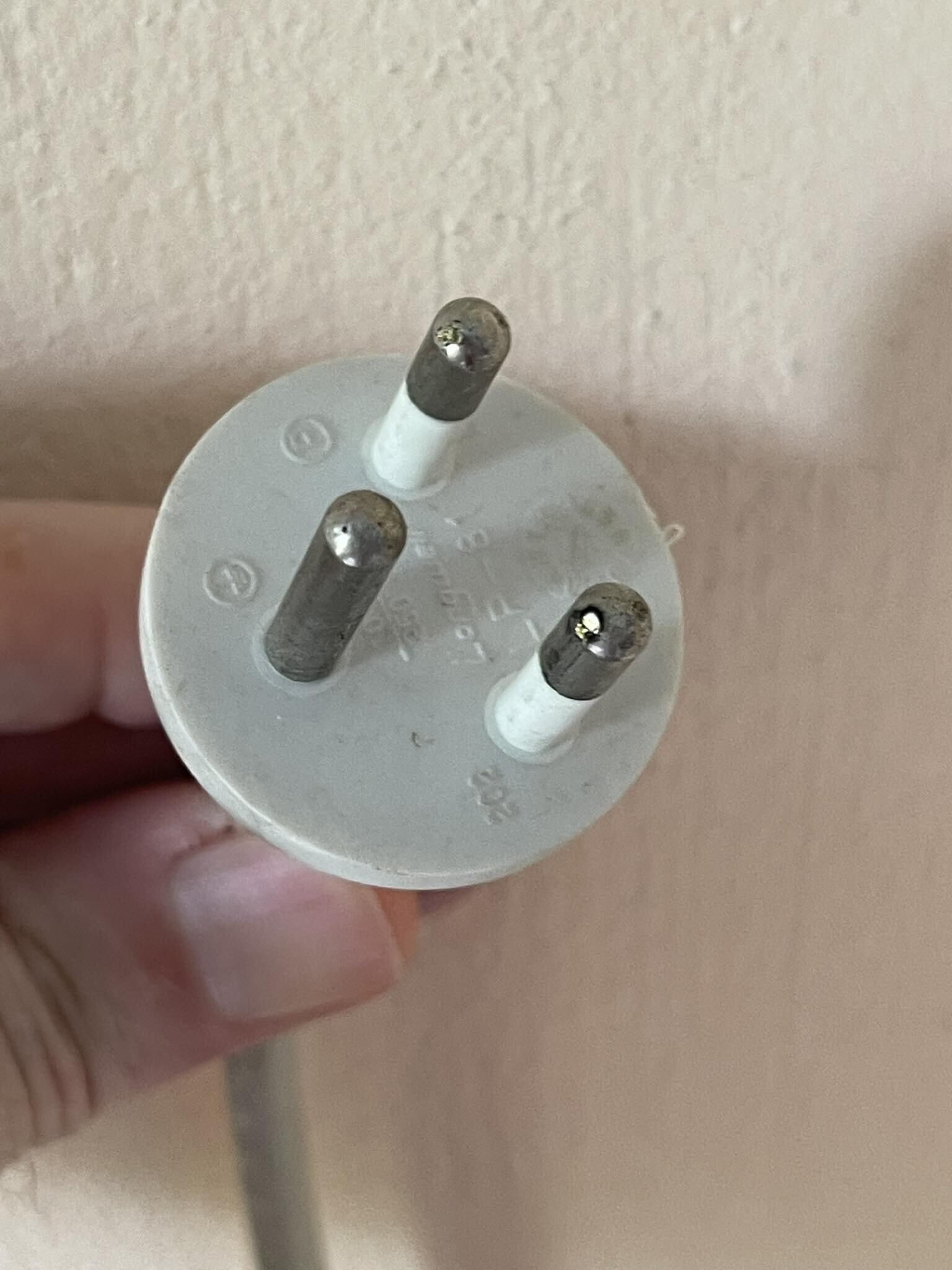
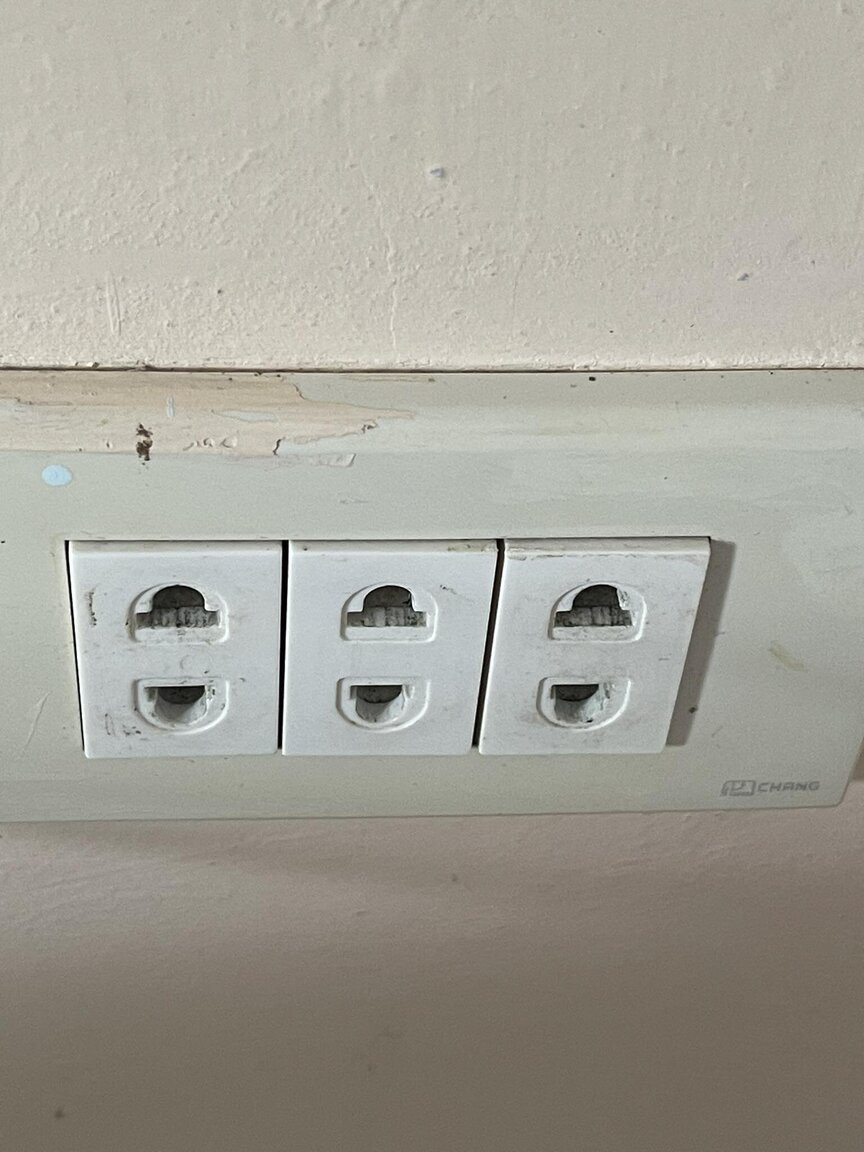
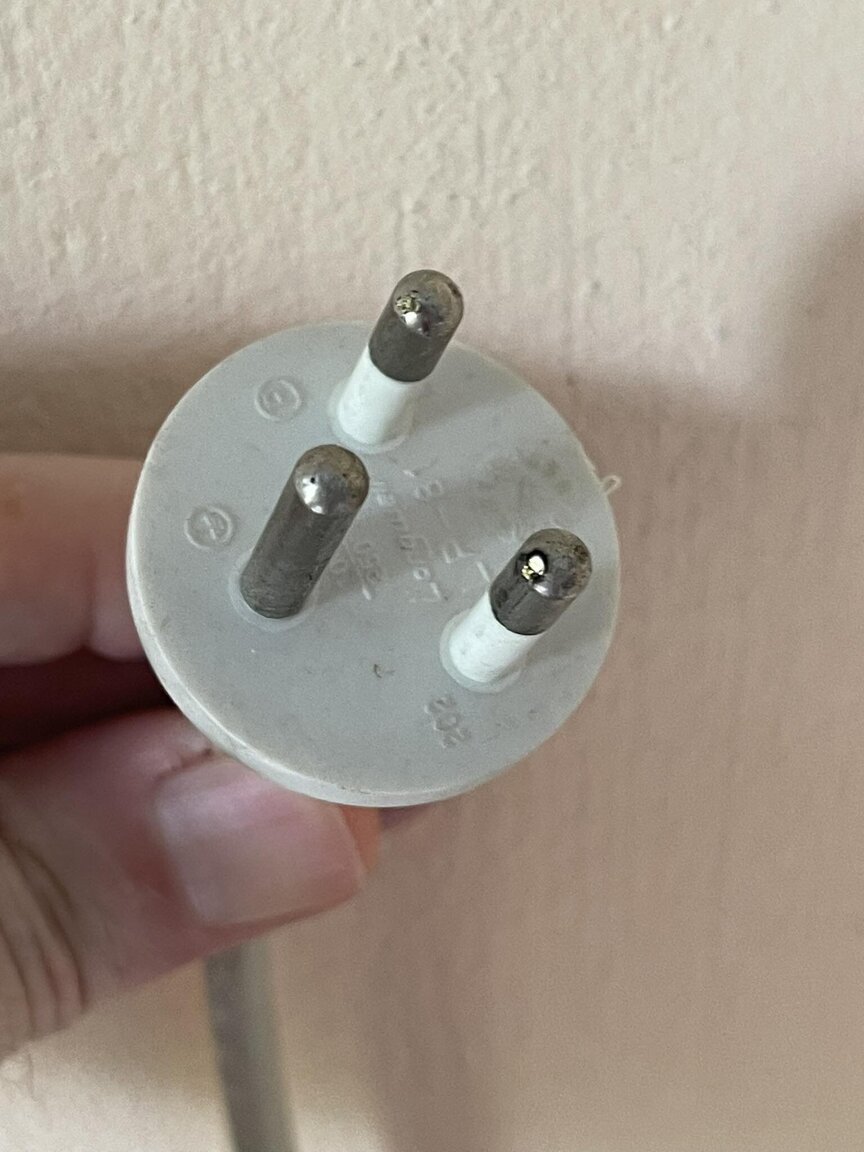
Hello in the Electric Forum! I get smaller electrical shocks when touching my computer at another location than home. The power outlets provided is "Thai standard" un-earthed: My computer (Apple) has this power cord. It's very uncomfortable with the small shocks I get. (tried alredy with a un-earthed "Thai" extension cord). What do I do? (I am not able to change the outlets at this location.) I could cut the third prong on this connector, but doesn't If I install an UPS (un-earthed) would this help? Any easier solution? Please advise 🙏🏼
-
The blue banner informing of ongoing search indexing is just that, our announcement.
-
The forum database is about 290 GB in size, so this needs to be done when we upgrade the forum software.
-
All social media and forums are dependant on member reactions in order to get the algo right. If the algo is right, the ranking in search engines improve. Emoji's are a vital part of user engagement. Or would you prefer a completely text based forum?
-
Allworks just fine. I suspect your browser. What browser are you using? Mobile or desktop/laptop? Try with another browser and let us know.
-
This site claims that this is fake news. https://hubnetwork.in/fact-check-vladimir-putin-suffers-cardiac-arrest-here-is-the-truth/