




Wiggy
-
Joined
-
Last visited
Posts posted by Wiggy
-
-
1 hour ago, PatOngo said:
If you drink all that, you can always hop and the bike and go find some more!
Yes, as long as I’m wearing a mask I’ll be fine.
-
 1
1
-
-
- Popular Post
3 minutes ago, ChipButty said:No 7 Days of Danger this year?
No, but 7 days of alcohol withdrawal could be even more dangerous.
-
 3
3
-
- Popular Post
I have 2 litres of whisky, 700ml of Jim Beam, 2 litres of Vodka and 3 litres of wine. I’m hoping that will last until the ban starts.
-
3
-
5
-
-
3
-
-
- Popular Post
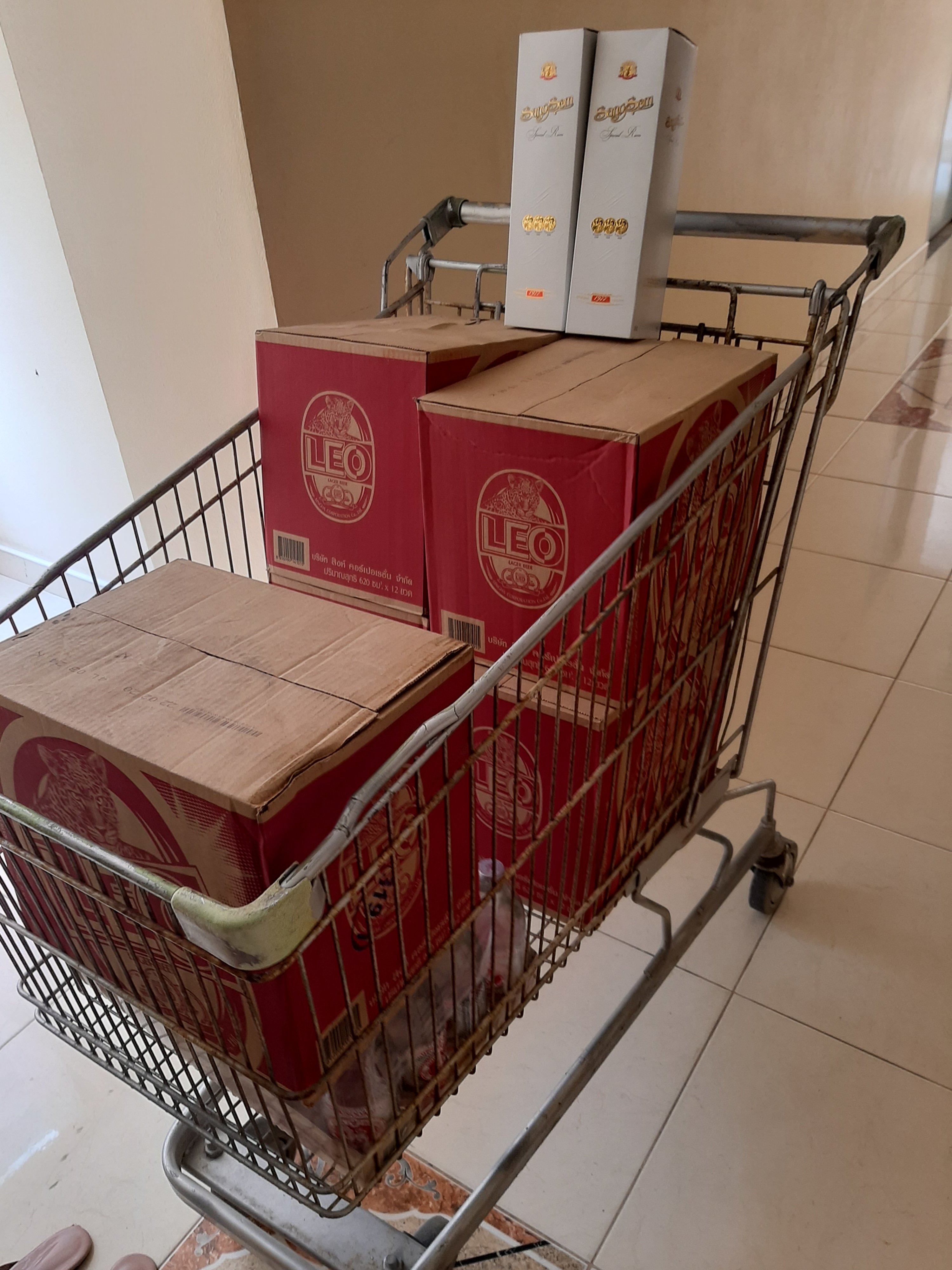
21 minutes ago, jackcorbett said:i anticipated this 2 weeks ago.
5 cases od 12 large Leo beer
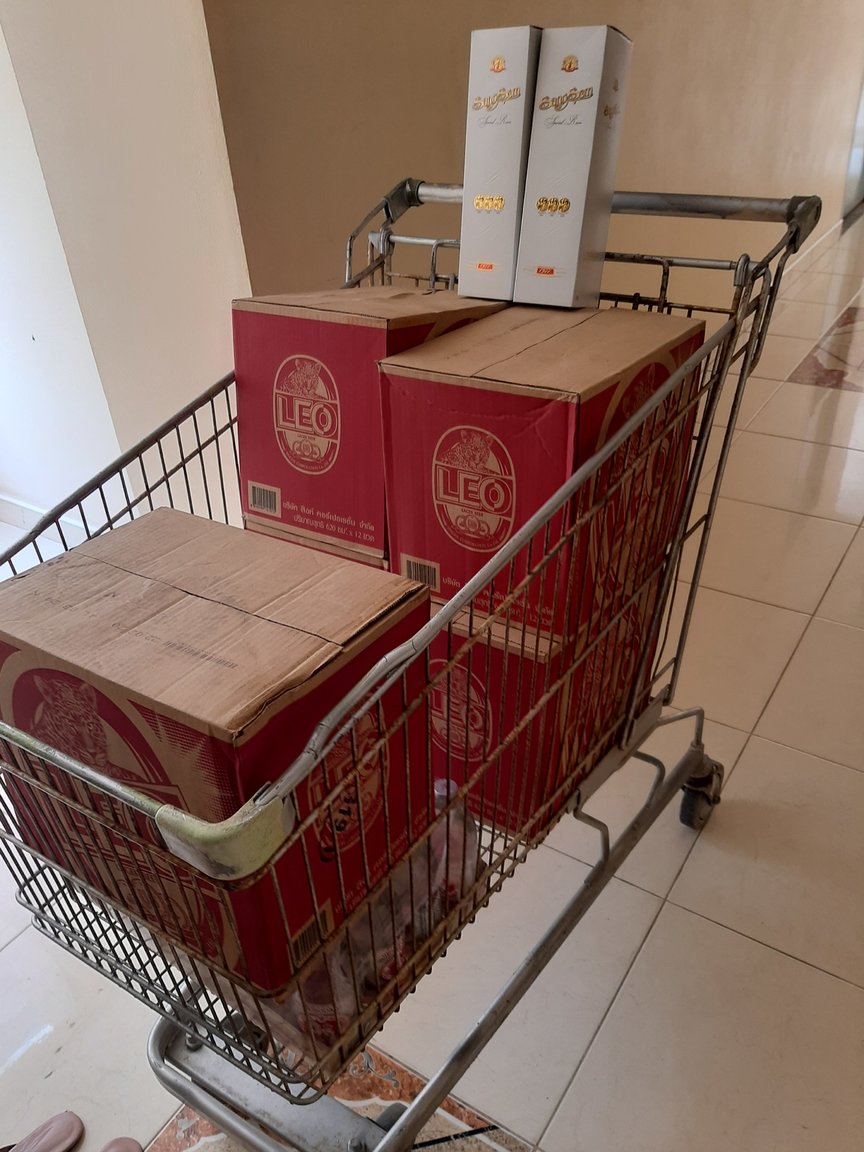
And a free shopping trolley?
-
 1
1
-
4
-
-
-
I was hoping that in a modern day announcement the word “aliens” may have been dropped. Then I remembered which draconian, backward, xenophobic country I was living in. Sigh.
-
2
-
-
-
- Popular Post
25 minutes ago, dddave said:Even in medieval times, during pandemics Muslems often ignored quarantine restrictions. One of the tenants of Islam is "Ensha Allah". basically: "God's will." If it's God's will you are going to get sick and die, then nothing you do will prevent it. If thousands are dying in a city, then it must be God's punishment.
I've never expected anything from god, and he's never let me down.
-
4
-
2
-
-
1
-
-
-
-
-
- Popular Post
I read yesterday that all had reported and I said Then I didn’t believe it and it seems I was right.
-
17
-
-
2
-
-
- Popular Post
5 hours ago, webfact said:Immigration say they are doing all they can
This is true; they are doing all they can to make life as difficult and awkward as they can.
-
9
-
4
-
-
5
-
-
31 minutes ago, tropo said:
Are you posting drunk? Catching up while supplies last?
Thank you for confirming you can't read.
-
2
-
-
12 minutes ago, tropo said:
Are you living under a rock? The country is in a state of emergency and your rights under this are very limited.
Your rights ended on this day:
https://thethaiger.com/coronavirus/thai-pm-state-of-emergency-begins-at-midnight
Similar things are happening in most countries. The needs of the many have now superseded your personal rights. Your rights have been suspended until further notice.
Please learn to read.
-
 1
1
-
-
- Popular Post
2 minutes ago, tropo said:What a great idea - give the police more work in a time of crisis. Get over it - soon you'll be struggling to buy your alcoholic fix.
How's that? I don't drink, but believe in the rights of others to do so, responsibly.
-
8
-
- Popular Post
3 minutes ago, tropo said:Based on your suggestions, yes, I believe you are.
Why should the police, in the middle of a crisis, make extra work for themselves.
Ban it outright and be done with it. Sorry, that prospect probably scares you to death.
Because the job of the police is to police. But that's over your head. Oh, and I don't drink, but I do believe in fairness.
And it can be done:
-
6
-
-
- Popular Post
13 minutes ago, tropo said:We're in the middle of a crisis, yet you expect the police force to decide on who can drink and who shouldn't. You're the king of "stupid comments".
That's not what I said. Lol. The police can stop social drinkers gathering. After all, they can't be difficult to see or hear. Blimey it's not rocket science. And I'm the stupid one?
-
5

house visit
in Thai Visas, Residency, and Work Permits
Sounds like you got a visit from the boy scouts.