




Andrew Dwyer
Advanced Member
-
Joined
-
Last visited
Everything posted by Andrew Dwyer
-
Plenty of good roads in Thailand
-
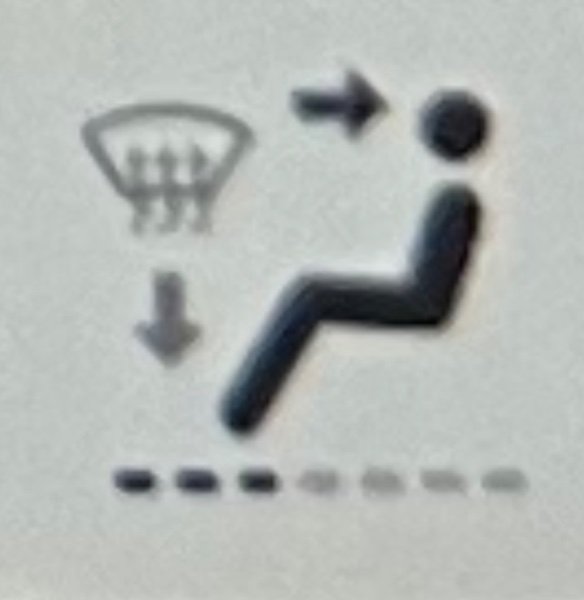
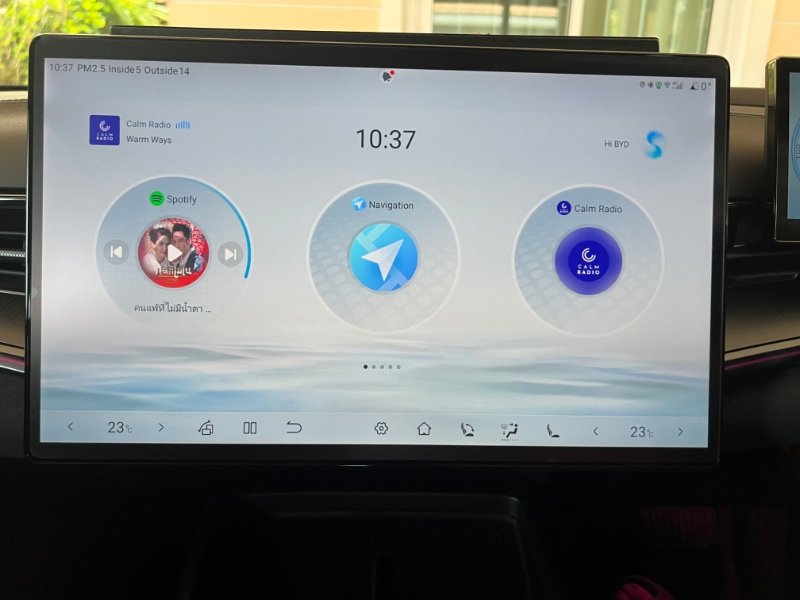
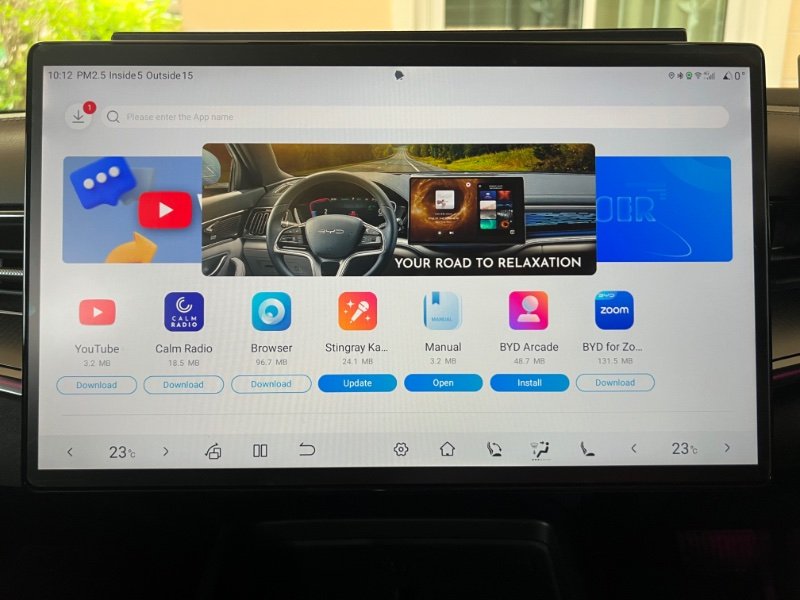
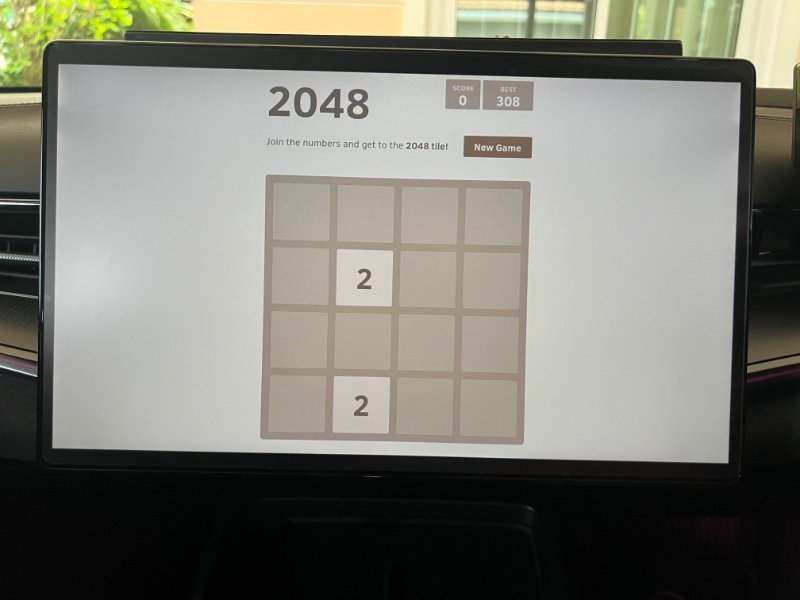
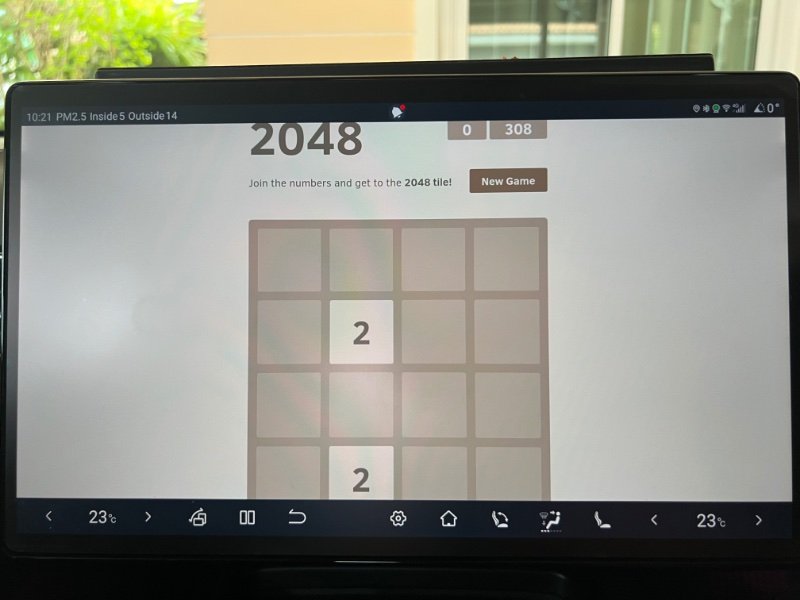
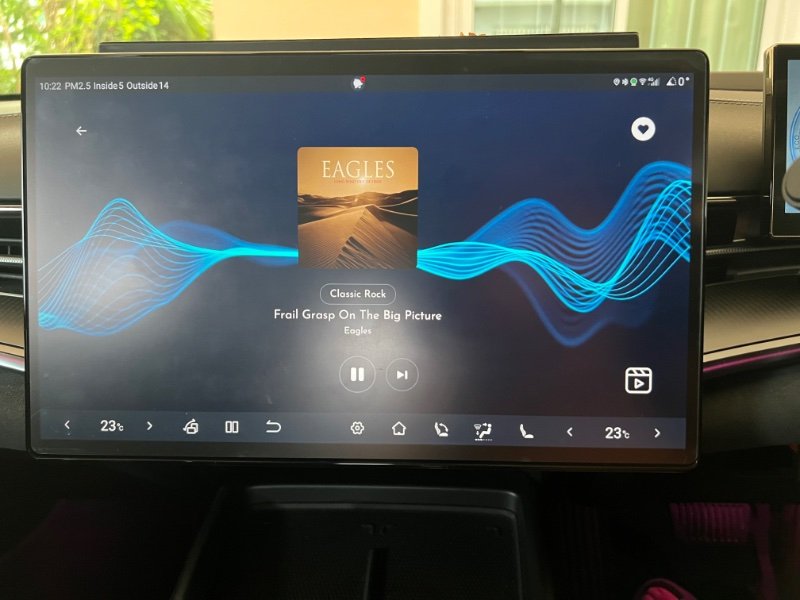
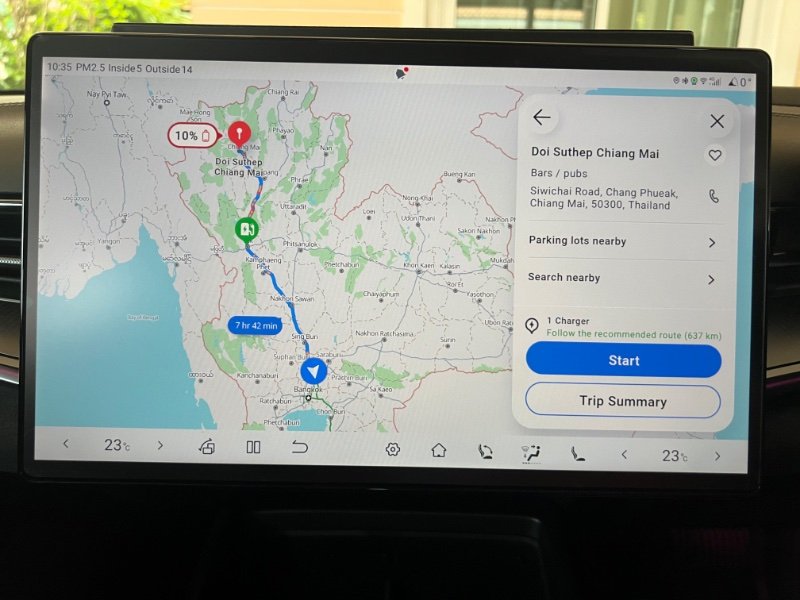
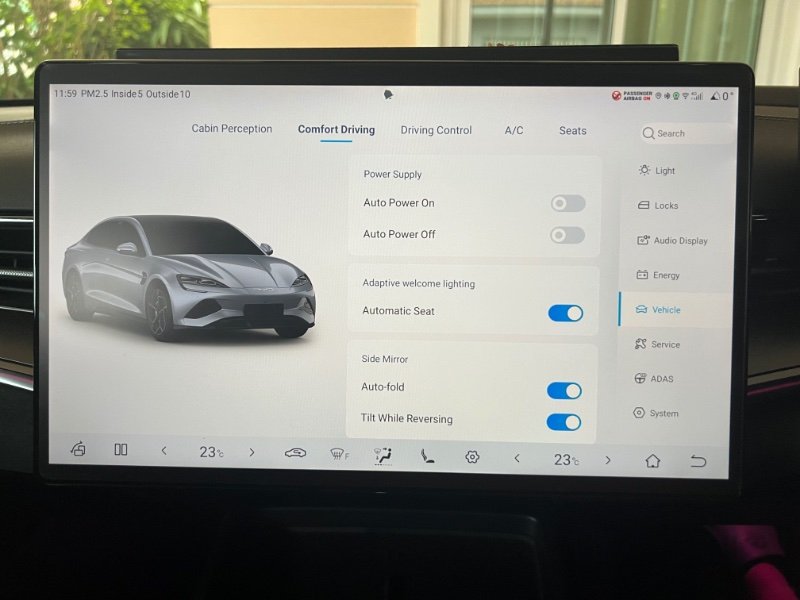
So, had another look at stuff on the info screen just now as it is quite different, some symbols have changed, descriptions have changed, layout is different ( wouldn’t say better just different ). For example: The car symbol, bottom right, has gone so now use the generic gear symbol ( settings ) on bottom row to enter all the pages. The general a/c page shortcut has gone from Home Screen but you can put one of the a/c adjustment symbols on the bottom row to access a/c settings. For example, I use this: It shows you where your air is directed and also opens the settings page. In general they have tidied the Home Screen and made shortcuts available on the bottom row. Incidentally, you can move the bottom row symbols within the row as well as deleting or adding, long press to highlight then drag i.e. my Home Screen symbol was far right and obscured by the steering wheel. My Home Screen: First thing i did was remove the rear demister symbol, hit it by accident in a previous car …. have you ever wondered why you see all those bubbles on rear car windows film ?? Checked out the BYD store as some new additions: The arcade has some simple games , tested one out but couldn’t exit !! You have to swipe down to bring the bottom row briefly. Suppose this will apply to other pages also, swipe down to access bottom row options if not shown. The Calm Radio app is a Spotify type app with a nice interface ( which can be changed ) and a good selection of music. YouTube opens and plays okay, only in P gear as expected but i agree with this, YouTube is handy while charging but a definite hazard while driving, imho. These latest additions to the BYD store can be moved to Home Screen if desired. Finally, the Navigation app has a new look and a route planner has been added. An example: Of course how reliable it is is another question . I am willing to give it a try as still find it preferable over the CarPlay Google maps.
-
I think they have a good idea of what is in the baggage, a nice lump of cash is the deciding factor.
-
The obsession with “ my car is faster than yours “ is ridiculous ……. oh by the way I had a 911 !! Nothing to do with Electric vehicles in Thailand yet you felt the need to tell us ….. see how that looks ?
-
Forgot to check out if route planning is available in the Navigation app or see if there is anything new in the BYD store.
-
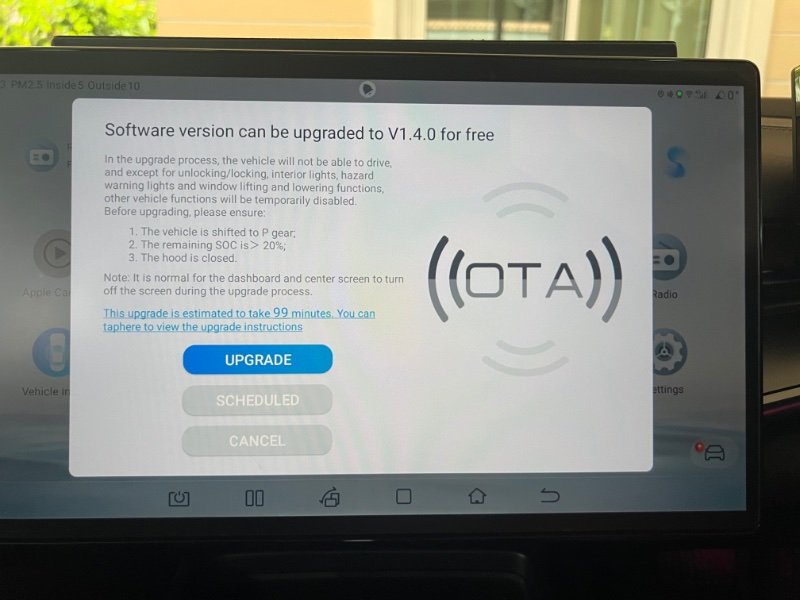
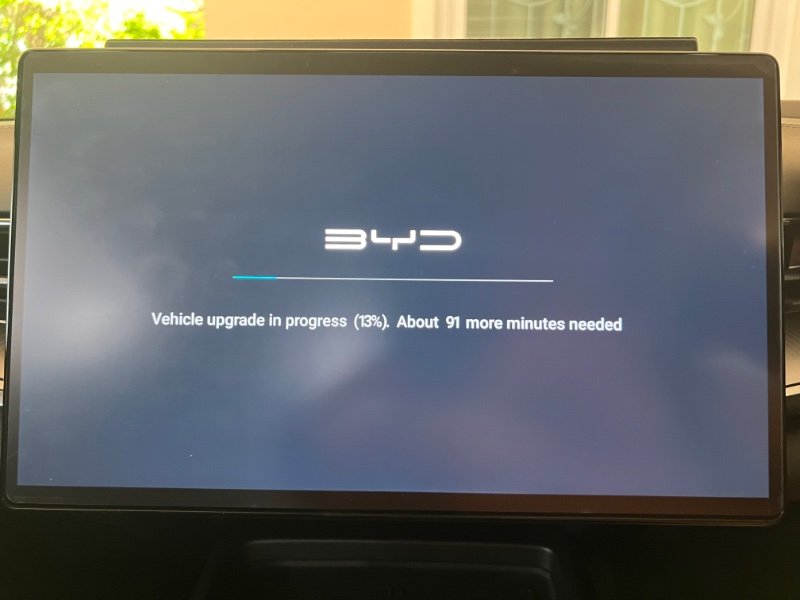
As have noticed before with OTA downloads the estimated time is usually much longer than actual time taken and quite erratic. I checked mine after 34 minutes and it said it still needed 91 minutes !! Checked 30 minutes later and it had finished !! The 99 minutes guesstimate probably came from BYD China experience ( download speed ) as I have noticed Aus, UK and EU all quoting the same time.
-
So, set up the auto on and auto off options and also the pin to drive 4 digit option. With the remote control: You unlock the car and it only starts when you open the door. Put your foot on the brake and the keypad pops up for your pin . Put in your pin and drive away. Stop the car. Open the door and exit the car, the car only stops when you lock it. With your phone: Strangely enough, if you use your phone ( digital key ) the auto on/off function works as above but it doesn’t bring up the pin keypad and you can drive away without any PIN number !!- Haven’t tried NFC but suspect will be same as phone ! Will take a while to not press the stop button when exiting but it doesn’t affect anything if you do .
-
You missed the point of the post you quoted. When you are stuck behind slow moving vehicles the instant torque and higher hp gives you more opportunities to overtake. Certainly not irrelevant if you are in a +500 hp BYD Seal or a 68 hp Suzuki Celery !
-
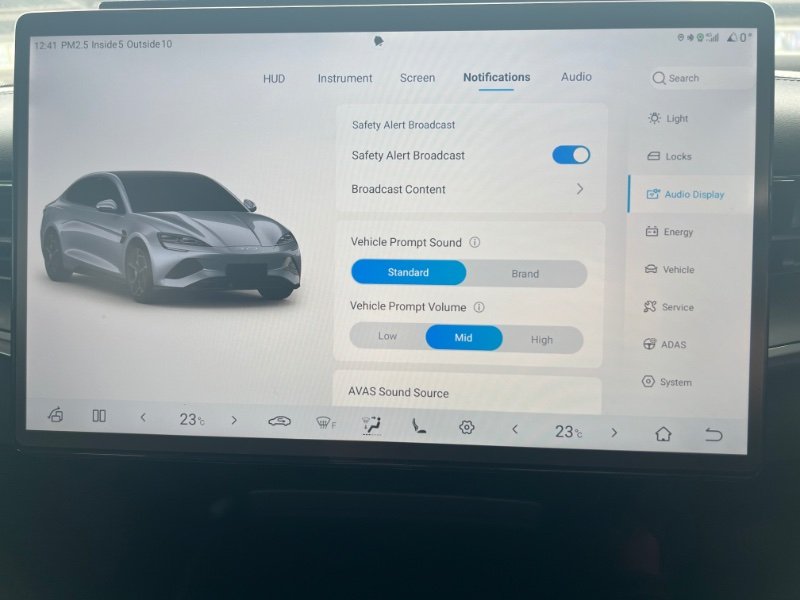
Another change is to the volume of Vehicle Prompt , seat belt warning, indicators etc. Changes the indicator quite a bit, you would have to be deaf to put it on high ?
-
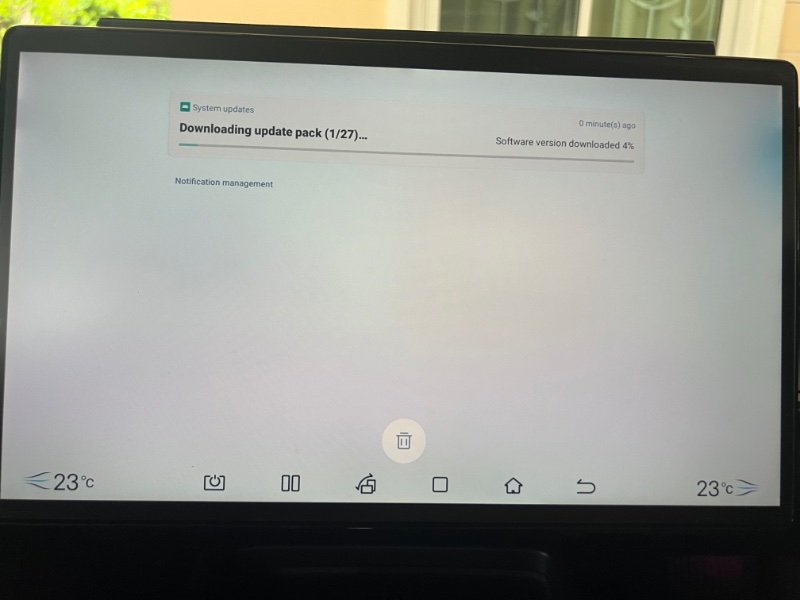
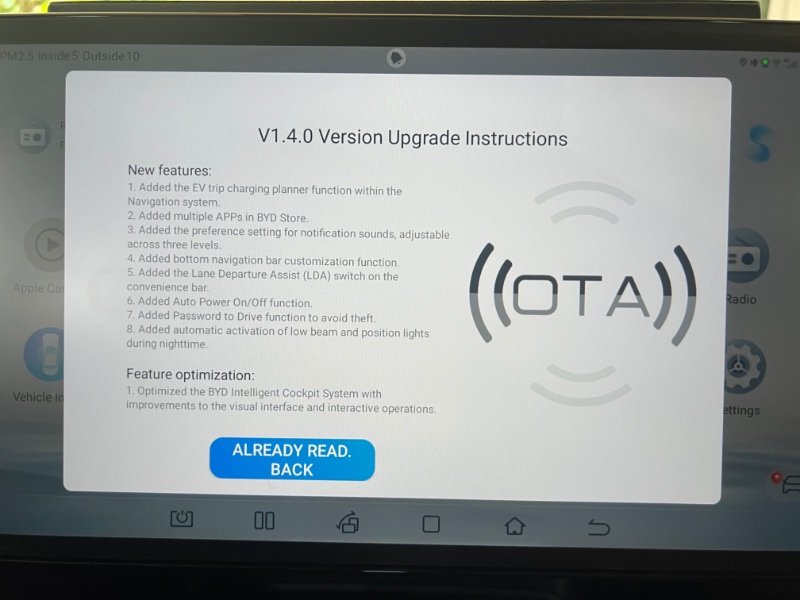
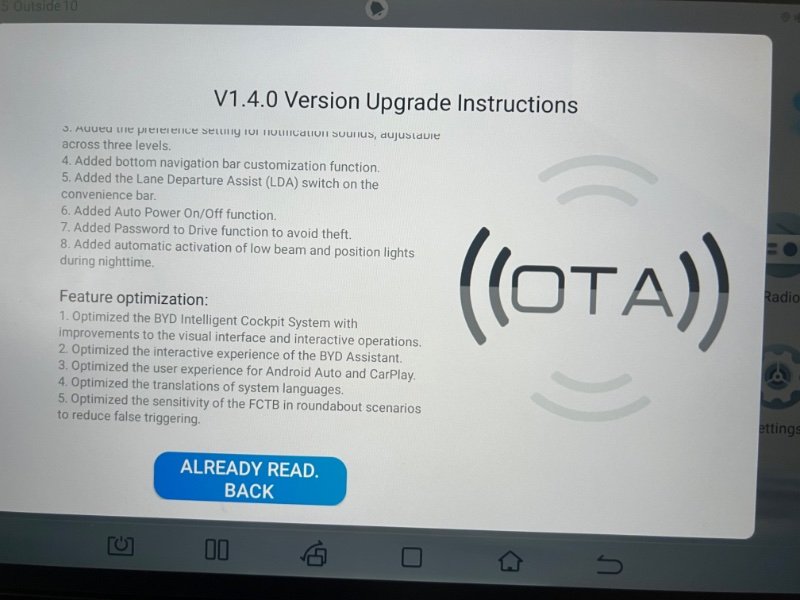
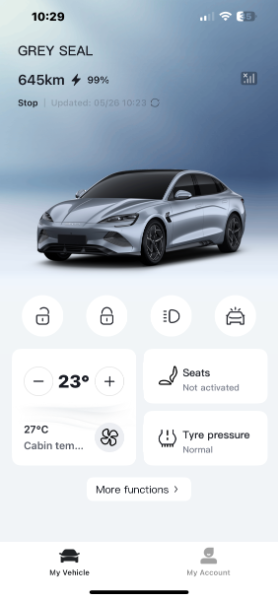
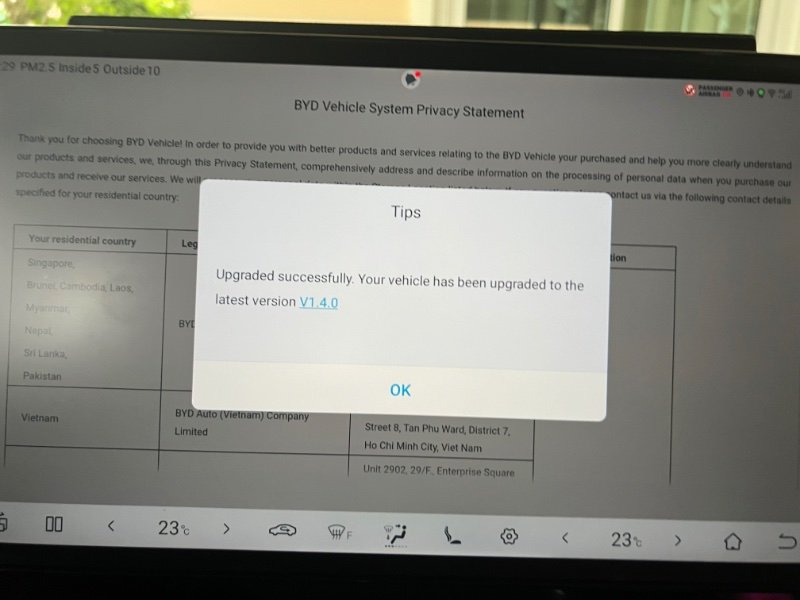
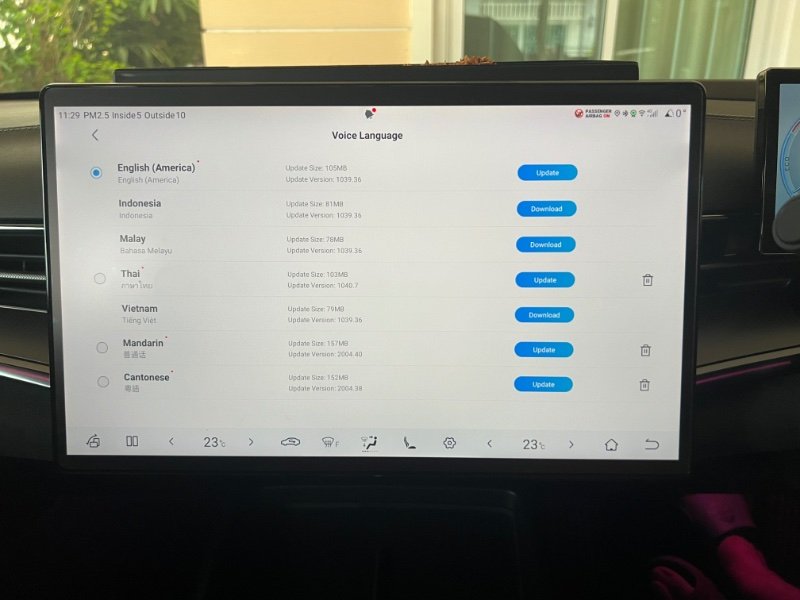
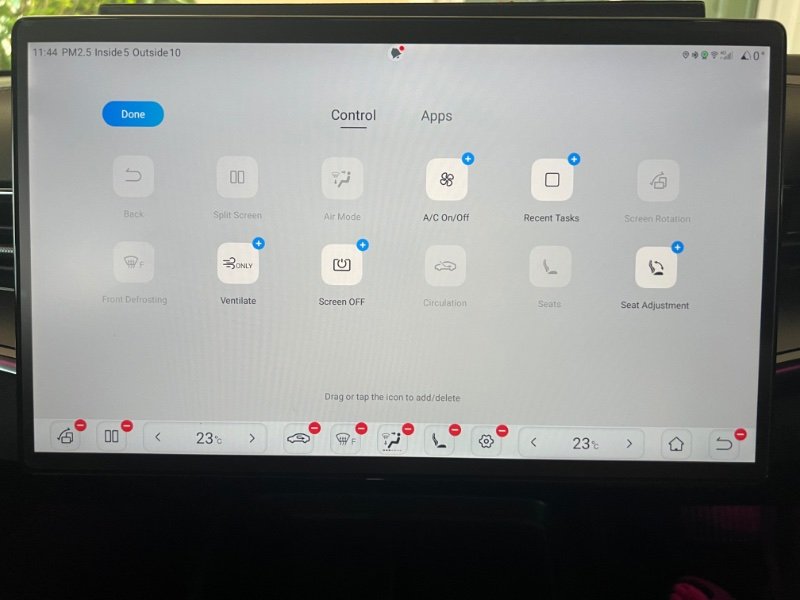
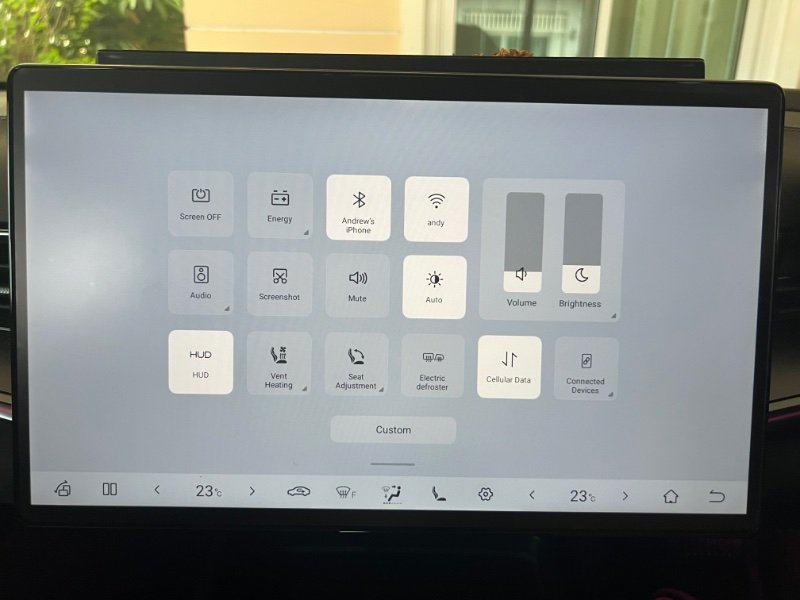
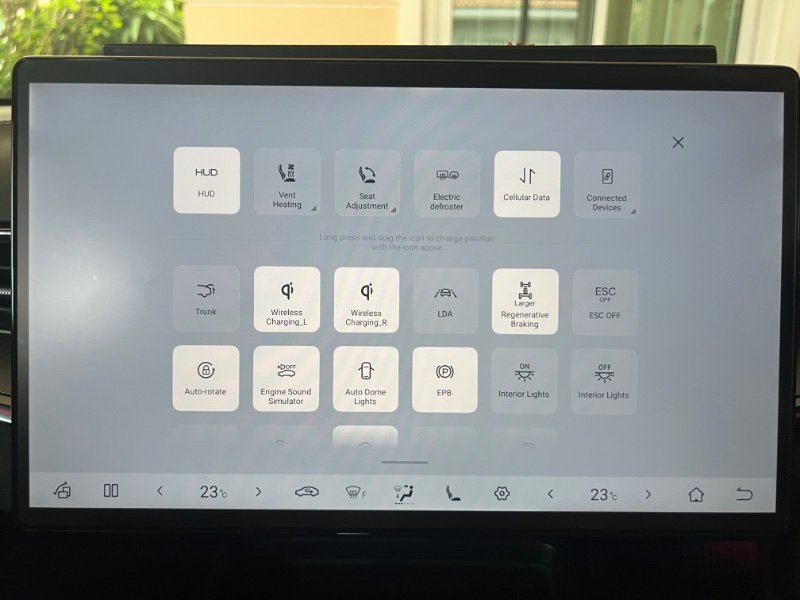
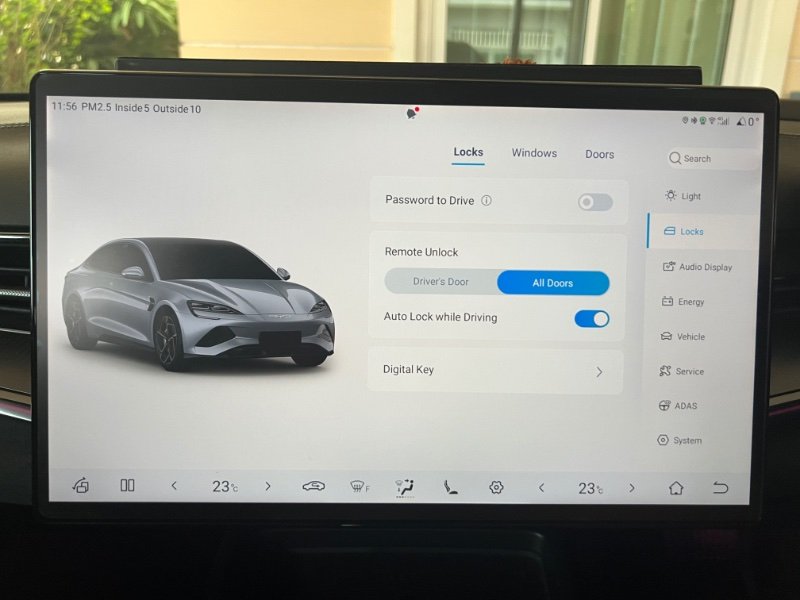
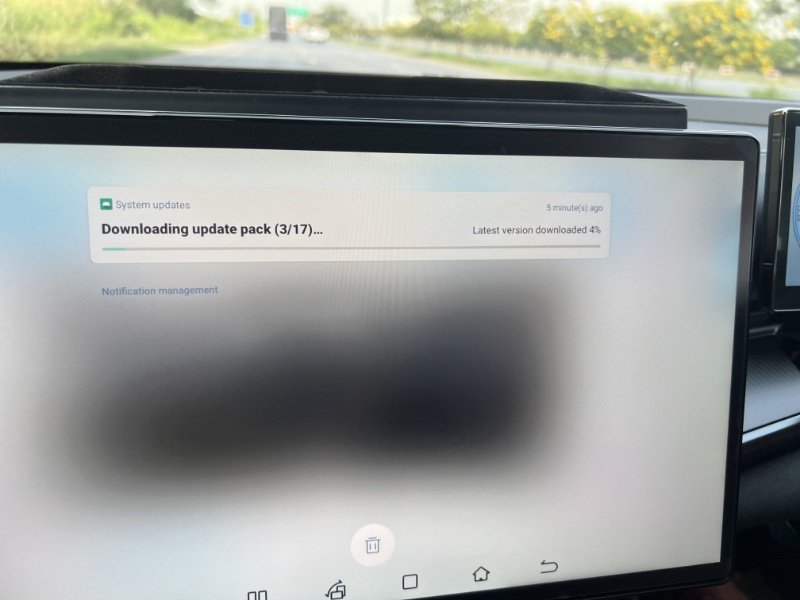
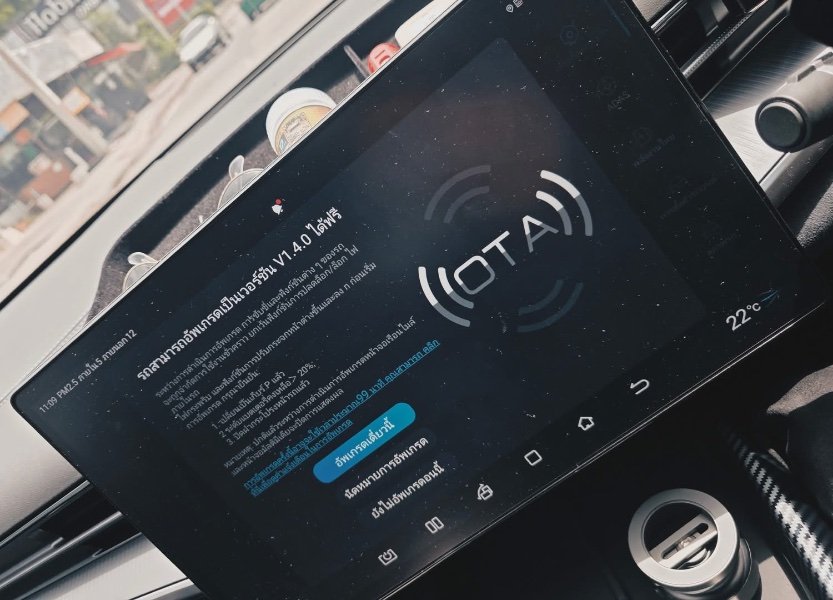
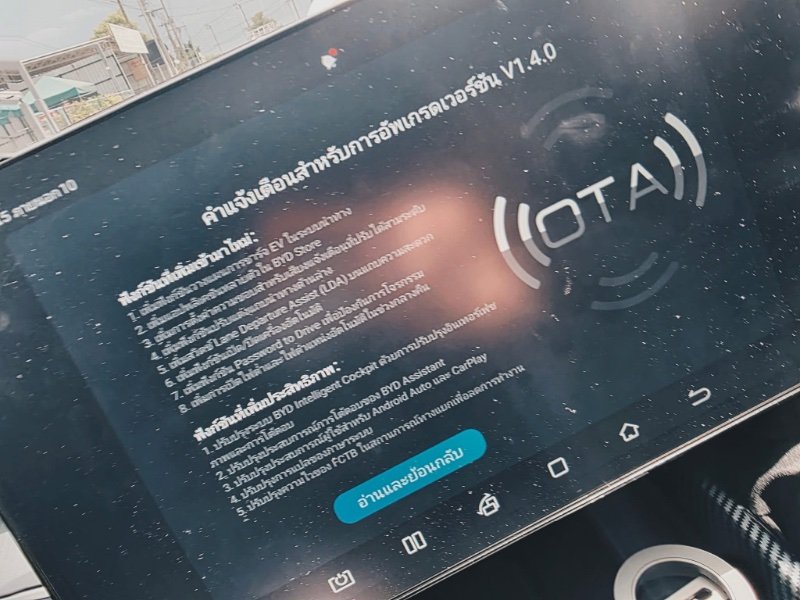
So, the big OTA is here for me, delayed a few days possibly after the True outage but downloading now, @mistral53 just squeezed his in before the outage i think. So, initially it will download the upgrade pack to the car before you can set the OTA going, part 1 of 27 seems to take the longest and the rest are very quick. This took around 5 minutes and will download in the background so you may miss this ( only the red dot on the notification bell will alert you ). In my case the OTA page then appeared but it might just be the red dot notification on the car symbol ( bottom right ) if you are driving i guess. Clicking on the blue link will show you what is in the OTA, Swipe up to see the full list. As the car is turned off when you start the OTA you are unlikely to sit in there watching the progress and i wish you could see how long is left on the app, but unfortunately no, the app goes offline. Peering in through the window is not great as the film (60% in my case ! ) makes it difficult but you can open the car, with your phone if you desire, to check on progress. So, I checked in 1 hour after the OTA was started and it was done ! Not sure how long it took but wasn’t 99 minutes, less than 1 hour. Scroll down to the bottom of privacy statement and Accept or Skip , not sure what Skip invokes. A little update to the English language file ( optional ), took around 26 minutes !! but at least the air con is on ! Noticed the additional symbols on bottom of screen while waiting, a long press on any symbol takes you to the option page, using the + or - buttons to customise to your liking. Swiping down from the top of screen now brings up a different view from the Vehicle Control and Shortcut page which can be customised, note some features have changed their name ( AVAS ) . Pressing the Custom button brings up more features but i can’t seem to access the lower features half shown without closing the screen !!, needs some investigation ! As usual with any upgrade stuff has been moved around and new stuff hard to find , finding the password to drive button is in Locks ?? Auto power on/off also needs a little search !! So, gonna need some time to adjust to these changes and the little lady is hinting that she is hungry ( when isn’t she hungry ??) so will have to delay the investigation !! Will be back with any useful/less information as I find it !
-
Then buy it somewhere else, no shortage of places selling coffee here .
-
Just learn to order with reduced sugar “ wan nit noi “.
-
See if Larry David is working there ( Curb Your Enthusiasm ) ?
-
As indeed am I 🙂
-
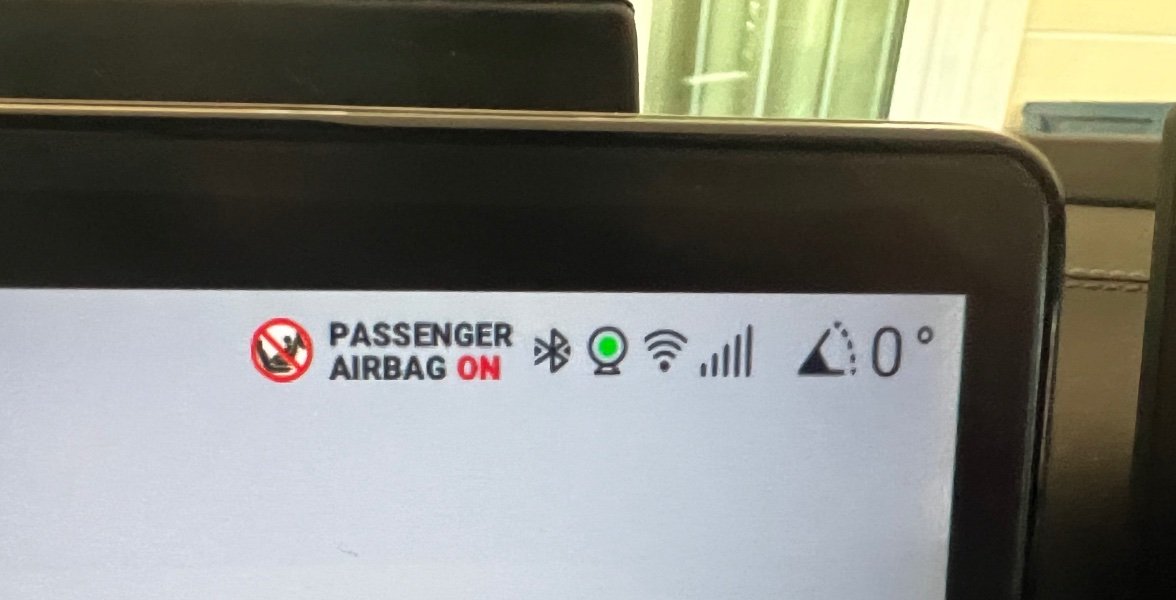
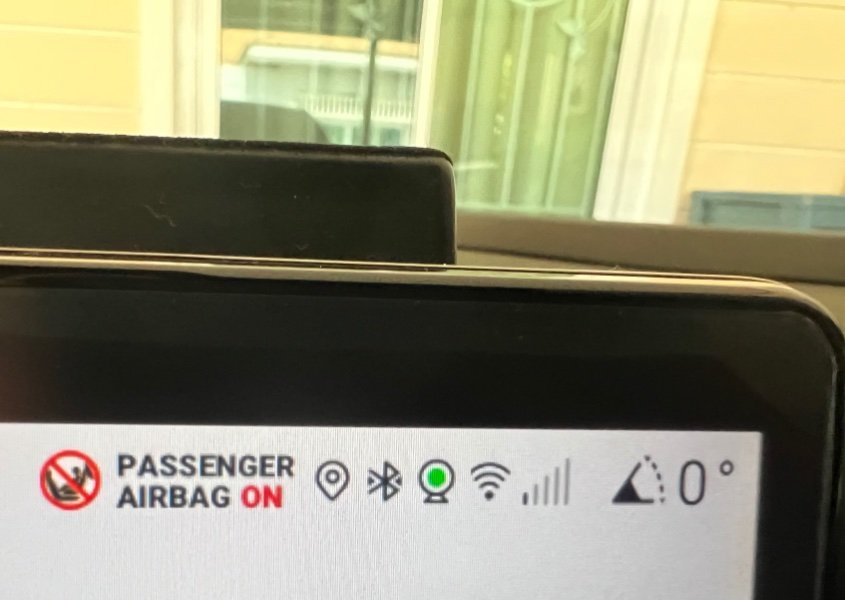
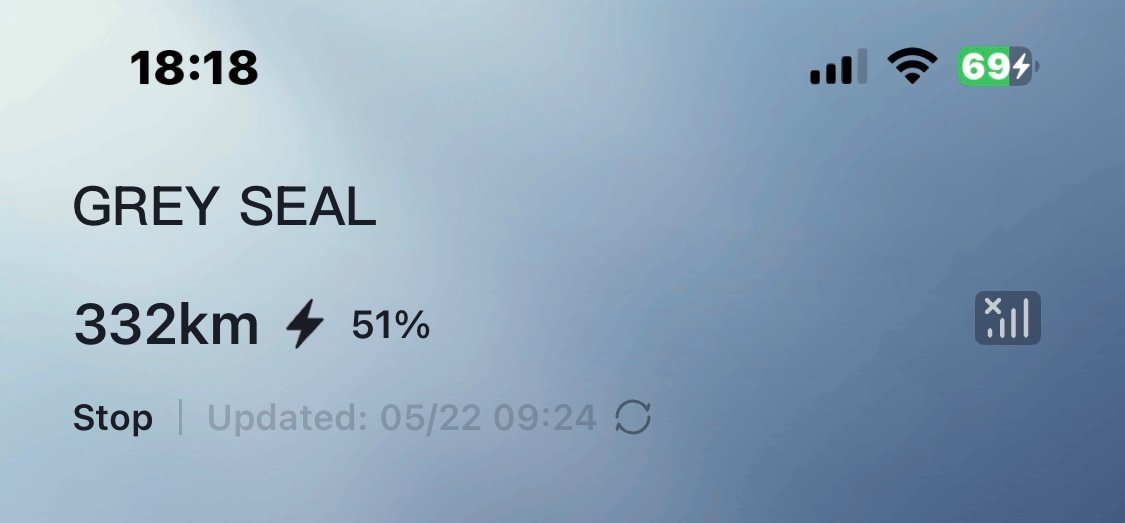
Give the main screen a reboot and: Yey, full cel signal !! Press to another screen: Boo, tricked me into thinking it was back ! Meanwhile the app continues to say 09.24 am yesterday ( probably the last time I checked if OTA was available ) So no Spotify for her ladyship but my CarPlay 70’s rock will still play …… every cloud and all that !!
-
Moving to where ?
-
Cats keep the other critters at bay, and learn at an early age !! IMG_4211.mov
-
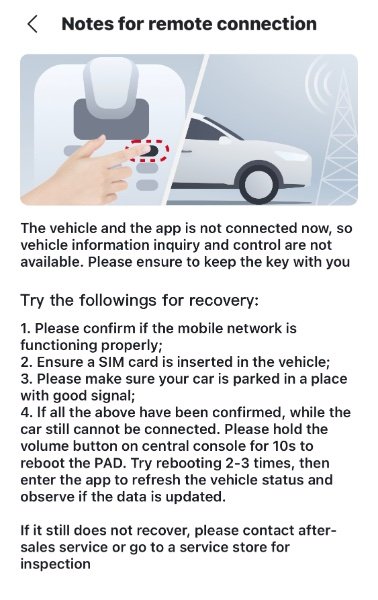
Yes , went down at 9.24 am according to my app. Seems like it came back recently but my BYD app is still offline. Tried a couple of resets on the main screen as instructed by clicking on the no signal emoji But, still no joy 🥹

-
I think OTA will download without WiFi but possibly more slowly, having only done OTA’s on home WiFi but did see it uploading on cellular signal once ( red dot on the bell symbol notification before it moved to the car symbol) and appeared very slow, but that was the previous SIM. My current situation is True cellular signal is down, car and phones, only found out when leaving the house around 10.30 am and the wife’s persistent prodding on the Spotify app alerted me !! Now back home with WiFi but no cellular signal in car/phones or on the app and no sign of any OTA ( of course just might not be my turn yet ). Suspect an OTA needs the SIM card active but would choose WiFi if that was the stronger of the two signals ?? Anyway, see what happens when the True cellular signal shows its face again. ……… and before you ask ……. no, I don’t have anything better to do !!
-
Seems like it has hit Thai shores ( not for me though ) from a FB post.
-
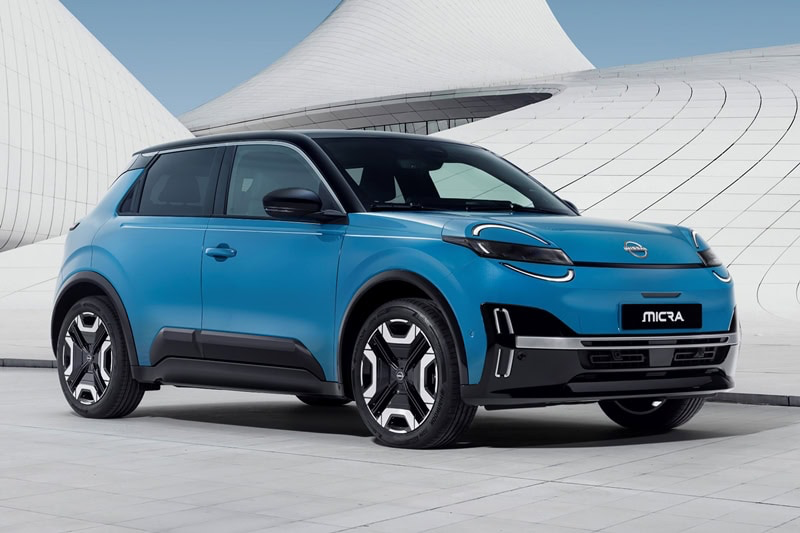
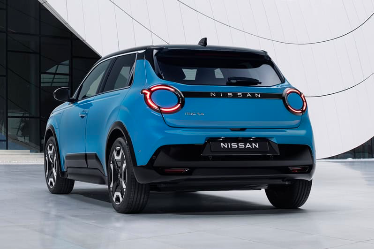
Talking about Nissan ? It appears they aren’t giving up without a fight and have announced the Nissan Micra ( March over here ) EV. Initially launched in Europe but with a right hand version destined for the UK i wonder if we will see it on Thai roads ?? https://autolifethailand.tv/all-new-nissan-micra-march-ev-bev/
-
As stated above Nissan’s days are probably numbered. If prepared to go EV route I should look at BYD Dolphin, very affordable. Or if in no particular rush you might want to check out the Atto 2. https://autolifethailand.tv/byd-atto2-suv-ev-motor-show-2025-thailand/
-
Bought a book about a year ago ( a Richard Osman book, part of the Thursday Murder Club series ) , spurred on by the 70 baht price it remains unopened on my bedside table. First book i had bought in years, prior to this i had read many ebooks on long flights or waiting at airports but a movie or series seems to have made that pastime redundant.
-
But but but …. Transman said there was 🥹
-
Nope ! Couldn’t get the last OTA number to appear this time, got tired of pressing the button, but think am on V1.3.0 still. Last update i got was around Dec 2024 at the dealer on 1 yr service.







