




CallumWK
Advanced Member
-
Joined
-
Last visited
Everything posted by CallumWK
-
How would someone not doing FB be aware of marketplace? I have a FB account for ages, though I use very seldom, and it wasn't aware of marketplace until a few years ago.
-
That confirms what I actually have been posting all the time. It only affects Wise customers with Thai nationality
-
You can change address any time. I was never asked for proof of address, neither when I opened the account or when I had to identify myself again last year. It is possible, but I don't recall it, that when opening the account they sent a verification code to my sisters phone number. If you still have any relatives in the UK that should be easy. Anyway, I never put money in a Wise account, always send money from my home country account to my Thai account,so it wouldn't bother me if they consider me a Thai resident, and I also can wait out for the exchange rate to be favourable before I transfer. Do you still have a bank account in the UK?
-
I agree with that 100%, would give it a miss straight away. Anyway, what withholds the OP to visit the seller view the car, and only pay once the car has been transferred at the local DLT. I wouldn't even pay for a 100 baht item on FB, before i received it. A few years ago I was looking for a second hand PC monitor, and experienced more scammers than genuine sellers on FB marketplace. None of them received 1 baht from me of course. Reporting them to FB was a waste of time as well
-
Then I suggest this. I reside in Thailand on the same terms as you for more than 30 years. I opened my Wise account while I already lived in Thailand, but my address for my Wise account is with my sister in my home country. I use Thai phone number for verification, and Wise has pictures of my passport clearly showing issued in Bangkok.' Last year I had to identify myself again for Wise, and I sent them all the same details. They also must notice that for years already I log in to the app and website from a Thai IP address, yet they accept my identification as not residing in Thailand.
-
I would think there are more valuable small items to steal in a supermarket than 2 pound chocolate bars.
-
So you are not a resident, and I assume the money you transfer to your Wise account originates from a UK or other western countries bank account. So my take is that it will not affect you since you don't have the Thai nationality.
-
That is correct, there is no ban in bars in Pattaya, although the ban is enforced in convenience stores and super markets in Pattaya. That exception was granted already last year April.
-
Do you have a residence permit, or do you reside here permanently on a non-resident visa?
-
Bye Lou.
-
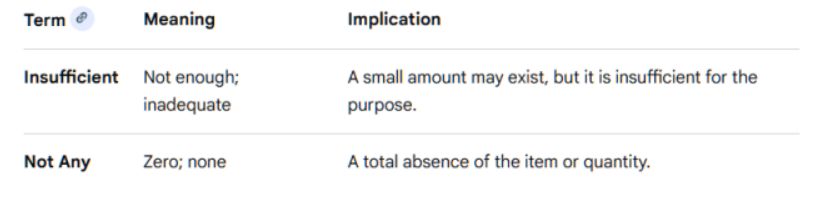
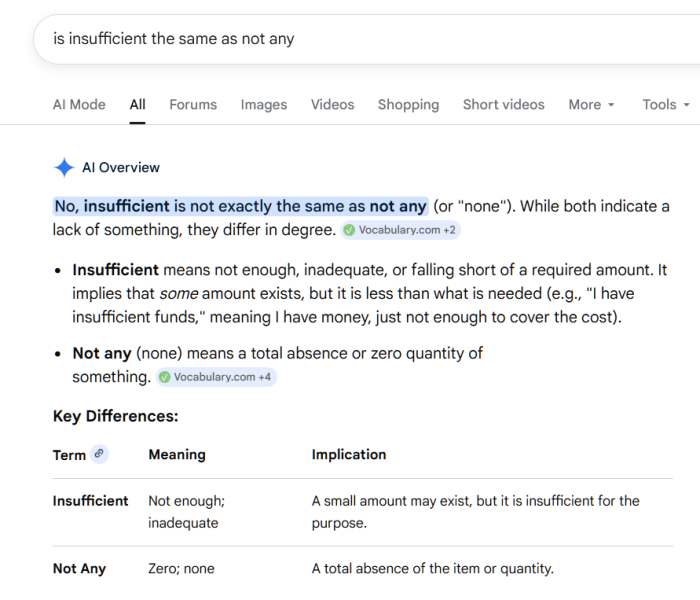
Thanks for confirming that your previous claim, that the court said there wasn't ANY evidence, was incorrect. Insufficient has also a completely different meaning from NOT ANY. And giving thumbs down to posts that beat you with your own pedant weapons, only shows what a silly poor attitude you have.
-
Seems only to apply to Thai residents. As a UK resident you still can hold GBP in your Wise account and convert it to THB when you want to send it to Thai bank account. Thai citizens will have their foreign currency held in a Wise account automatically exchanged to THB
-
The court didn't say there wasn't ANY evidence. This is what they said. However, yesterday the court dismissed these claims due to a lack of definitive proof of fraud or money laundering
-
I wanted to post a reply to this, but I gave up because of the bogus software of this forum. Please fix it. Anyway here is the link, but I can't post any info about, for the reasons mentioned. https://www.usatoday.com/story/news/politics/2026/02/24/supreme-court-justice-trump-state-of-the-union/88832125007/
-
The following justices were seen at the State of the Union address: Chief Justice John Roberts Justice Amy Coney Barrett Justice Brett Kavanaugh Justice Elena Kagan Supreme Court Justices that did not attend the 2026 State of the Union addressJustice Samuel Alito Justice Clarence Thomas Justice Neil Gorsuch Justice Ketanji Brown Jackson Justice Sonia Sotomayor
-
I agree- and these borrowers are more likely to be at risk of default Why you say that? Wasn't the sub-prime lending an enormous success in the US, or did I read that wrong? 😅
-
Don't let them belittle you Trump, show your force and go for it

-
I guess he was encouraging US officials to allow ALL free speech in the US, and not only the one that praises the criminal in charge.
-
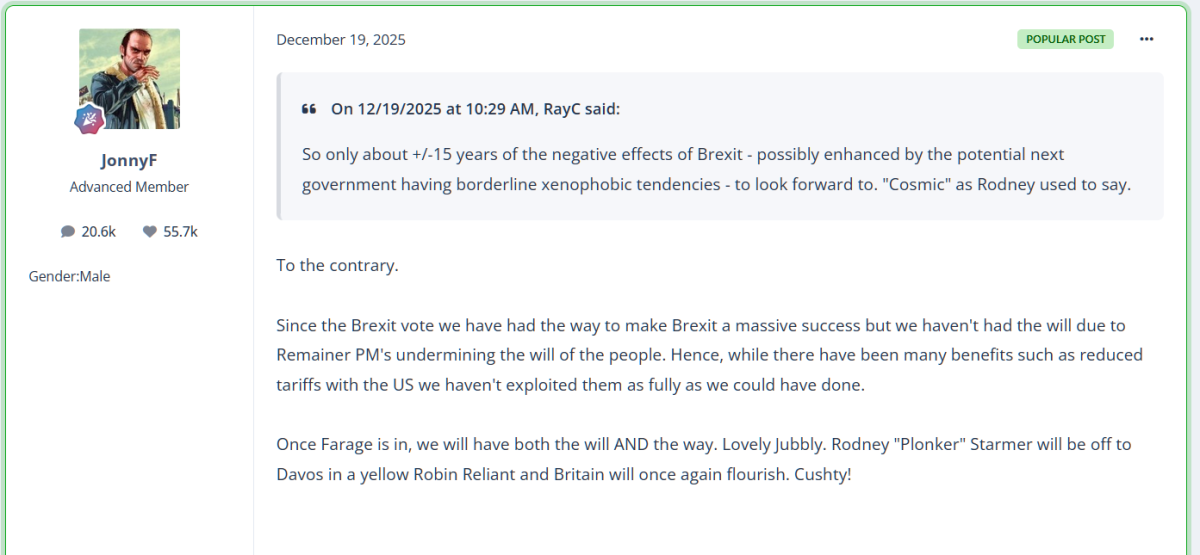
Your dementia playing up again Jonny?
-
You don't say
-
Wasn't there a report the other day that exports had increased by a stunning 24%, so economy must be very strong.
-
And why would that be? Currently paying 31 baht for a dollar. With low interest rates the baht is supposed to weaken, and you get more baht for the dollars when exchanging back.
-
Oh is Lafarge not your hero anymore?
-
How about electricity prices, did he mention anything about how cheap those are now? https://finance.yahoo.com/news/trump-lays-out-a-new-ground-rule-for-big-techs-ai-build-out-bring-your-own-power-161403379.html On the campaign tail, the president promised to cut electricity bills by half, but prices have instead surged throughout his second term on the back of the growing AI industry. The average retail price for electricity reached 17.24 cents per kilowatt-hour in December, roughly 6% higher than the same time the year prior, according to government data.
-
But still there are pensioners on this forum that think the government doesn't know about them lying about where they live





