villagefarang
Advanced Member
-
Joined
-
Last visited
About Me
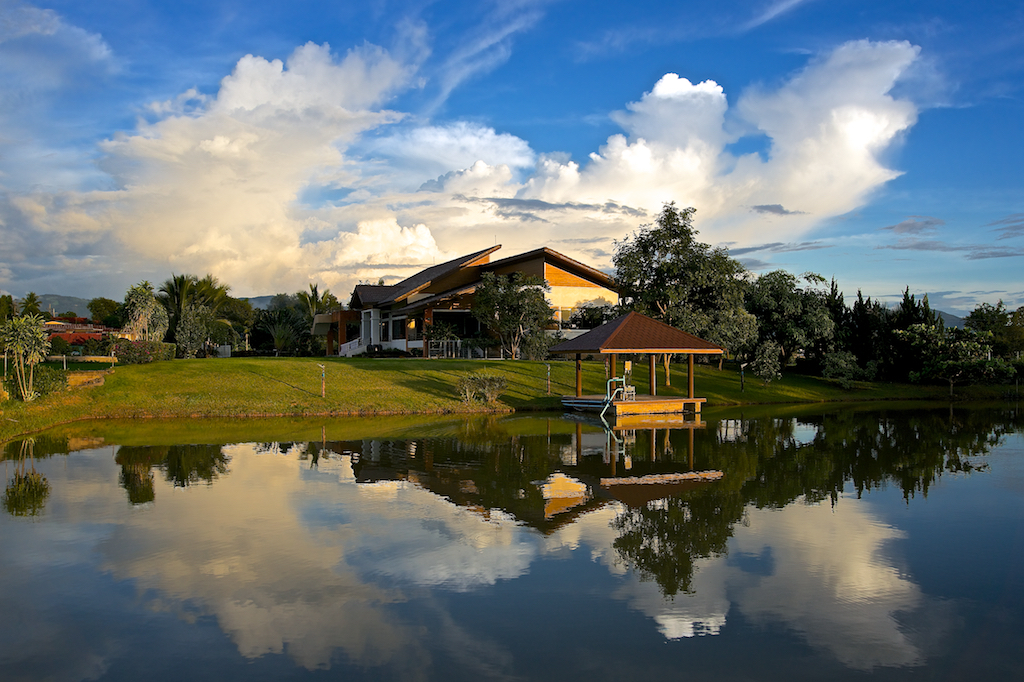
I live in a house, in a field, in a valley, with a view ...
I have lived in Thailand my entire adult life. Soon after completing my studies, I moved to Bangkok. I was not sent here by military, government, god or corporation. I just bought a ticket and boarded a plane with no real plan. I had no idea what I would do or how I would stay here. Somehow it all worked out.
I have been treated well by Thais and Thailand. You will hear no horror stories from me about this place I call home. I seem to have very little in common with the average retiree these days and struggle to reconcile their vision of Thailand with mine.
After 30 years in Bangkok I moved to Chiang Rai in 2007 and not long after I joined ThaiVisa.
My interests include photography, biking, my dogs and cats, my blog and most importantly my wife and best friend for roughly 22 years.
This is where I live.