



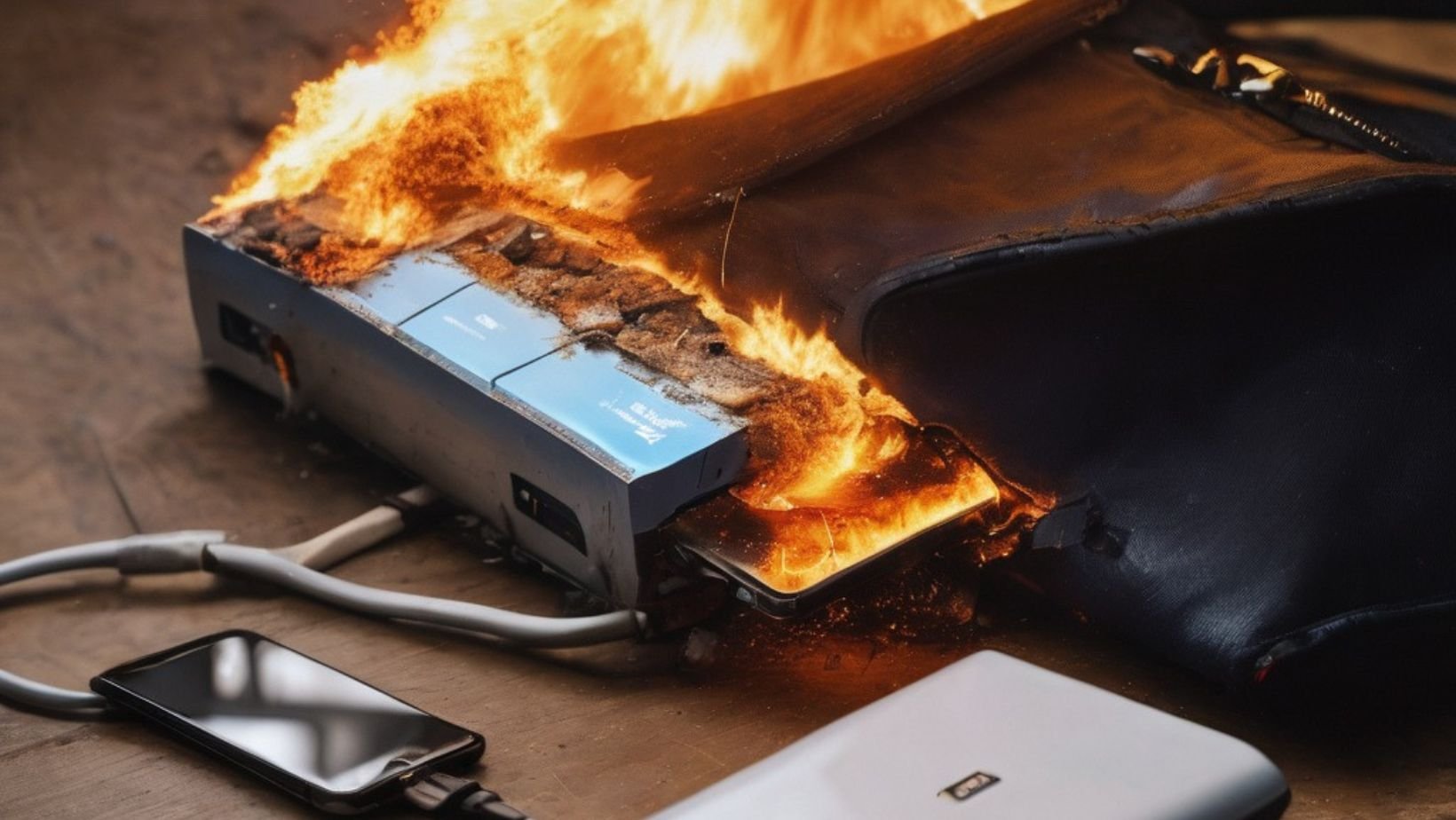

A power bank explosion early this morning triggered a fire at a condominium in Mueang district, Nakhon Ratchasima, leading to an emergency evacuation of residents. The incident occurred at approximately 1 a.m. on April 8 in the Nai Mueang subdistrict. Local police, firefighters, and rescue workers quickly responded to control the situation on the sixth floor of the building.
Get today's headlines by email 
Residents were safely evacuated using the fire escape stairs as alarms went off throughout the building. The fire was contained in under an hour, and fortunately, no injuries were reported. The tenant of the affected room, a 23-year-old woman, explained that she had been alone and charging a newly purchased power bank when she noticed smoke and sparks.
Upon observing the malfunctioning device, she immediately left the room to find help. The flames spread rapidly, preventing her from retrieving personal belongings, which included a mobile phone, tablet, and other items that were damaged in the fire. Local authorities suspect the fire resulted from a fault in the power bank, potentially leading to an explosion during charging.
Join the discussion? 
Already a member? 
 Adapted by ASEAN Now · The Thaiger · 08 Apr 2026
Recommended Comments
Create an account or sign in to comment