



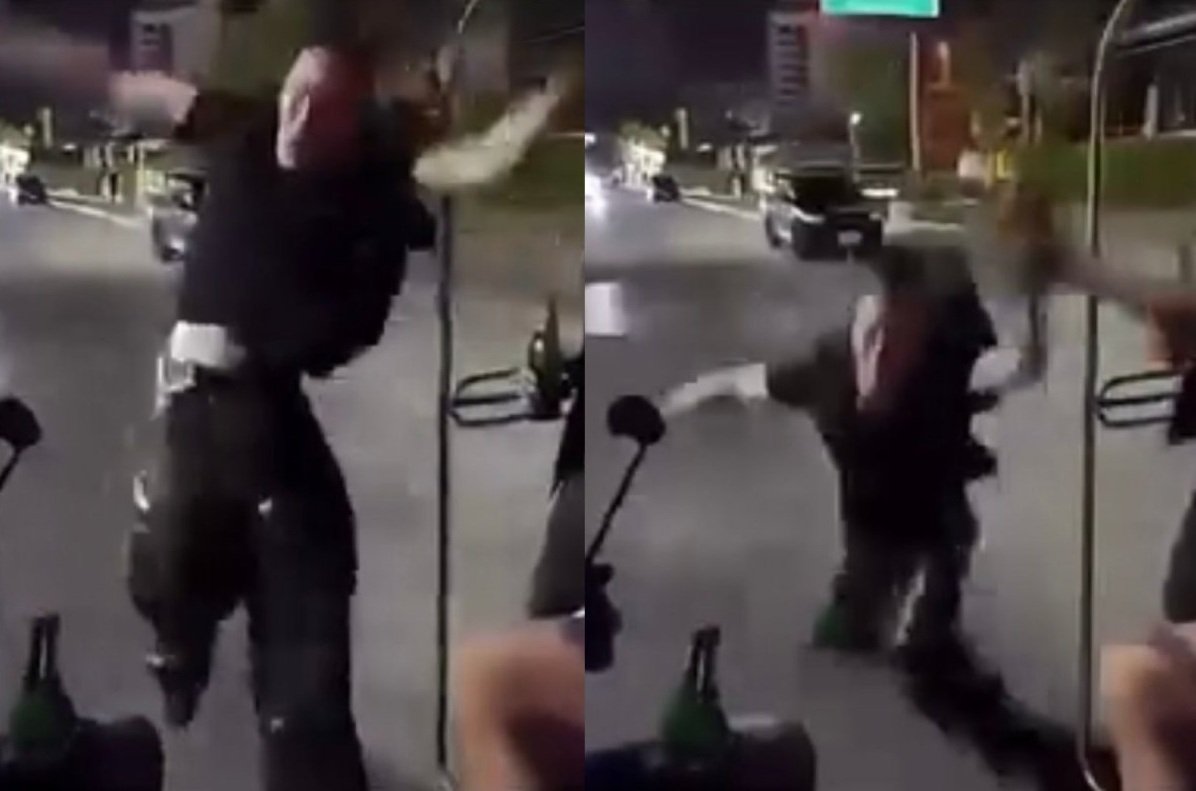

A tourist sustained injuries while attempting a backflip on a moving songthaew along Pattaya Beach Road, crashing face-first onto the pavement. The incident occurred around 2 a.m. on Monday near Pattaya Beach 6/1, Bang Lamung district, and was captured on video circulated widely online.
Get today's headlines by email 
Prior to the fall, the man had been hanging from the rear roof rail of the songthaew, with cheers from friends encouraging the risky stunt. The reckless maneuver left him with a swollen gash on his forehead after losing his grip.
Eyewitnesses reported that the man managed to stand up unaided, and his friends helped him retrieve his belongings before leaving the scene without medical assistance. Observers suggested he seemed intoxicated at the time.
Reaction to the video has been largely unsympathetic, with many social media users criticizing the tourist for his reckless behavior. A local motorcycle taxi driver and a songthaew operator highlighted the substantial dangers involved, noting potential legal risks for drivers when such incidents occur on their vehicles.
Authorities have not yet commented on the matter, and the group’s decision not to seek medical attention implies they plan to avoid further public scrutiny. Tourist safety and vehicle operator responsibilities remain concerns following this incident.
Join the discussion? 
Already a member? 
 Adapted by ASEAN Now · Bangkok Post · 06 Mar 2026
Recommended Comments
Create an account or sign in to comment