





A school tour bus carrying 51 pupils and six teachers, left the road and rolled over onto it’s side, in Prasat district, Surin, on Friday, 17 July. All 57 people on board suffered minor injuries, with no deaths or serious injuries reported.
Prasat Police received the report at 11.22am, following the crash on Highway 214 opposite Wat Talwak in Kang-an subdistrict, Prasat district.
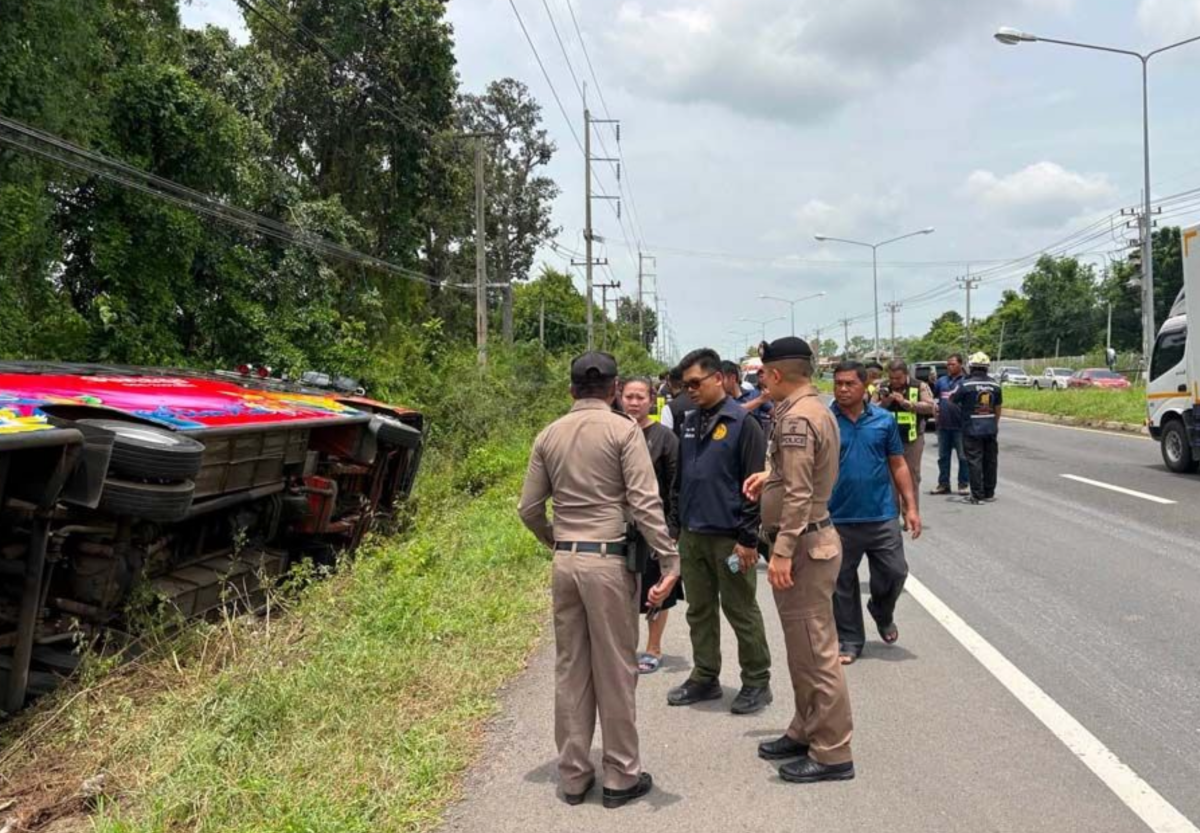
The bus had been transporting pupils from a school in Khukhan district, Si Sa Ket, on an educational trip.
Passengers taken to hospital
Police, traffic officers, patrol units and emergency responders were sent to the scene following instructions from Pol Col Weeraphan Na Lampang, deputy provincial police commander for Surin, and Pol Col Weenawat Sriyaem, superintendent of Prasat Police Station.
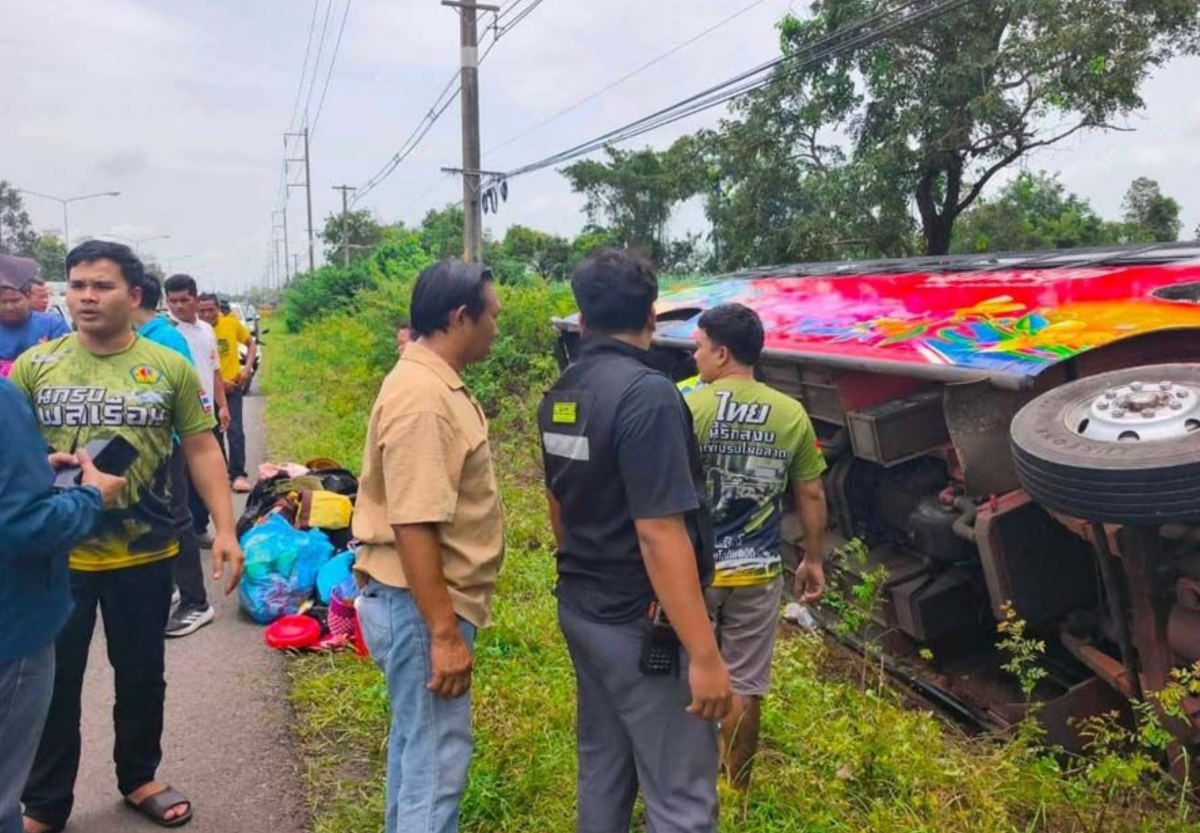
Pictures courtesy of Naewna
Officials assisted those involved, arranged for all the injured passengers to be taken to hospital and managed traffic around the crash site.
Police said every passenger suffered only minor injuries. The road was subsequently reopened and traffic returned to normal.
Cause remains under investigation
Investigators are still establishing what caused the bus to leave the highway and rolled over.
School transport safety has remained a concern in Thailand following a number of serious bus crashes in recent years. In this case, authorities said thankfully, there were no fatalities and no one was seriously hurt.
Join the discussion? 

18 July 2026
-
 2
2
-
 1
1
Recommended Comments
Create an account or sign in to comment