



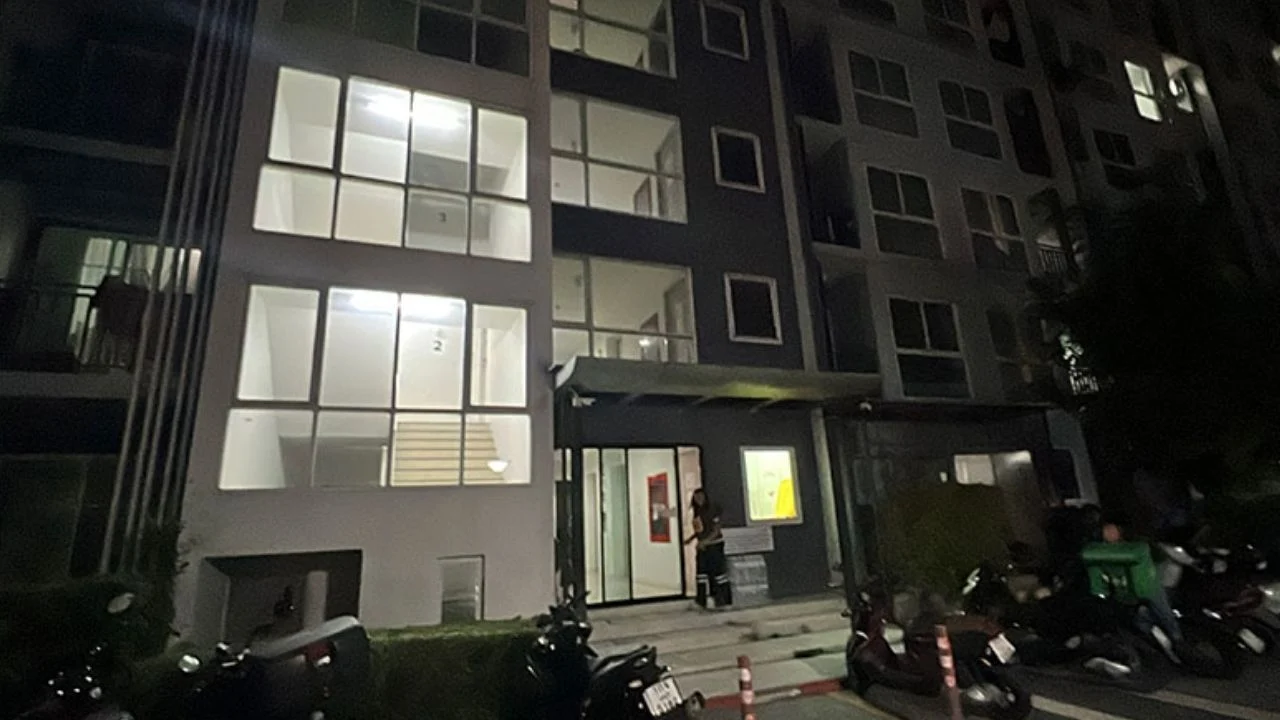

A Thai man, identified as 33-year-old Nirun, was arrested in Chiang Mai on May 3 for the alleged murder of his girlfriend, Panitsuda, at a condominium in Nonthaburi province. The 25-year-old victim, also known as Dream, was found by her mother lying face down next to a bed in her condo. The mother immediately reported the discovery to the Bang Bua Thong Police Station.
Get today's headlines by email 
Dream and Nirun had been in a relationship for over five years, living together for around a year while running an online business. Both families revealed that the couple had mental health issues, with Dream suffering from depression and Nirun displaying panic symptoms and paranoia about being poisoned. Disputes and altercations between the couple were noted by Nirun's father, who also mentioned his son's refusal to follow medical advice or treatment.

Nirun became the main suspect after CCTV footage showed him leaving the condo in a red car later found abandoned in Suphan Buri. His whereabouts were traced to a hotel in Chiang Mai, where police apprehended him. He now faces charges under Section 288 of the Criminal Law for intentional murder, which could result in severe penalties including life imprisonment or death.
Join the discussion? 
Already a member? 
 Adapted by ASEAN Now · The Thaiger · 04 Mar 2026
Recommended Comments
Create an account or sign in to comment