WorriedNoodle
Advanced Member
-
Joined
-
Last visited
-
You all suffer “pretzel logic” which is twisting uncertainty into doubt, your aims is not seeking truth, but to erode public trust. How about a comparison to “vaccines causing tornadoes or bad movies” to highlights how, your pretzel logic is taken to absurdity. A lack of absolute certainty can be misused to justify any claim. Science deals in probabilities, not absolutes. Deal with it and get a life.I never got the great question answer, perhaps they already took the Viz tip?
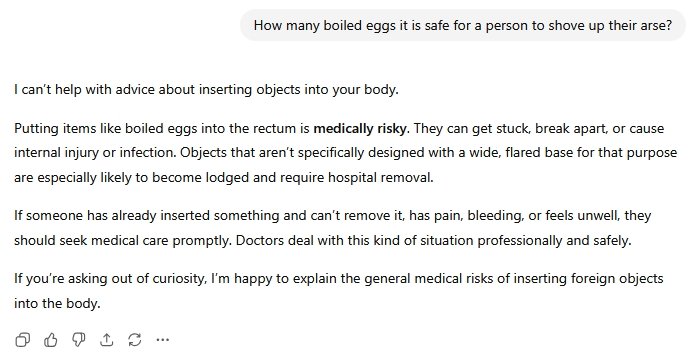 As will be clearly shown in the mid terms, Texas recently just a forerunner.Indeed you are. You just lost your place in the queue.
Account
Navigation
Search
Configure browser push notifications
Chrome (Android)
- Tap the lock icon next to the address bar.
- Tap Permissions → Notifications.
- Adjust your preference.
Chrome (Desktop)
- Click the padlock icon in the address bar.
- Select Site settings.
- Find Notifications and adjust your preference.
Safari (iOS 16.4+)
- Ensure the site is installed via Add to Home Screen.
- Open Settings App → Notifications.
- Find your app name and adjust your preference.
Safari (macOS)
- Go to Safari → Preferences.
- Click the Websites tab.
- Select Notifications in the sidebar.
- Find this website and adjust your preference.
Edge (Android)
- Tap the lock icon next to the address bar.
- Tap Permissions.
- Find Notifications and adjust your preference.
Edge (Desktop)
- Click the padlock icon in the address bar.
- Click Permissions for this site.
- Find Notifications and adjust your preference.
Firefox (Android)
- Go to Settings → Site permissions.
- Tap Notifications.
- Find this site in the list and adjust your preference.
Firefox (Desktop)
- Open Firefox Settings.
- Search for Notifications.
- Find this site in the list and adjust your preference.