



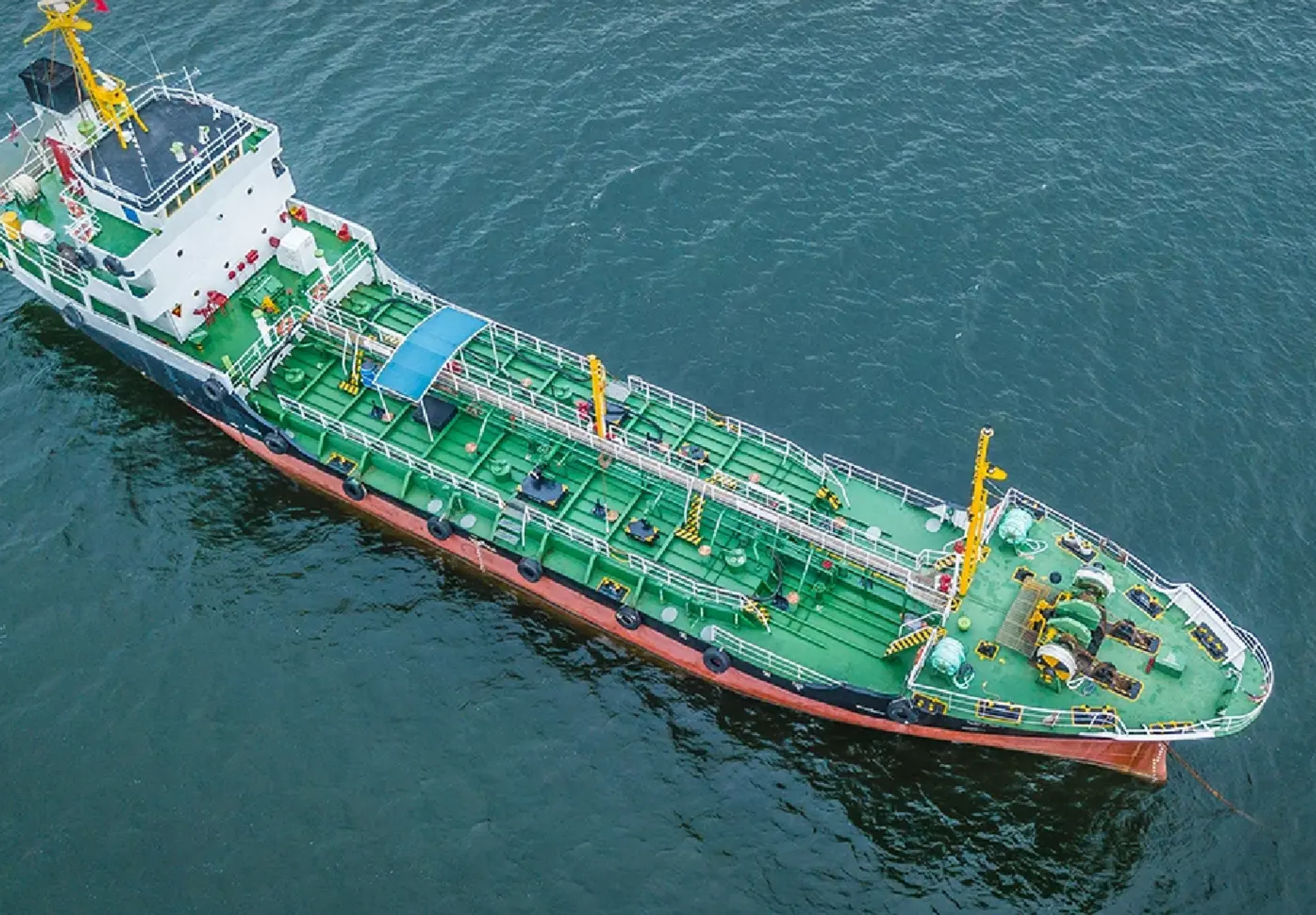

A Bangchak Corporation crude oil tanker has successfully passed through the Strait of Hormuz after being anchored in the Persian Gulf since 11 March. The safe transit will help ensure Thailand’s crude oil supply chain remains uninterrupted.
Get today's headlines by email 
The tanker’s passage was made possible through diplomatic coordination involving the Thai government, the Islamic Republic of Iran and the Sultanate of Oman. Bangchak Corporation Public Company Limited acknowledged the Ministry of Foreign Affairs for its role in discussions and cooperation with relevant agencies.
The vessel had been anchored in the Persian Gulf for nearly two weeks due to logistical and navigational considerations. This region, a key chokepoint for global oil shipments, has seen heightened security and monitoring under international maritime law.
Bangchak stressed that it will continue to monitor the journey closely. The company said it remains committed to transport safety and ensuring continuity in Thailand’s energy supply. Officials highlighted that smooth passage through the Strait of Hormuz reduces risks of delays or disruptions to the country’s crude oil imports.
The Nation reported that the tanker is now travelling across the Indian Ocean and is scheduled to deliver its crude oil cargo to Thailand in early April. Authorities and the company are maintaining oversight to ensure the remainder of the voyage proceeds without incident.
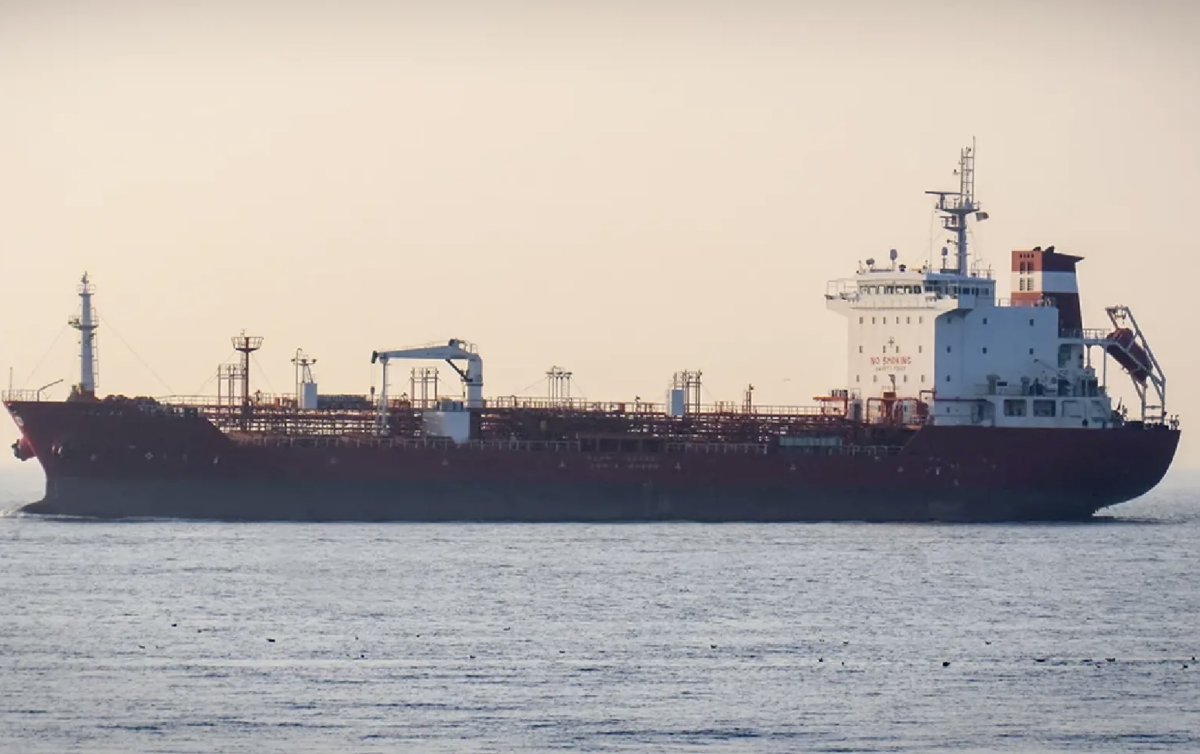
Picture courtesy of The Nation
Join the discussion? 
Already a member? 
 Adapted by ASEAN Now Nation 26 Mar 2026