



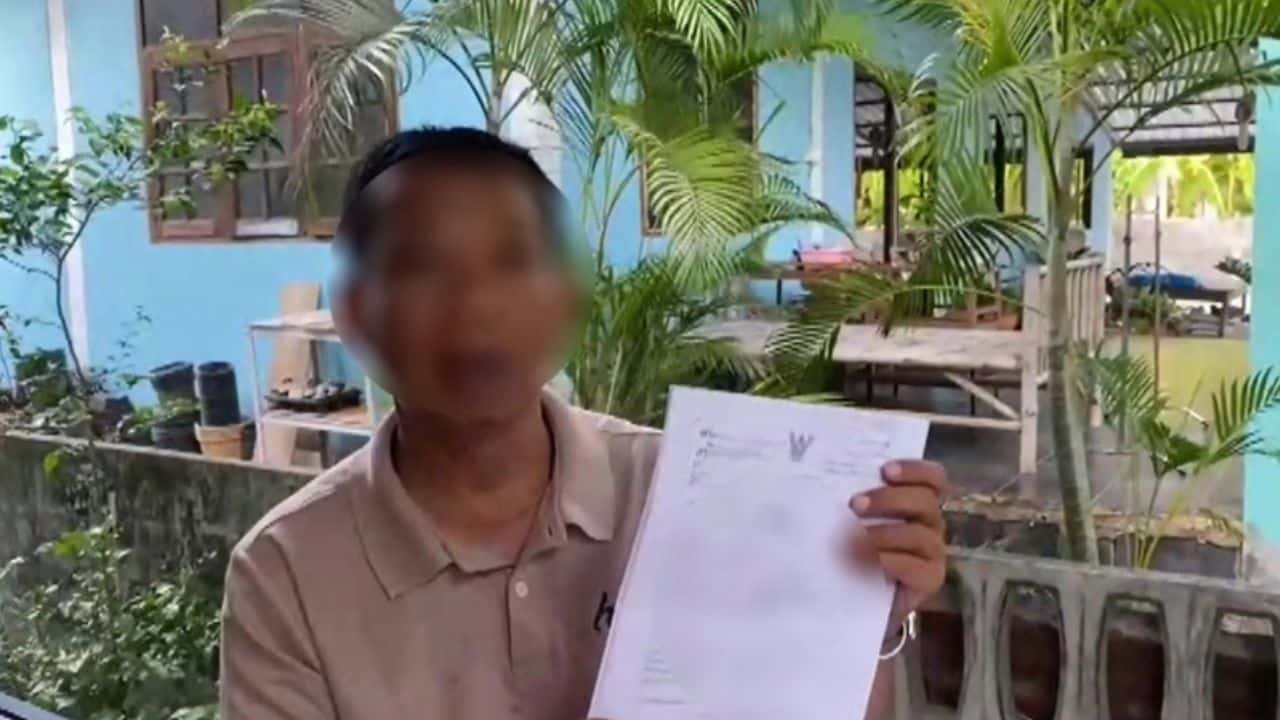

A homeowner in Chaiyaphum is disputing a house seizure notice after claiming to have fully repaid his debt last year. Kriengsak, a resident of Phon Thong, received a notice from the Chaiyaphum Legal Execution Office on May 8, despite having documentation that the 418,140 baht debt was settled in May 2025. The notice says his property will be seized, and mediation is set for June 4.
Get today's headlines by email 
The issue traces back over a decade when Kriengsak mortgaged his home. During the COVID-19 pandemic, he fell behind on payments but later mediated with the bank and the Legal Execution Office. On May 8, 2025, he paid the full debt amount, confirmed with a bank receipt.
Kriengsak is concerned about losing his home and potential damage to his credit record. Despite contacting the bank and Legal Execution Office, he has not received an explanation. He urges the bank to verify facts to prevent future cases.
Join the discussion? 
Already a member? 
 Adapted by ASEAN Now · The Thaiger · 12 May 2026
Recommended Comments
Create an account or sign in to comment