



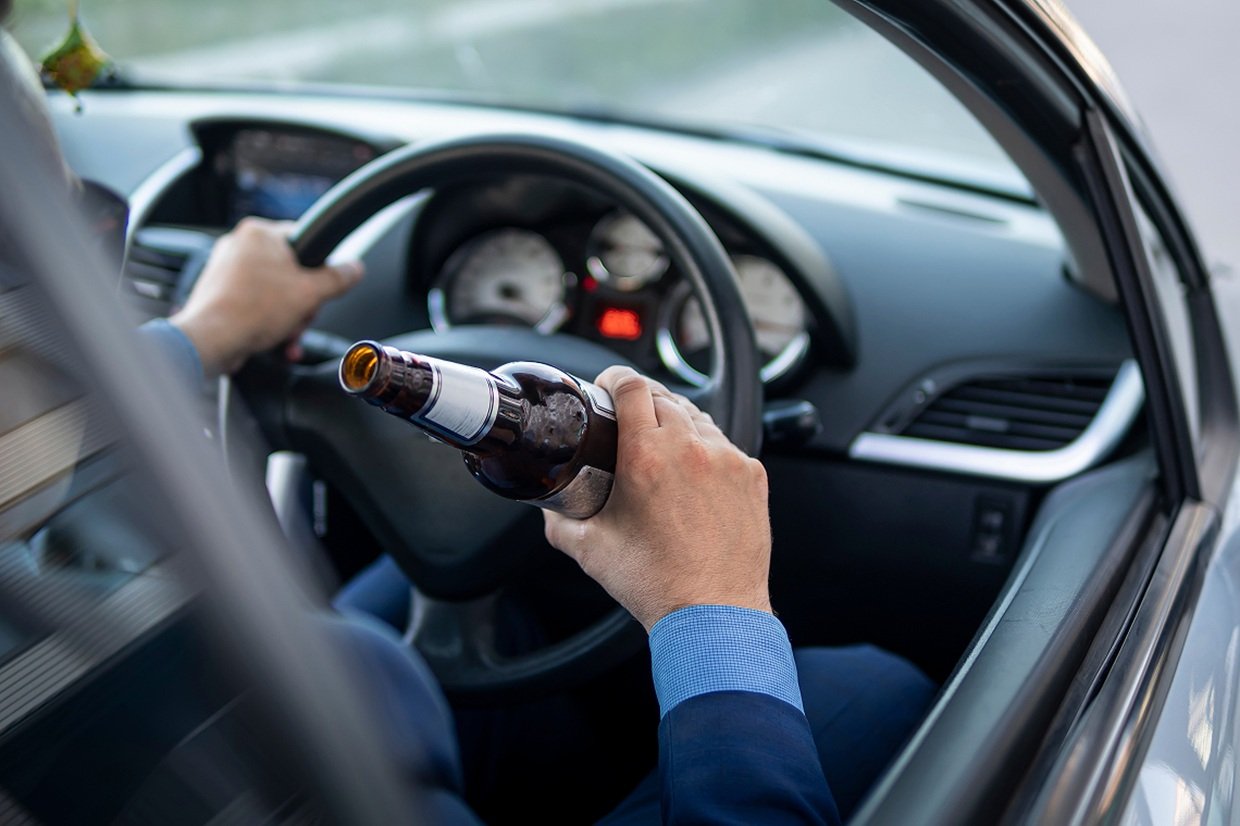

Drink-driving made up over 94% of probation cases in Thailand's first five days of Songkran, with Chiang Mai recording the highest number. From April 10 to 14, 2026, the Probation Department processed 3,961 cases, of which 3,726 involved drink-driving. This high percentage highlights the ongoing concerns about road safety during the holiday period.
Get today's headlines by email 
Pol Capt Piya Raksakul, director-general of the Probation Department, emphasized efforts to enforce road safety with the campaign “Drive safely, slow down, reduce accidents.” In addition to drink-driving, there were 230 cases of drug-impaired driving, four reckless driving cases, and one street-racing case during this period.
On April 14 alone, 667 cases entered the probation system, with drink-driving accounting for 97.5% of these cases, despite fewer reports due to closed courts. The department's proactive measures included community service for offenders and educational sessions on traffic laws and penalties.
Looking forward, the department encourages the public to adhere to safe driving practices, especially when returning home after Songkran. The goal is to reduce road accidents and ensure safer travel during the holiday.
Join the discussion? 
Already a member? 
 Adapted by ASEAN Now · The Nation · 15 Apr 2026
Recommended Comments
Create an account or sign in to comment