



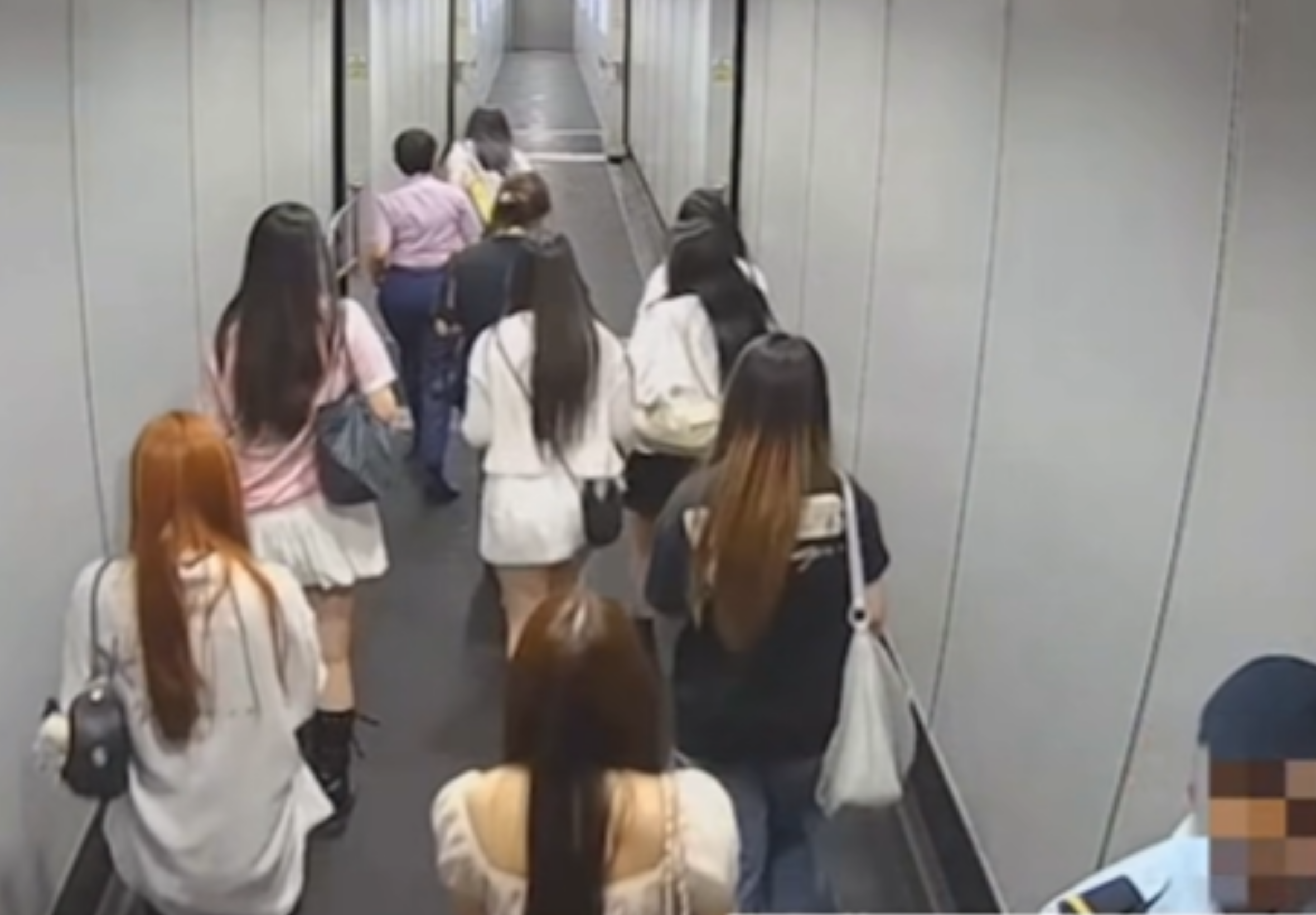

Suvarnabhumi Airport has apologised for inappropriate conduct by security personnel after 22 Chinese fan club members were refused travel on a Thai Airways flight to Beijing on 29 July.
The airport said the group had followed a Chinese artist through restricted passenger areas and caused disruption before flight TG674 was due to depart Bangkok at 11.50pm. It said airline staff ultimately denied them boarding over security and safety concerns.
The case emerged after Chinese media reported that more than 20 Chinese passengers had been removed from the boarding bridge despite having checked in and cleared security. Online footage also appeared to show a uniformed security officer making a gesture widely criticised as racist.
Airport says fans entered restricted lounge
Suvarnabhumi said the incident began at about 11pm, when a group of fans travelling on TG674 followed the artist into an airline lounge which they were not entitled to use.
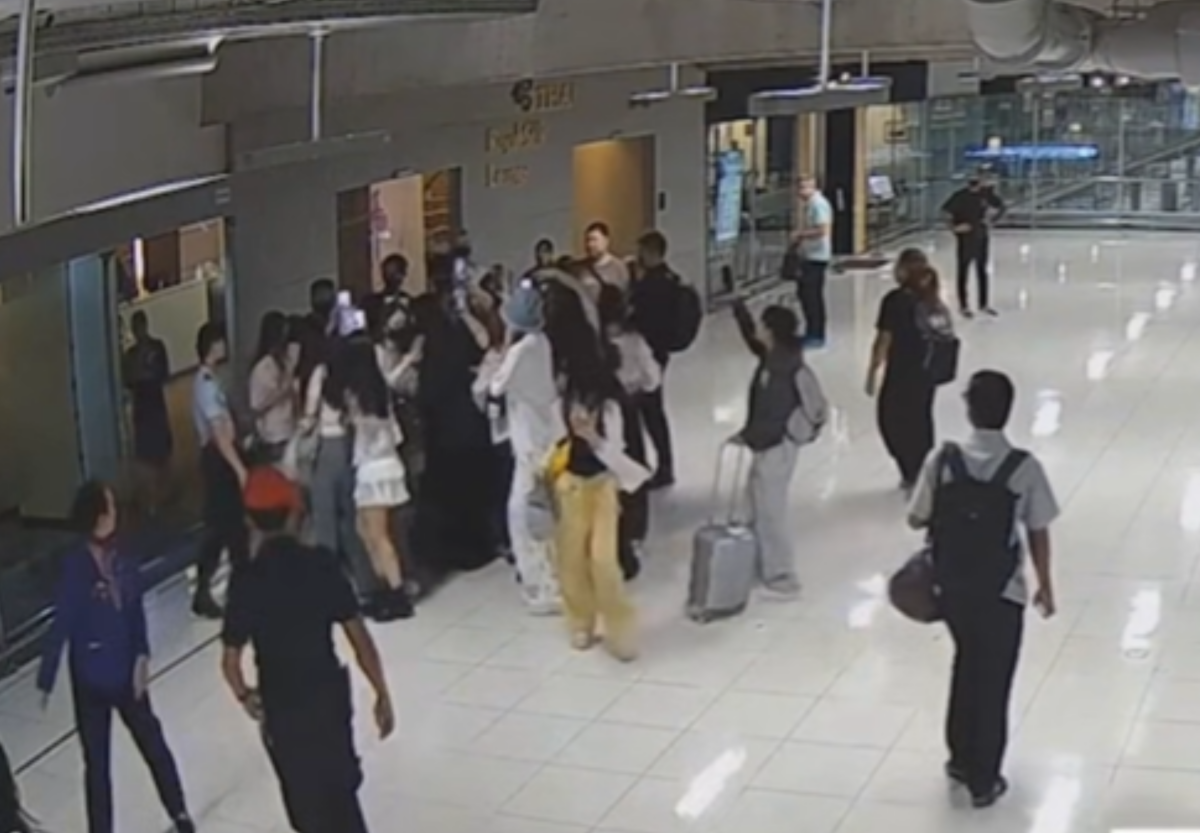
Thai Airways staff called airport security, who asked the group to leave the lounge. According to the airport, the fans continued following the artist into the hold room before boarding.
At the document-check point, the group allegedly did not cooperate with boarding-pass checks and tried to rush after the artist to board at the same time. They reached the air bridge, where the artist had already entered the aircraft.
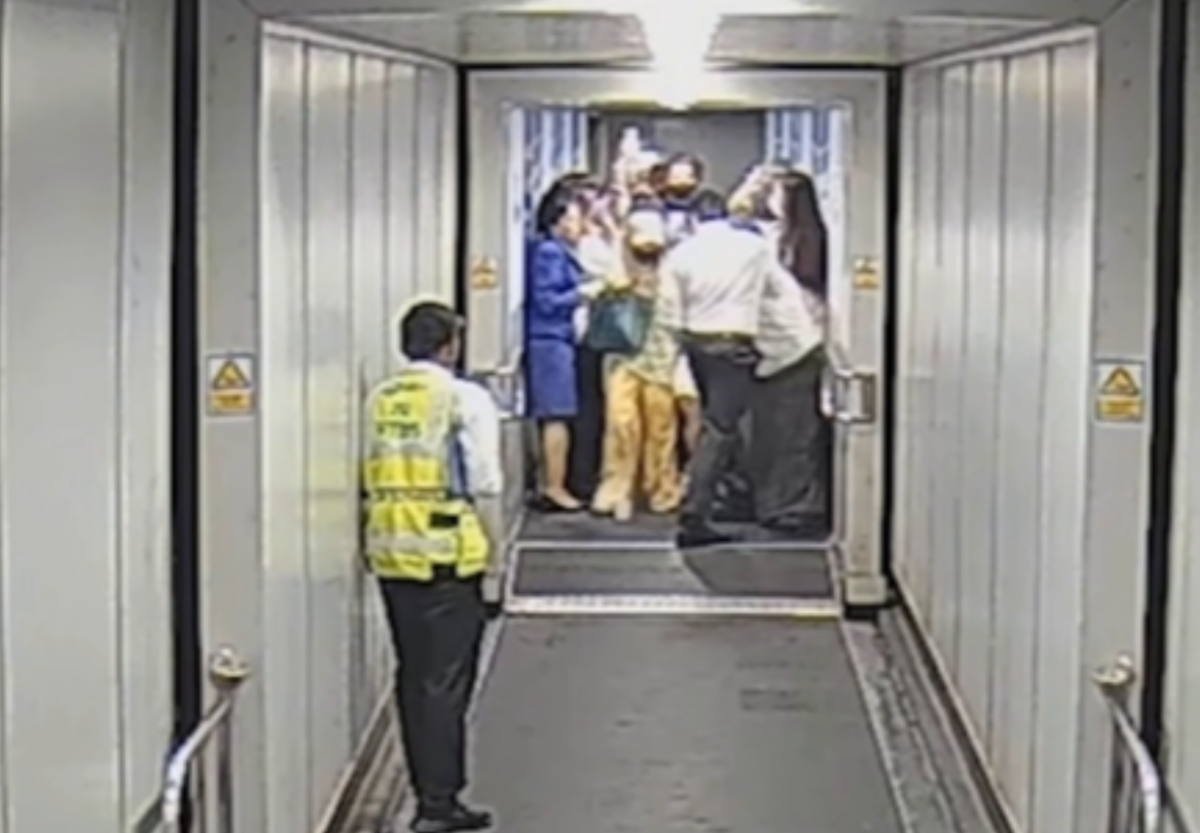
The airline temporarily closed the aircraft door to prevent people who had not completed boarding-pass checks from entering. Security and airline staff then moved the group back into the departure lounge, Suvarnabhumi said.
Twenty-two passengers denied boarding
Thai Airways decided to refuse travel to all 22 fans because they had not followed security measures and airline rules, the airport said. The airline feared they could create disruption on board that could not be controlled after departure, causing a delay to the flight.
Twelve members of the group agreed to have their checked baggage removed from the flight. Ten others refused to do so and showed anger over the refusal to travel, while allegedly provoking staff during the operation, the airport said.
Pictures courtesy of Amarin
The airport said this led to a confrontation seen in social-media footage, after which security staff handed responsibility back to airline personnel. Under international aviation security procedures, checked baggage must be removed if its owner does not travel.
Earlier reports had quoted some affected passengers as saying they were ordinary travellers rather than fans, and that they had not been clearly told why they were barred from boarding. The airport's statement identifies all 22 as part of the fan group.
Staff face disciplinary action
Suvarnabhumi accepted that some security staff displayed inappropriate behaviour while handling the incident, despite the operation being intended to protect passengers and aviation security.
Group Captain Chananat Rodkul, the airport's Director of Security, has ordered disciplinary action against the staff involved. The airport said it would review its incident-management procedures and supervision of personnel.
Join the discussion? 

5 August 2026
Recommended Comments
Create an account or sign in to comment