



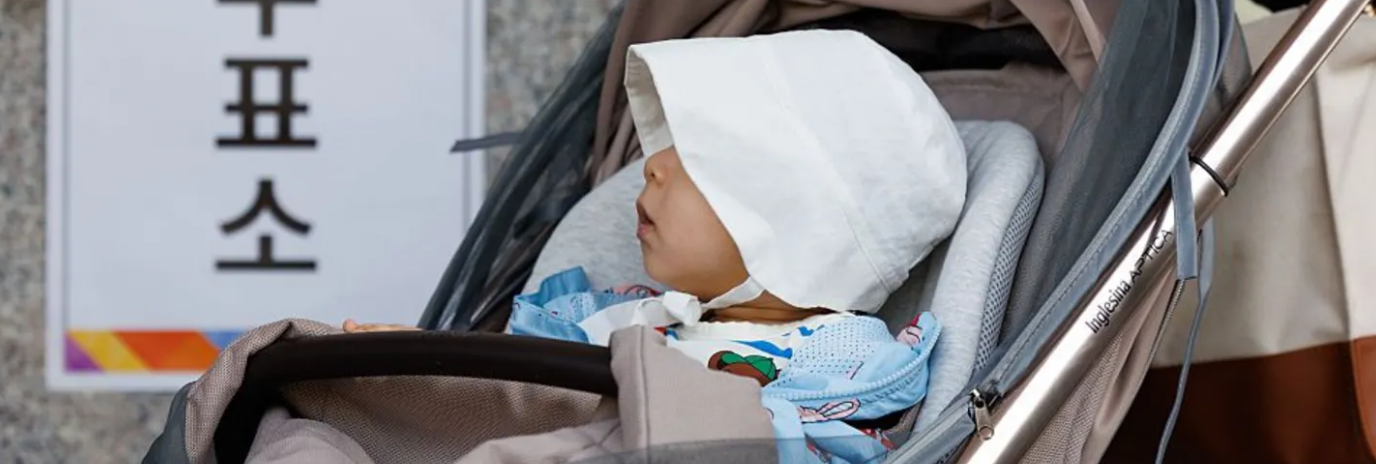

Expulsion follows uproar over birth-rate suggestion
A South Korean official, Kim Hee-soo, faced expulsion from the ruling Democratic Party after proposing "importing young women" from countries like Vietnam and Sri Lanka to boost birth rates. His comments, made during a town hall, sparked widespread anger and a diplomatic protest from Vietnam.
Kim suggested these women could marry young men in rural areas, as South Korea struggles with one of the world’s lowest birth rates. The statement was televised, leading to days of public outrage.
Despite issuing an apology, Kim's attempts to quell the backlash failed. He claimed his comment aimed to address population issues in rural regions but admitted it was "inappropriate."
South Jeolla Province publicly apologized, acknowledging the pain caused to Vietnamese people and women. The Vietnamese Embassy condemned the remarks as offensive to migrant women and minority groups.
The Democratic Party’s Supreme Council voted unanimously to expel Kim. Women and migrant rights activists plan to rally against his comments, highlighting ongoing tensions over values and attitudes towards minority groups.
Key Takeaways
South Korean official expelled over controversial remarks.
Comments sparked diplomatic protest from Vietnam.
Activists plan to rally in response to the remarks.


Adapted by ASEAN Now from Source 2026-01-31

