hml367
Advanced Member
-
Joined
-
Last visited
-
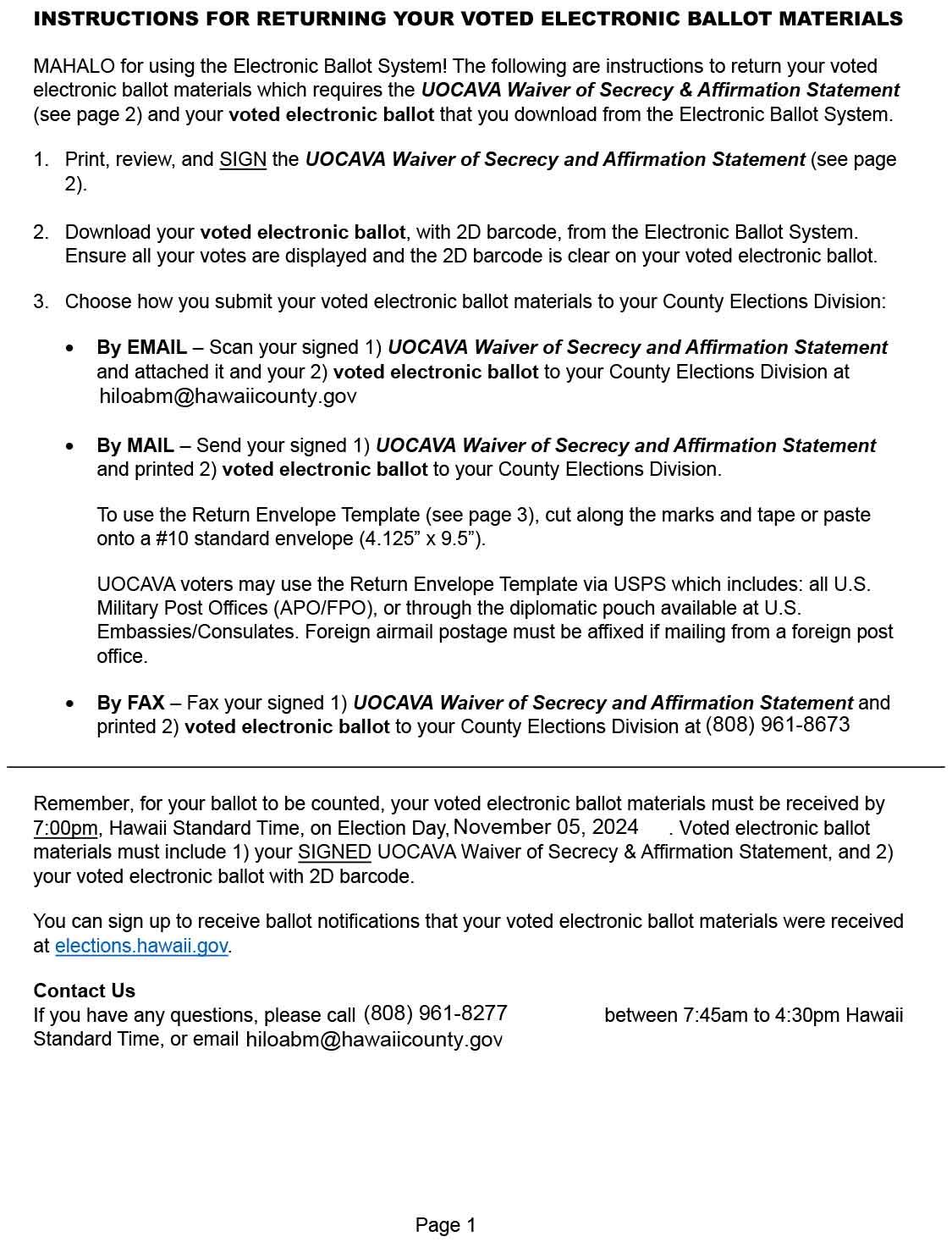
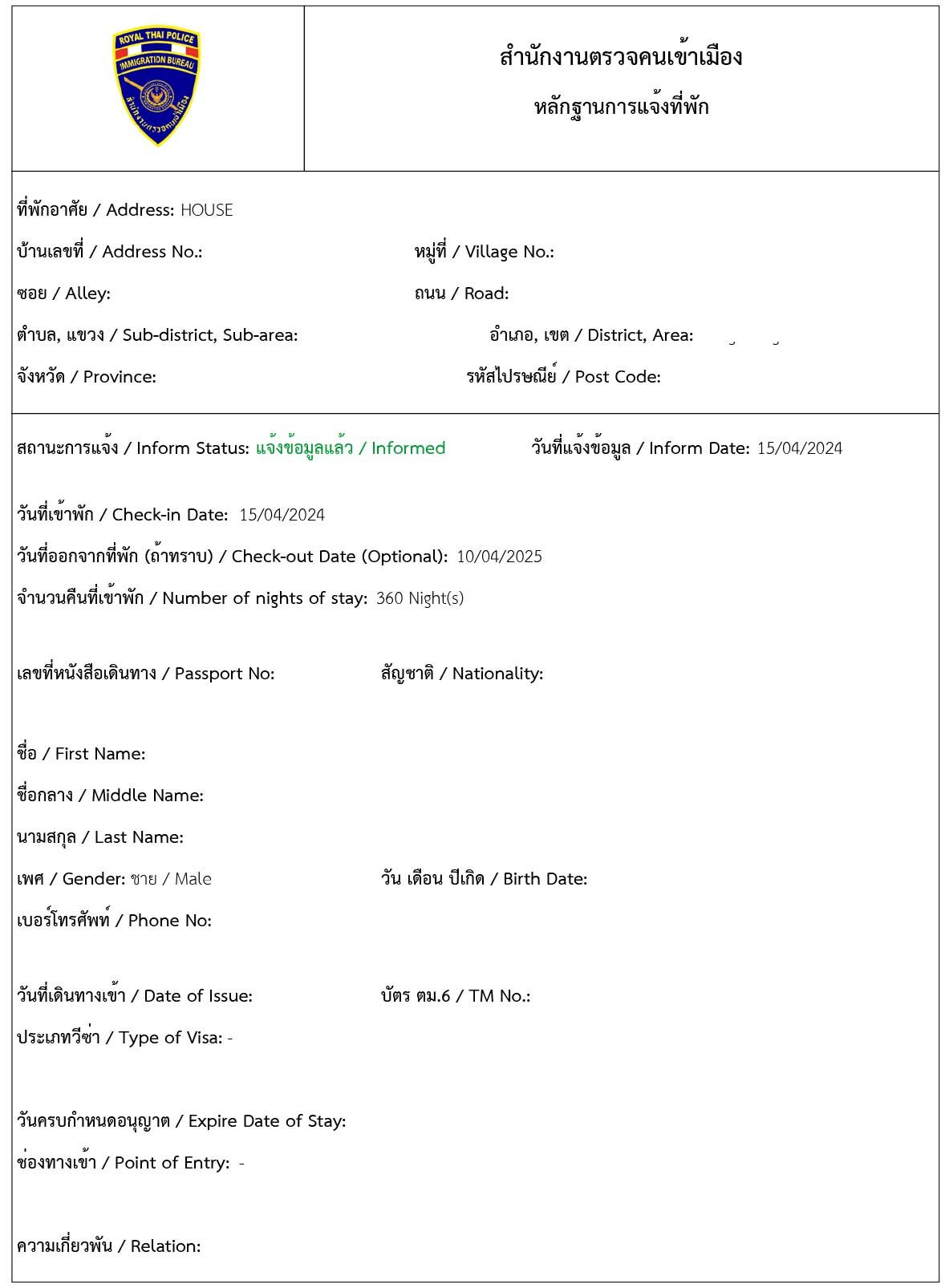
My experience: You can print the notice that you notified online, but you must get that to the Immigration office for them to make the actual "receipt" of notification. I found this out by thinking the printout from the online notification was enough... it wasn't! But I also was not fined. ".....You will be able to print evidence of notifying the foreigner's residence to send to the Immigration officer by following the steps below." https://tm30.immigration.go.th/TM30/Foreigner/TM30EN/Notify-Residence.html
-
There are variables to answer your question: country transferring from; can your financial institution provide the services offered; etc. Try looking here: https://www.bangkokbank.com/en/Personal/Other-Services/Transfers
-
It is allowed depending on the jurisdiction. https://www.fvap.gov/citizen-voterI bought 2 from Shopee Thailand at a reasonable price... Search for "bamboo blinds"... If I am not mistaken they blinds were made in Chiang Mai.The same for me.... just yesterday I did put 1 date.... I also had 2 attempts...I finished "informing" for the T.M. 30 yesterday after a 3 day trip. After I got to the "informed" screen you mention I tried various SEARCH to get something more than a screen grab. I was able to download a form of the T.M. 30 by entering ONLY the informed date in the search page. Then the informed comes up, click on the magnifying glass and the information comes up. On this page I clicked on EXPORT and a form opened with the T.M. 30 information. (the information was filled in and I cut my information out of this file) This page has a link about exporting the notification https://tm30.immigration.go.th/TM30/Foreigner/TM30EN/Notify-Residence.html
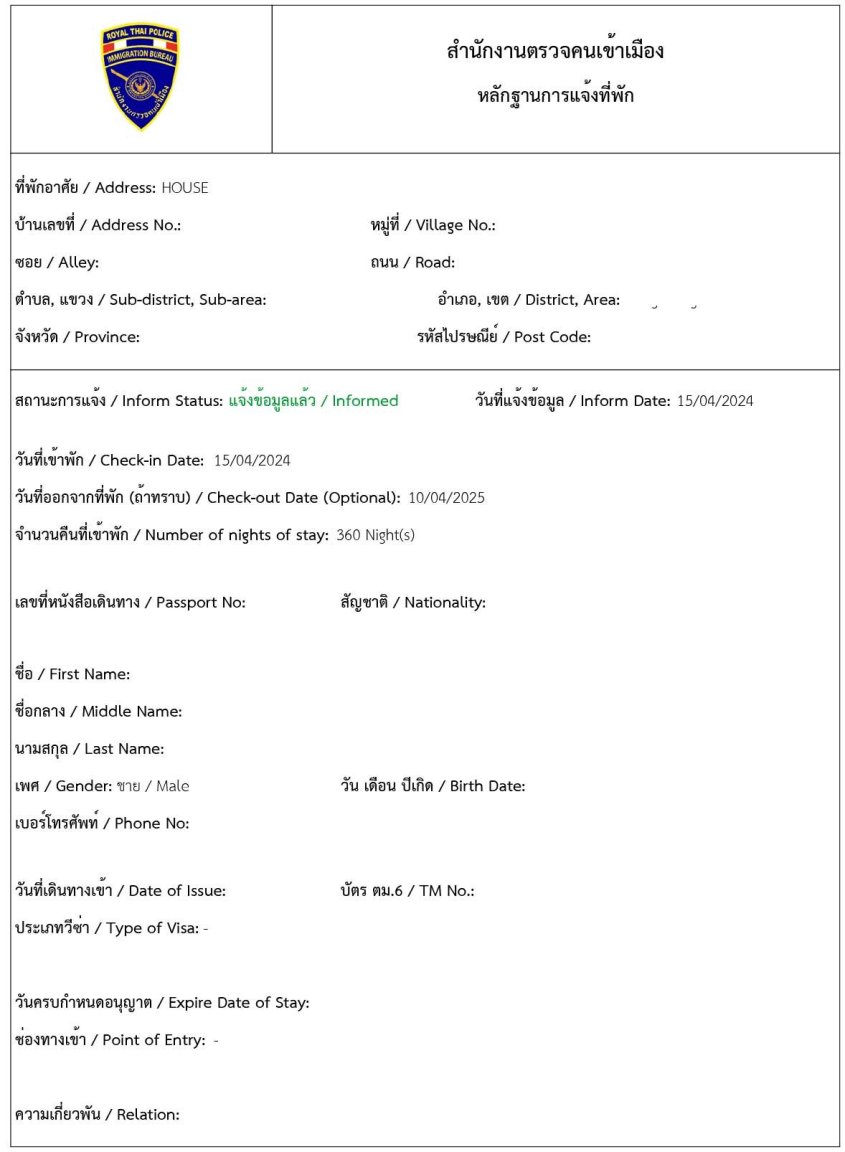 https://www.expattaxthailand.com/your-questions-answered/
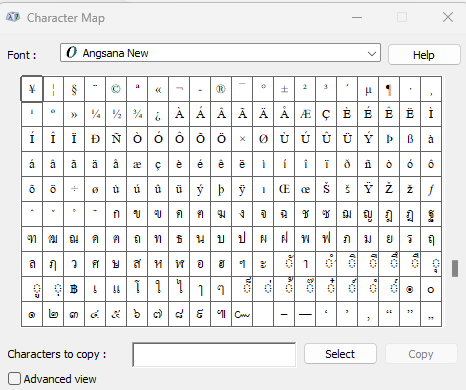
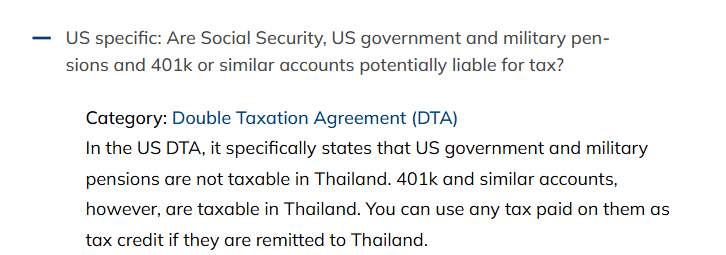 This is the English, excerpted from the email I got from Immigration in September, 2023: We are pleased to inform you that with effect from 15 September 2023, the website address (URL) will be changed as follows. However, you will need to register again at our new website. For clients who have saved our website as a “Favorite” or “Bookmark”, please update the settings. URL Previous URL: https://extranet.immigration.go.th/fn24online/ New URL: https://tm30.immigration.go.th/tm30/#/login"I don't believe you can. I think there are issues with both being over 50 as well as being a foreigner. In fact I had read this sometime in the past on this forum" I was over 50 and non-Thai when I registered at Maharaj some years ago.The Thai language characters are available on my computer in the CHARACTER MAP, without changing the keyboard.
 Does anyone know where I may find in Chiang Mai, replacement rubber end caps for an extension ladder? Thank you in advance for any help.