frequentatore
Member
-
Joined
-
Last visited
-
Do not cut your hair!
-
Facebook Marketplace
-
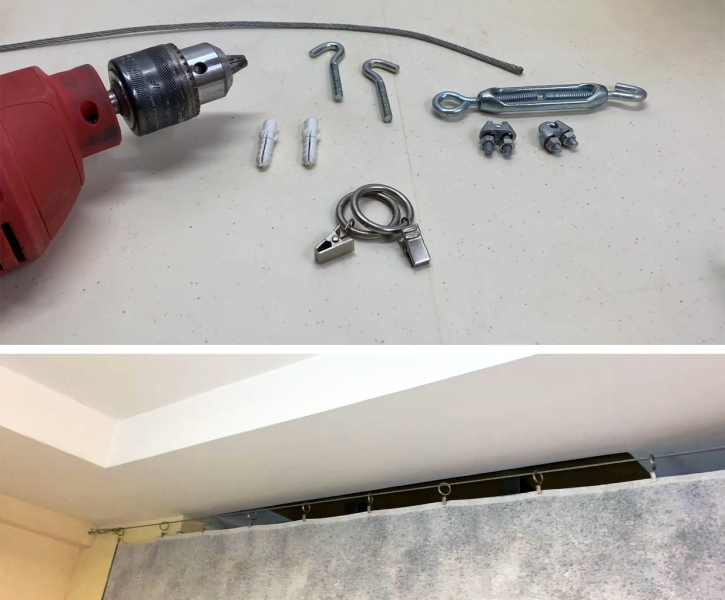
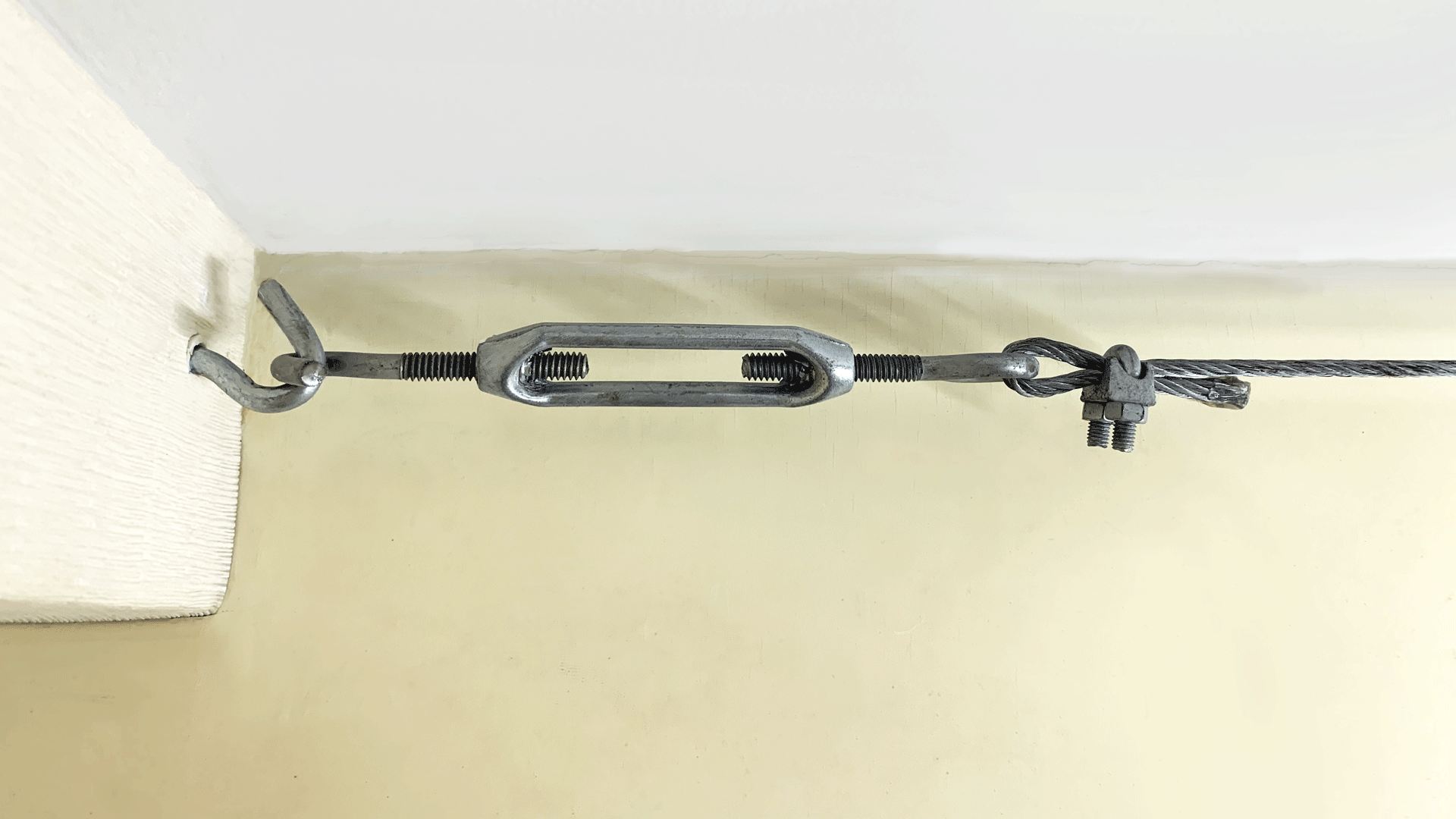
It cost me 350 Baht to buy these parts at HomePro a few years ago. 5-meter (16f) wide room.
-
Haier, cheap and very good. Read this page https://aseannow.com/topic/1336593-aircon-for-small-home-office-w-22m-x-l-27m/#comment-19197860
-
Stop drinking and throw it away.
-
This kind of topic is too complicated for me
-
show some pics
-
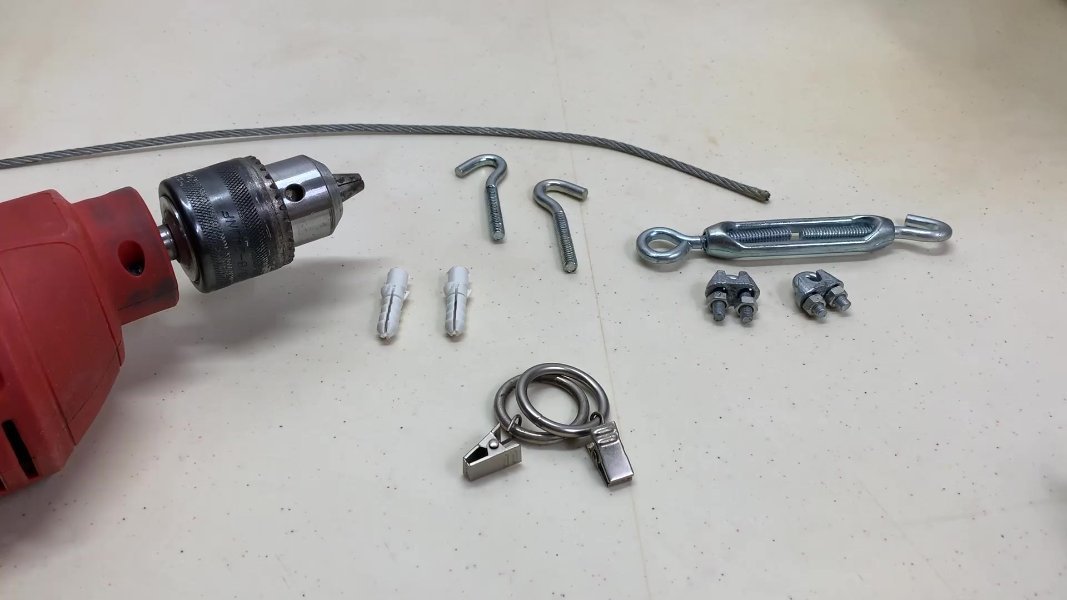
I spent 350 THB at Homepro. 4 mm (5/32") cable + clips (every 20 cm). Smaller sleeping area to save electricity. Perfect for AC, even with a light fabric (queen size bedsheets!). Close the curtain at night or open it when you want to cool the entire room.
-
The fluorescent tube has been replaced by the LED tube many years ago and you don't need the starter et the ballast anymore (need to rewire).
-
sealing strip
-
How many years the galvanized gutters last?
-
Search Samsung fault code from remote control I used to press Cancel on another <deleted>ty brand. It searched all the codes, then I checked the meaning of the error code online (or maybe check your manual).
-
I'll never buy another expensive Japanese brand. My comments: https://aseannow.com/topic/1256688-air-conditioner-recommendations/
-
It's rare. It's an invisible battery.
-
Light, not hot on the skin. No red cheeks anymore. I use this one: .