



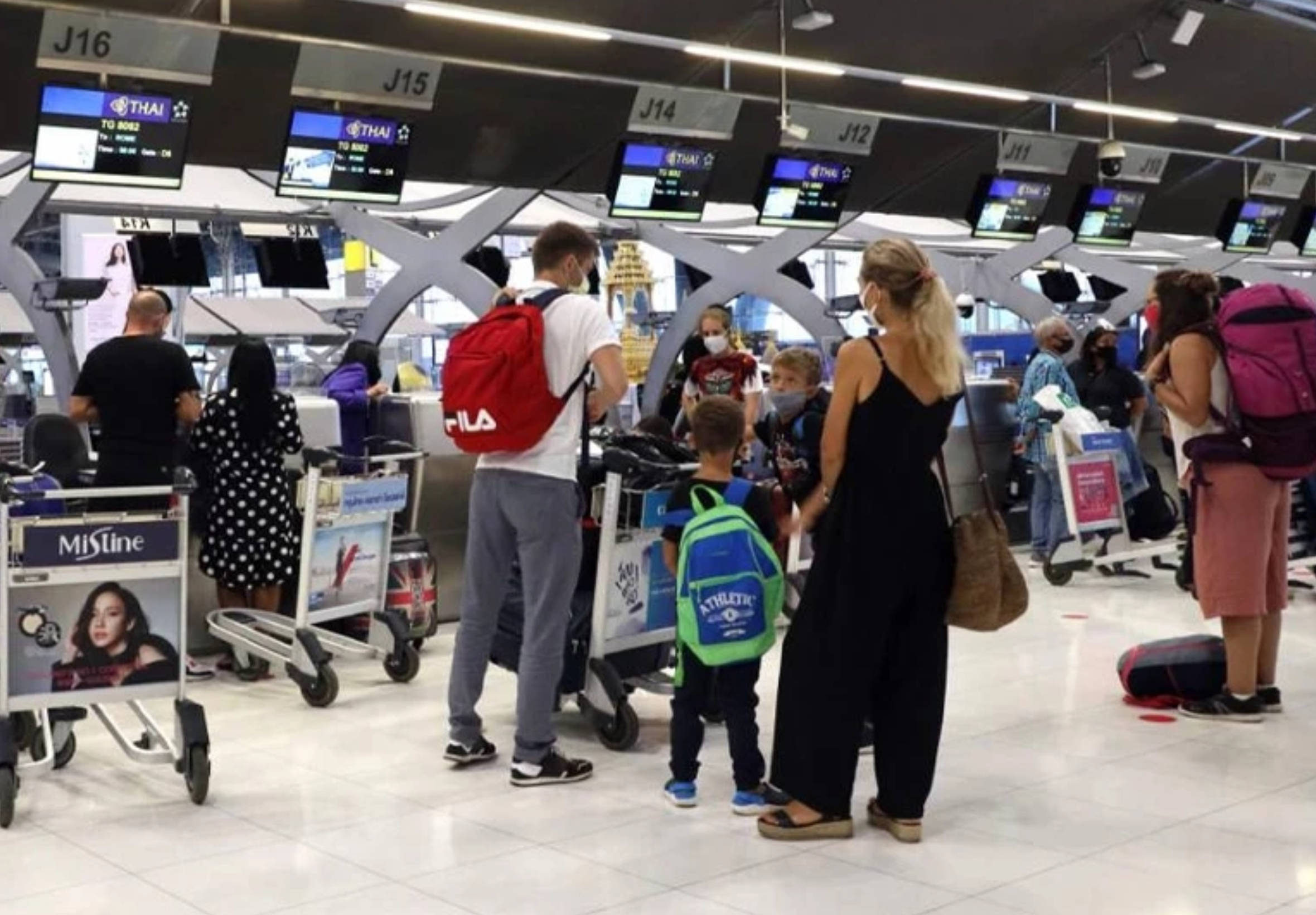

Thailand has increased the Passenger Service Charge (PSC) for international departing passengers from 20 June 2026, raising the fee by 390 baht from 730 baht to 1,120 baht per person. The higher charge applies to passengers travelling on international flights from six major airports across the country.
Get today's headlines by email 
The airports affected by the increase are Suvarnabhumi Airport, Don Mueang Airport, Chiang Mai Airport, Mae Fah Luang Chiang Rai Airport, Phuket Airport and Hat Yai Airport. The revised charge came into effect on 20 June 2026.
The Passenger Service Charge is already included in the price of airline tickets, meaning travellers will not be required to pay the fee separately at the airport. The increase applies only to international departures.
Domestic travellers are unaffected by the change. The Passenger Service Charge for domestic flights remains unchanged at 130 baht per person.
The revised fee structure takes effect immediately and applies to eligible departures from the six airports covered by the policy. Airlines and airport operators have already incorporated the charge into ticket pricing.
Komchadluek reported that passengers planning international travel through the affected airports should be aware that the higher Passenger Service Charge is now in force.
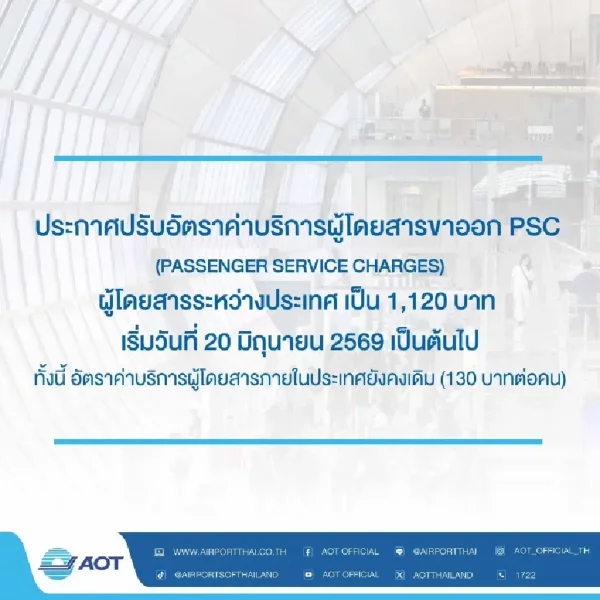
Picture courtesy of Komchadluek
Join the discussion? 
Already a member? 
 Adapted by ASEAN Now Komchadluek 21 June 2026
-
 1
1
Recommended Comments
Create an account or sign in to comment