



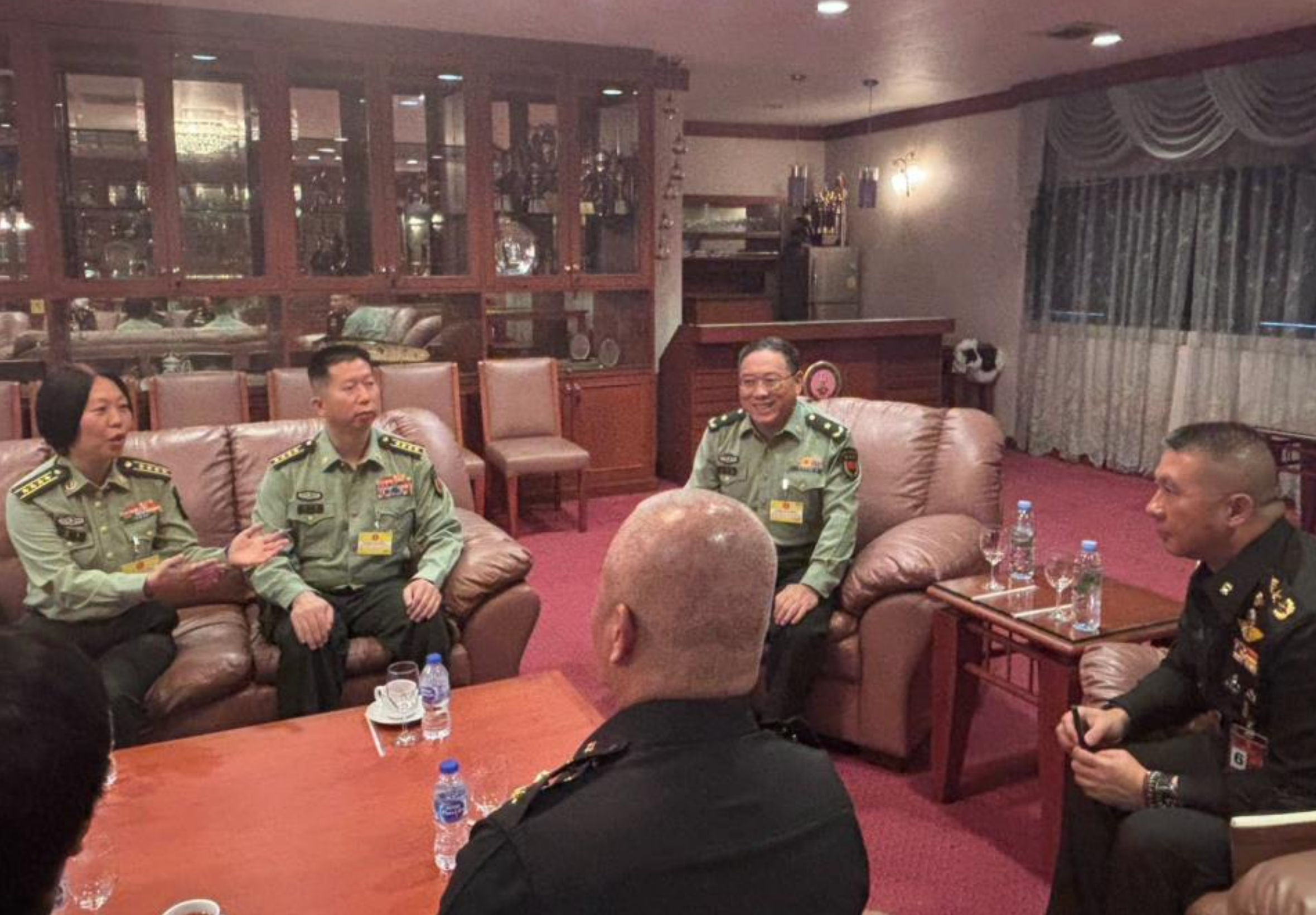

China's assistant military attache in Thailand has told the Royal Thai Army that Cambodia was instructed not to use Chinese-supplied weapons in the Thailand-Cambodia border area.
Major General Zhang Linhong met Lieutenant General Theeranan Nuntkhwang, director of Army Intelligence, on 4 August 2026 to discuss military relations between Thailand and China.
China addresses Thai concerns
The meeting focused in particular on Chinese deliveries of tanks, patrol boats and other military equipment to Cambodia, which had caused concern in Thailand.
Zhang expressed concern over the conflict between Thailand and Cambodia and said the two countries had long been neighbours. He said they should seek a peaceful solution together.
He also stressed China's close partnership with Thailand and said Beijing wanted to be transparent and sincere with the Thai side.
Deliveries were under earlier agreements
Zhang said China had not been involved in supplying weapons for Cambodian military operations during the clashes between Thailand and Cambodia.
The equipment received by Cambodia had instead been delivered under agreements previously made between China and Cambodia, he said.
China's assistant military attache also reaffirmed the importance Beijing places on its relationship with Thailand. He said Cambodia had been given guidance that Chinese military equipment must not be used in areas along the Thai-Cambodian border.
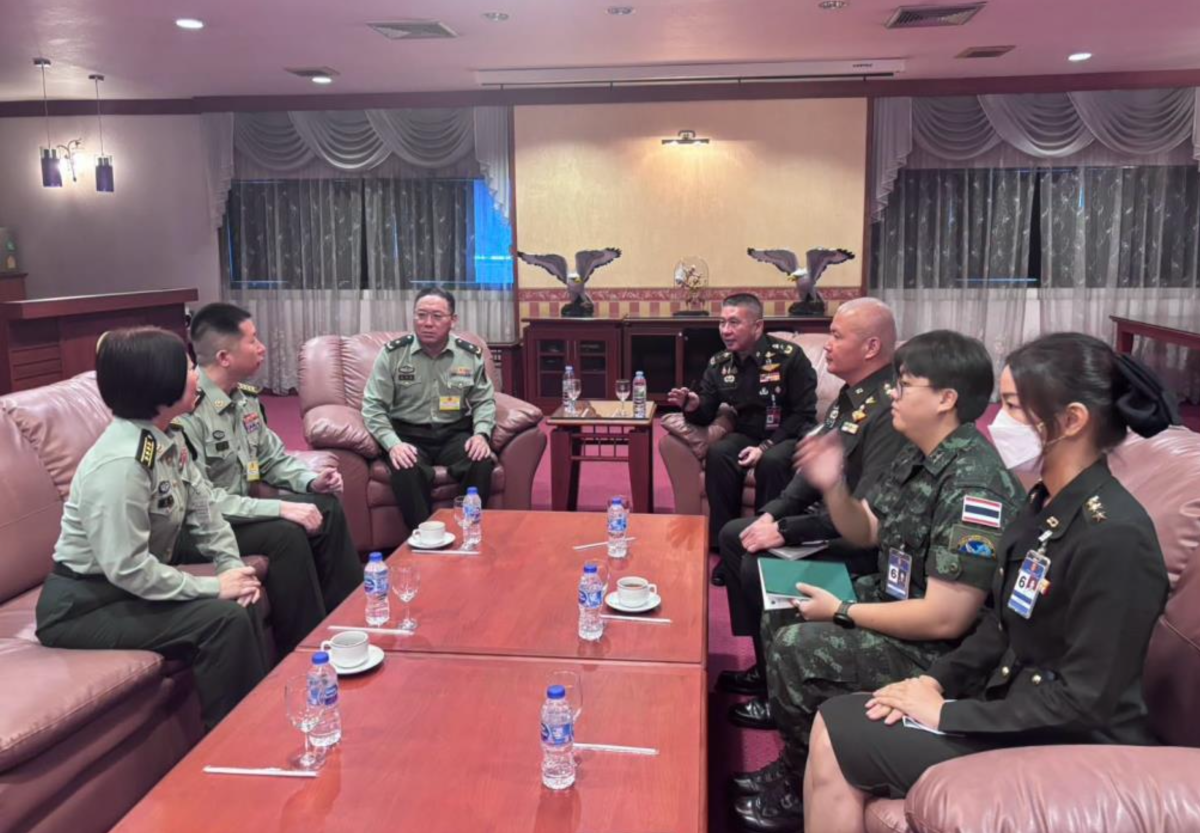
Picture courtesy of MGR Online
Join the discussion? 

7 August 2026
Recommended Comments
Create an account or sign in to comment