



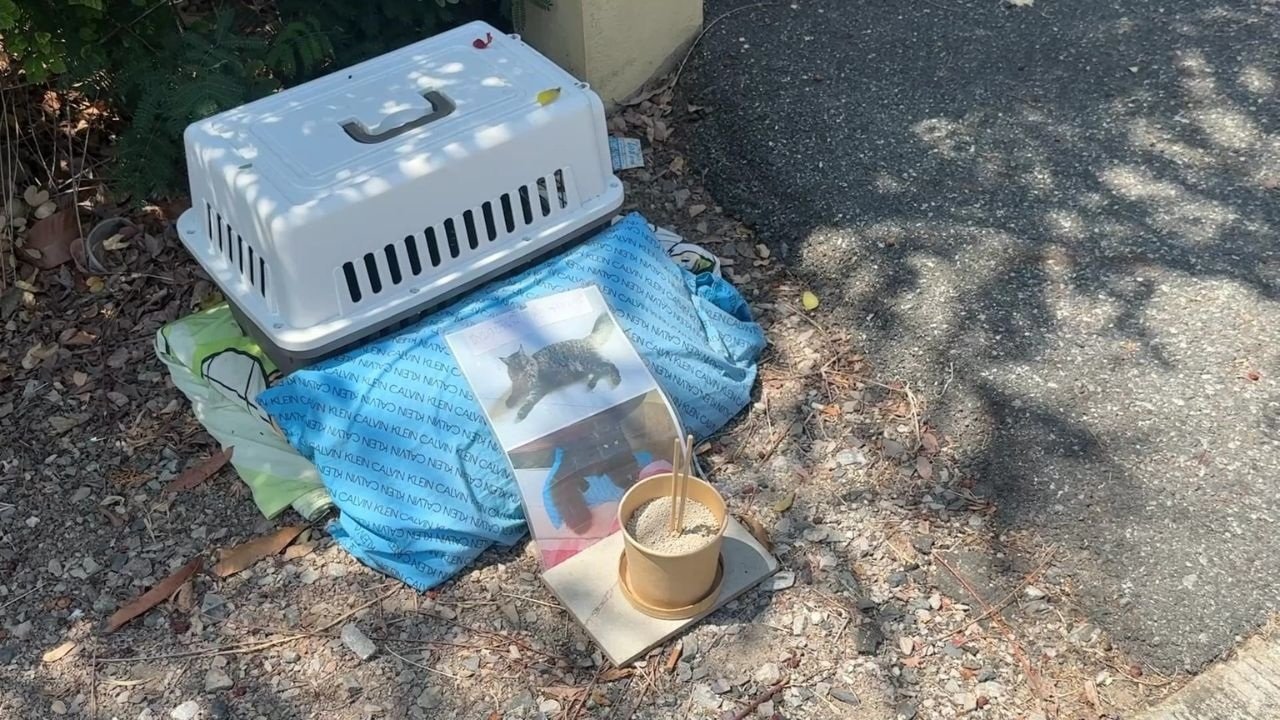

A homeowner in Ban Mai subdistrict, Chachoengsao faced backlash after threatening to use poison due to ongoing issues with a neighbor's dogs. A banner warning of the action circulated online, causing public concern. The dispute between neighbors has persisted for several years.
Get today's headlines by email 
The homeowner, identified as Nod, complained that the neighbor’s dogs, including German shepherds, often escaped and killed over ten of his animals, including a Maine Coon cat. Nod retaliated by placing a deceased cat’s photo with a warning outside the neighbor’s house and threatened to use poison. The issue prompted the village head to intervene, leading to the banner’s removal on March 30.
Local residents, aged 67 and 55, reported the dogs' aggressive behavior, mentioning incidents of attempted attacks on people and motorcycles. They confirmed that the dogs have been relocated, and the neighbor's house was found empty for further comment.
Join the discussion? 
Already a member? 
 Adapted by ASEAN Now · The Thaiger · 01 Apr 2026
Recommended Comments
Create an account or sign in to comment