



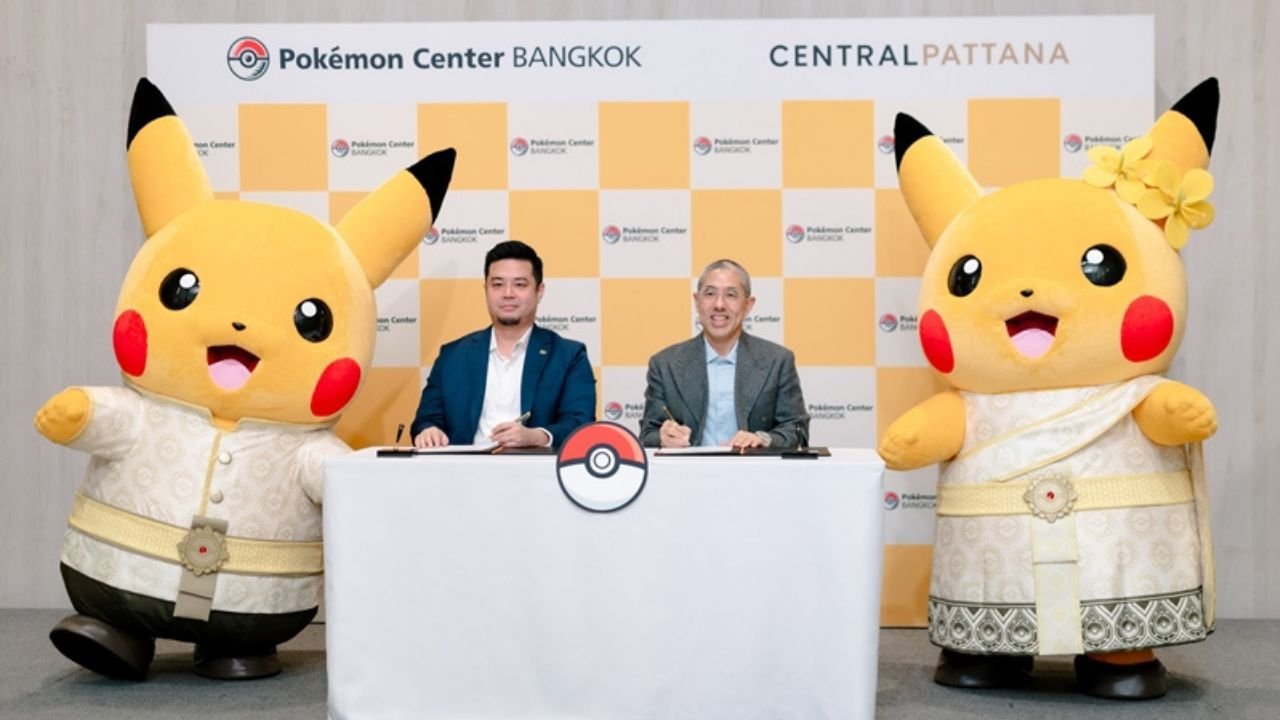

Thailand will welcome its first Pokémon Centre in 2026 at centralwOrld, Bangkok. The centre is set to be the largest outside Japan, highlighting the expansion of Pokémon (Thailand) as they aim to blend local culture into the brand. This development follows the successful openings in Singapore and Taipei, marking Bangkok as the third overseas location.
Get today's headlines by email 
The lease agreement for Pokémon Centre Bangkok was signed by Shunsuke Sasaki of Pokémon (Thailand) and Isareit Chirathivat from Central Pattana. During the signing event, Pikachu made an appearance in Thai-inspired attire, reflecting the centre's cultural integration strategy. This new store aims to attract both local fans and tourists, offering a unique venue for Pokémon enthusiasts.
The site will feature official merchandise and host various activities, including trading card competitions. Though specifics on store size and exclusive offerings remain under wraps, more details about the opening and special features will be disclosed in the future. The expansion aligns with Pokémon's global strategy to establish more international outlets and engage with diverse audiences.
Join the discussion? 
Already a member? 
 Adapted by ASEAN Now · The Thaiger · 04 Mar 2026
Recommended Comments
Create an account or sign in to comment