Photoguy21
Advanced Member
-
Joined
-
Last visited
Everything posted by Photoguy21
-
You get them in every country not just Thailand
-
If they didn't do similar off line they wouldn't do it online
-
When you work things out let me know
-
And Americans who believe only they have a good country.
-
Next time I go I will take a photo and post it
-
Didnt have any in the one I had
-
Not constantly isnt normal
-
Your opinion I disagree with you but you are entitled to have it.
-
I am educated are you?
-
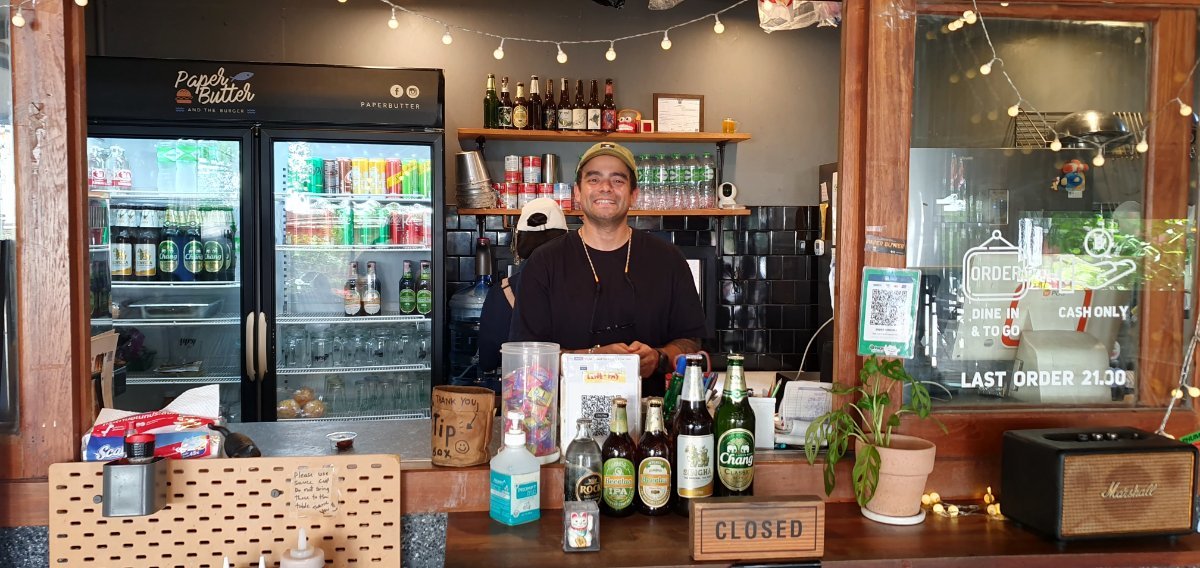
He opens at 11am. I took this photo around 10:30am
-
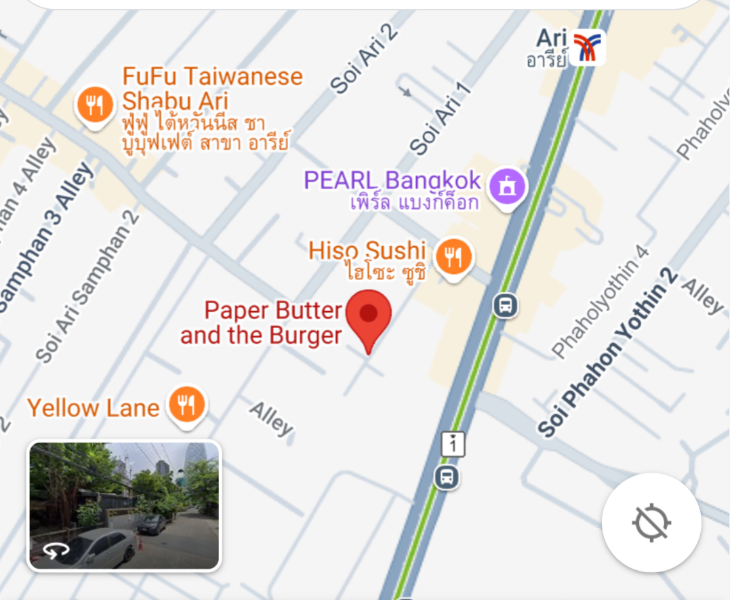
See the map below
-
IQ in single digits
-
I have attached a map. See below.
-
But she has been helped by the Banks Helpline
-
Never asked what the fish was but it was nice.
-
If they did stop moaning they may actually get a life.
-
Think what you like. I gave up trying to educate people a long time ago.
-
You would be too dumb to comprehend it. PS Comprehend means to understand
-
If anyone is looking for fish and chips outside of a bar environment then this one may be worth trying. It is in Ari (Bangkok)
-
What would happen if you called the office, clearly identified yourself and then told them yes I sometimes feel dead but not always.
-
But say something hurtful on the internet and you will be before a judge within hours.
-
Yes, I would still opt to live in Thailand.
-
If people want to go to these facilities then it is their choice. I dont see why you would care about it.
-
Who defines the misinformation?
-
It is relevant maybe you are just capable of seeing that.