wombat
Advanced Member
-
Joined
-
Last visited
Everything posted by wombat
-
AI could.
-
2 sides to every story that's for sure.
-
Handbags at dawn?
-
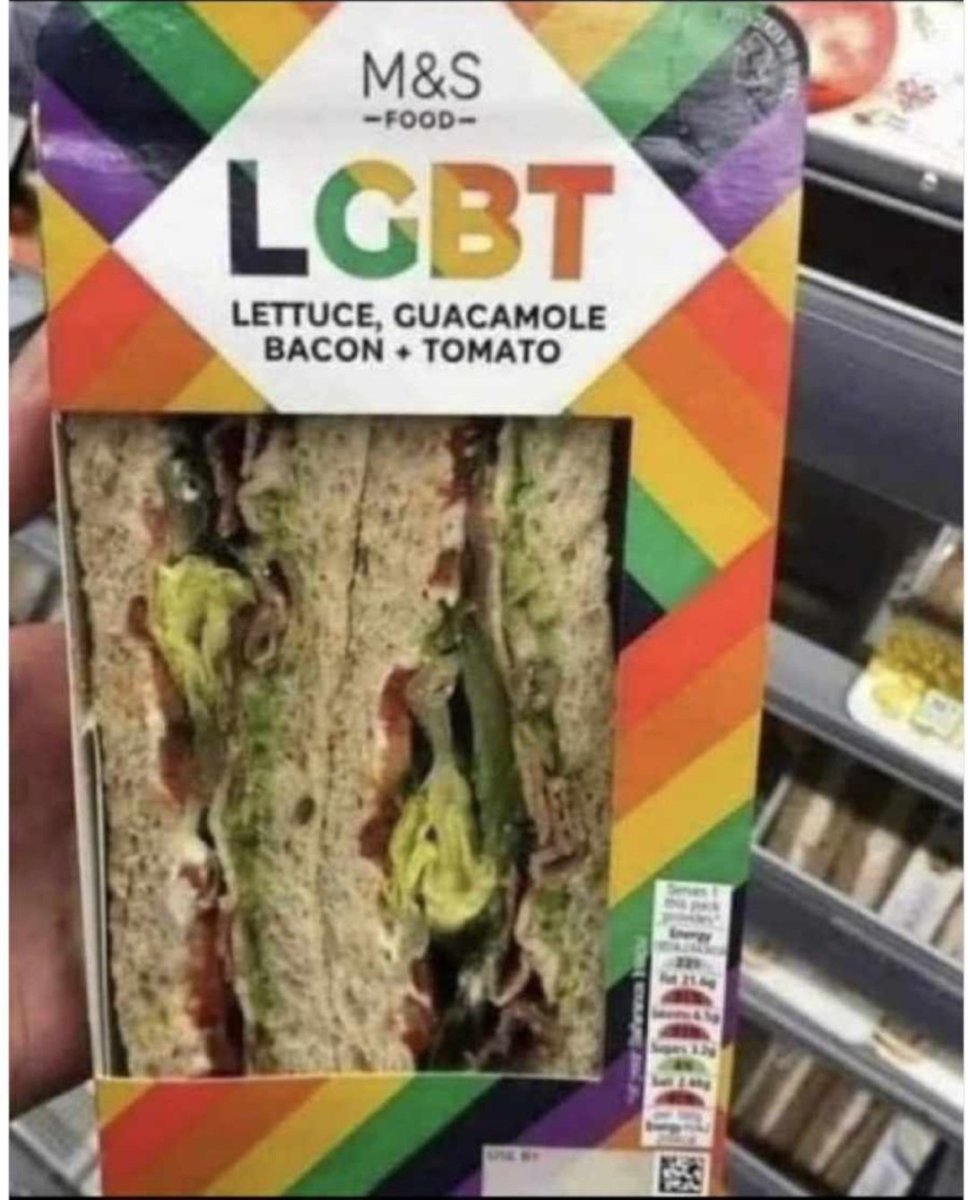
Best sandos ever, when you can find them.
-
She's a cashier so it won't take long to buy out her contract.
-
How do you say crypto in Russian?
-
The Dame Edna look doesn't work for a politician that has eaten way to many pavlovas
-
i think thats funny, peeps in Pattaya taking the moral high ground...please scuze my mirth
-
Waiting for this long before playing the victim card ? Why do I not believe him.
-
as i read this i realised that Paul Joseph Goebbels would have been so pleased his method was succesful

-
the islamic invasion continues
-
his client list being published would be Trump triumph. why hasn't it been published?
-
skynet is pleased
-
In summary ... East is East and West is West, Never the twain will meet.
-
Nah...earth's a cosmic Big Brother show.
-
Scraps of food but hung onto her phone. 🙃
-
No..not legal to on-sell without the required documentation
-
The lead BiB ...his name was George, so I believe...I could be wrong of course.
-
Er...the suppliers have permits to sell weed I think you will find.
-
Definitely good solid squatocracy stock there, that's for sure.
-
i find your comparison between polar opposites to be confusing
-
curious asks....the conclusion you draw from that is....?
-
When do we see them... the non redacted set?Personally, I'd have nothing to do with this at all. East meets West and never the twain shall meet.