



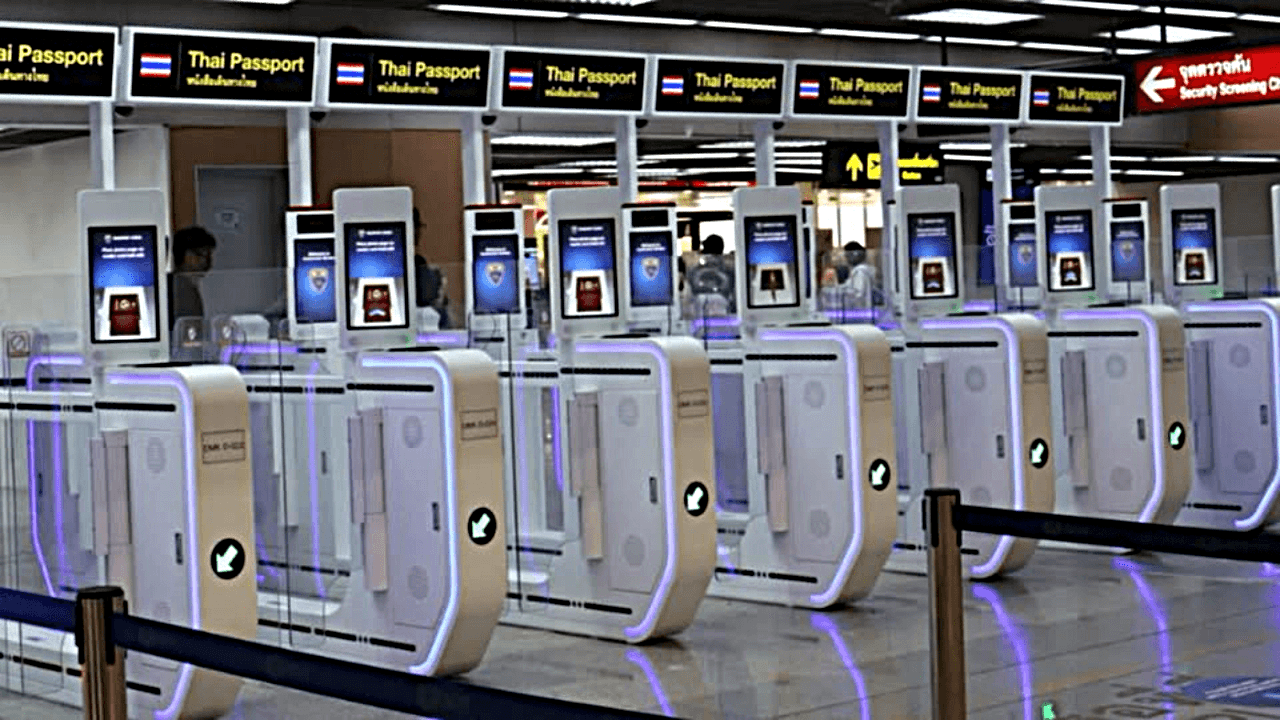

Bangkok's Don Mueang International Airport now offers 24-hour automated passport screening for outbound passengers. This new service, officially launched on March 5, aims to ease congestion and improve efficiency at immigration checkpoints. Previously, the automated service was only available from 7am to 9pm in a trial phase starting mid-February.
Get today's headlines by email 
The automated border control (ABC) gates allow passengers to pass through immigration without needing manual passport stamps, expediting their journey. By April 2026, the airport plans to have all 31 machines in place. Eligible passengers must be at least 120 centimeters tall, have passports valid for six months, and carry belongings not exceeding 120 centimeters in size.
Deputy government spokesperson Lalida Veeravithayanant highlighted that the ABC service is designed to enhance passenger flow, reduce wait times, and streamline the airport's management system for outbound travelers. However, pregnant passengers and those with newly issued passports less than 14 days old are advised to use regular counters.
Looking forward, the implementation aims to provide a seamless experience for travelers and anticipates a reduction in congestion. With the ongoing improvements, Don Mueang aims to set a standard in passenger processing efficiency. Further updates and expansions of the service are expected as part of the airport's continuous development efforts, reported Thai PBS.
Join the discussion? 
Already a member? 
 Adapted by ASEAN Now · Thai PBS · 10 Mar 2026
-
 2
2
-
 2
2