



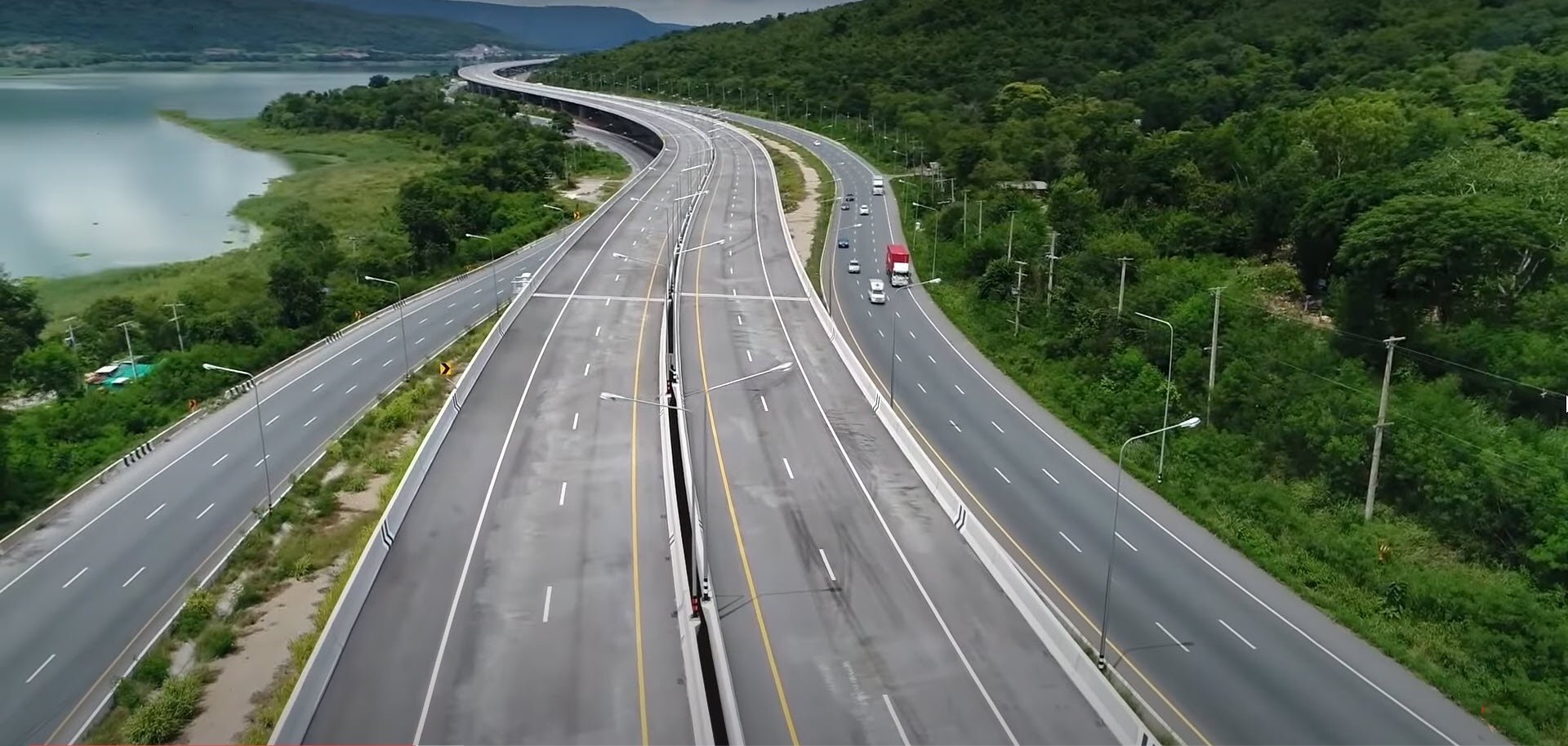

A man was discovered unclothed on the M6 motorway in Nakhon Ratchasima on Friday, leading to swift action by highway police and rescue teams. The incident occurred between kilometre markers 179 and 180 near Kham Thale So, causing concern among motorists who feared for the man's safety due to heavy traffic. As police and rescue workers arrived, they found the man sitting by the roadside and promptly moved him to a safer area.
Get today's headlines by email 
This unusual event unfolded on the Bang Pa-in–Nakhon Ratchasima motorway, and was first reported by passing drivers. The man, estimated to be around 35, sported a buzz cut and tattoos on both arms while wearing a Buddhist amulet necklace. Given his precarious position on the busy motorway, rescue workers acted quickly to address the situation and prevent any accidents.
Despite attempts, communicating with the man proved challenging for rescue workers. They managed to provide him with clothing and safely escorted him away from the traffic lanes. Authorities continue to investigate the man's identity, how he ended up on the motorway, and what circumstances led to his vulnerable state.
Looking forward, the investigation aims to uncover more details about the man, potentially offering him further assistance depending on his needs. Understanding his background may shed light on the incident and ensure his wellbeing, as well as prevent future occurrences in similar scenarios, reported Khaosod.
Join the discussion? 
Already a member? 
 Adapted by ASEAN Now · Khaosod · 13 Mar 2026