



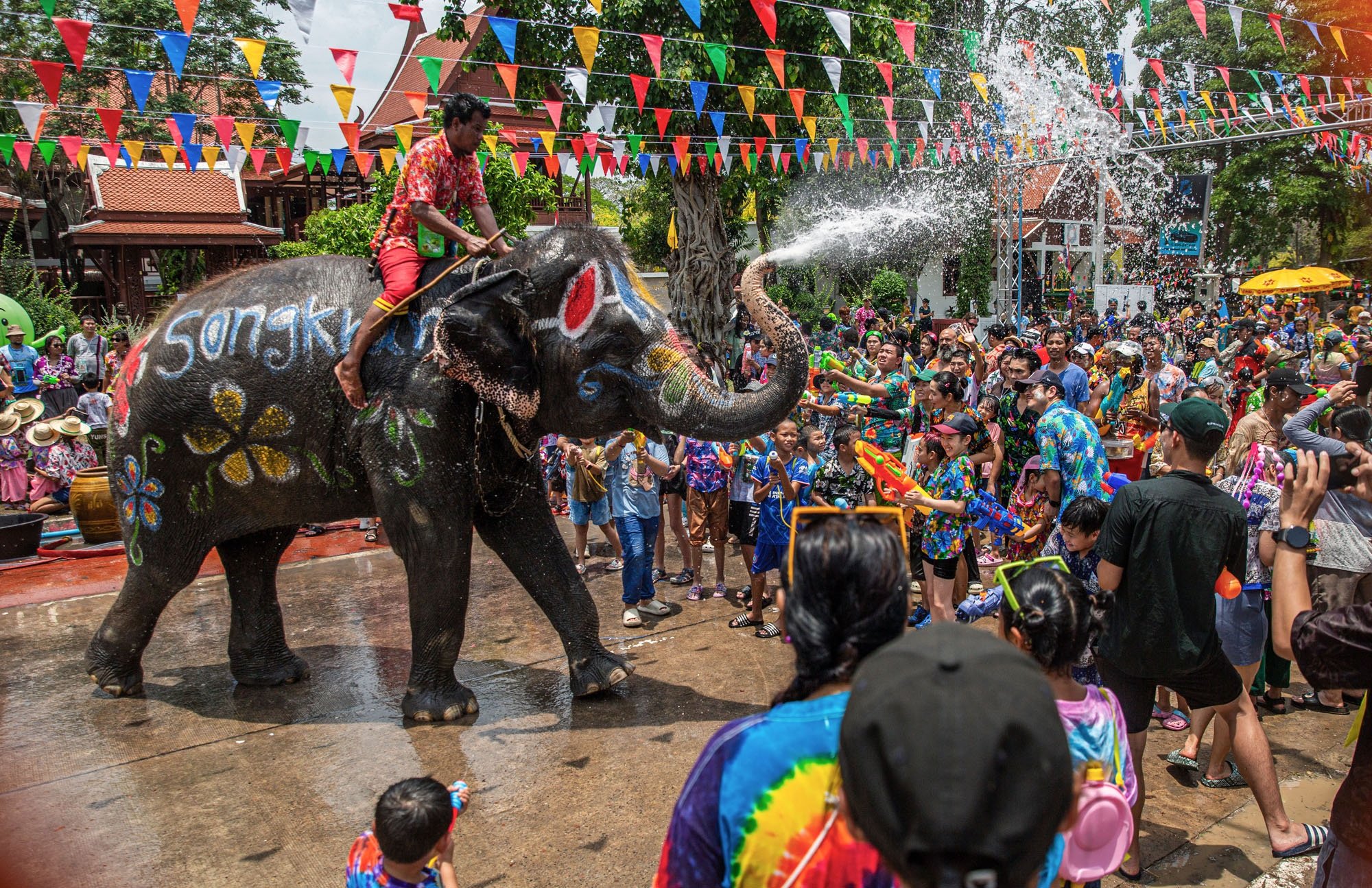

Bangkok authorities have finalized a comprehensive plan to enhance safety and manage traffic during the Songkran celebrations on Khaosan Road in 2026, as announced by the Bangkok Metropolitan Administration. This initiative involves collaboration among multiple agencies to ensure the festivities proceed smoothly. Emergency support lanes will be established to facilitate access, and entry and exit routes will be clearly marked to ease congestion.
Get today's headlines by email 
Previously, the Phra Nakhon District Office coordinated efforts to bolster security and manage traffic during the celebrations. Measures include installing CCTV cameras for 24-hour surveillance and setting up screening points at entry zones to manage crowd density effectively. Emergency exits will be readily available to aid in crowd dispersion if required.
To ensure medical assistance, first-aid stations will be provided for minor issues, with ambulances on standby for emergencies. Signage will be installed in key areas for public information, aiming to minimize traffic disruptions and ensure visitors are well-informed about the safety arrangements.
The festival will also feature the "5 Por" campaign, promoting a celebration free from high-pressure water guns, alcohol, nudity, powder, and weapons. A staffing plan will be implemented, with the district office coordinating personnel and seeking additional support from partner agencies if needed to manage the area efficiently, reported The Thaiger.
Join the discussion? 
Already a member? 
 Adapted by ASEAN Now · The Thaiger · 19 Mar 2026