



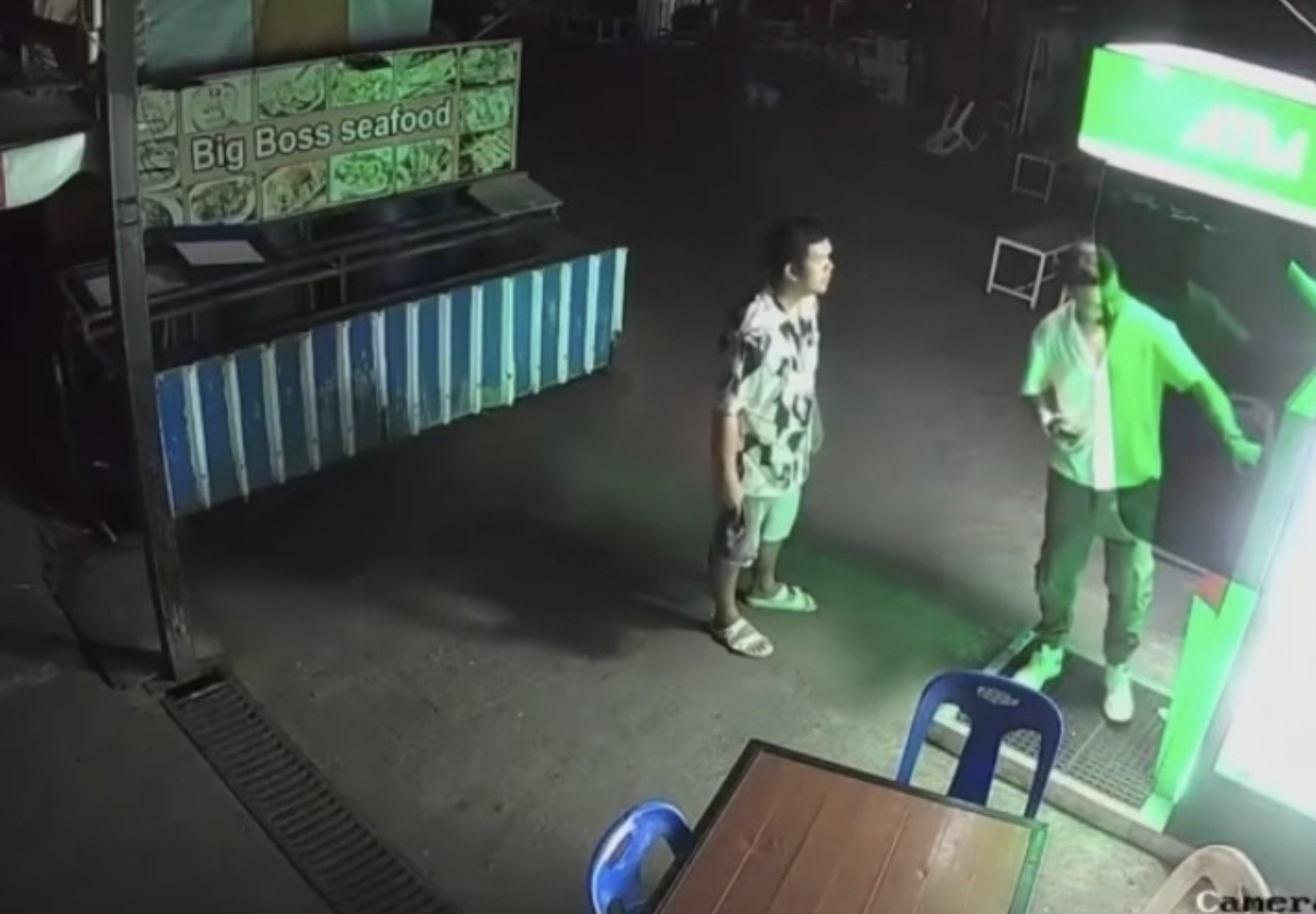

A foreign tourist was threatened, physically assaulted and robbed at an ATM in Patong, Phuket, in the early hours of 19 March 2026. The incident, captured on CCTV and widely shared online, has raised concerns about safety in one of Thailand’s busiest nightlife districts.
Get today's headlines by email 
The footage shows a male tourist withdrawing cash at 05:12 near Soi Bangla’s seafood market in Patong, Kathu district, while a Thai man stands behind him. Two additional men then approach, allegedly intimidating and assaulting the tourist before seizing the cash and fleeing.
Reports suggest the attackers may be part of a group that targets tourists, potentially luring them with offers before coercing them into withdrawing money. Authorities have not yet confirmed any links or motives, and the identities of the suspects remain unknown.
The viral clip has provoked strong online reactions, with users calling for rapid arrests and stricter measures to protect visitors. Commentators have warned that repeated incidents of this nature could damage Thailand’s reputation as a safe tourist destination.
Khaosod reported that police are investigating the case, gathering evidence from CCTV and will pursue legal action against the suspects. No official updates on arrests have been released so far by authorities.
Join the discussion? 
Already a member? 
 Adapted by ASEAN Now Khaosod 22 Mar 2026